
About
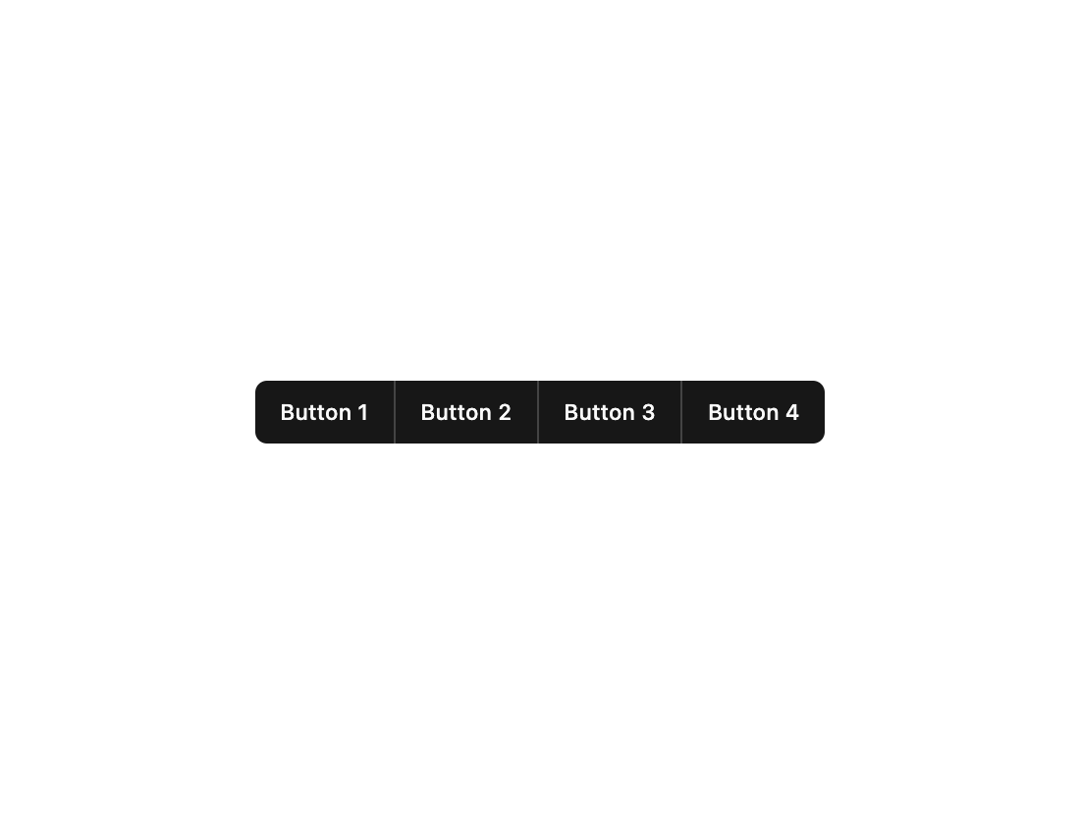
Here is Button component
Built with React and Tailwind. Copy the prompt and paste it into Claude Code, Cursor or Lovable: your agent adds Button to your project and fits it to your theme.
Code
How Button is used: the demo's code. The component's own source comes with a free account.
Usage.tsx
import { Button } from "@/components/ui/button";

export default function ButtonGroup() {
  return (
    <div className="flex *:not-first:not-last:rounded-none *:first:rounded-r-none *:last:rounded-l-none divide-x divide-primary-foreground/20">
      <Button>Button 1</Button>
      <Button>Button 2</Button>
      <Button>Button 3</Button>
      <Button>Button 4</Button>
    </div>
  );
}
More by MUI
View all
Toast
41
Preview Card
40
Scroll Area
34
Select
29
Number Field
27
Popover
24
Accordion
23
Navigation Menu
15

More in Buttons
View all

Button
4

App Store Button
453

Button
47

Button
4
Texture Button
92
Split Button
14

Eclipse Button
39

Button
32

