
About
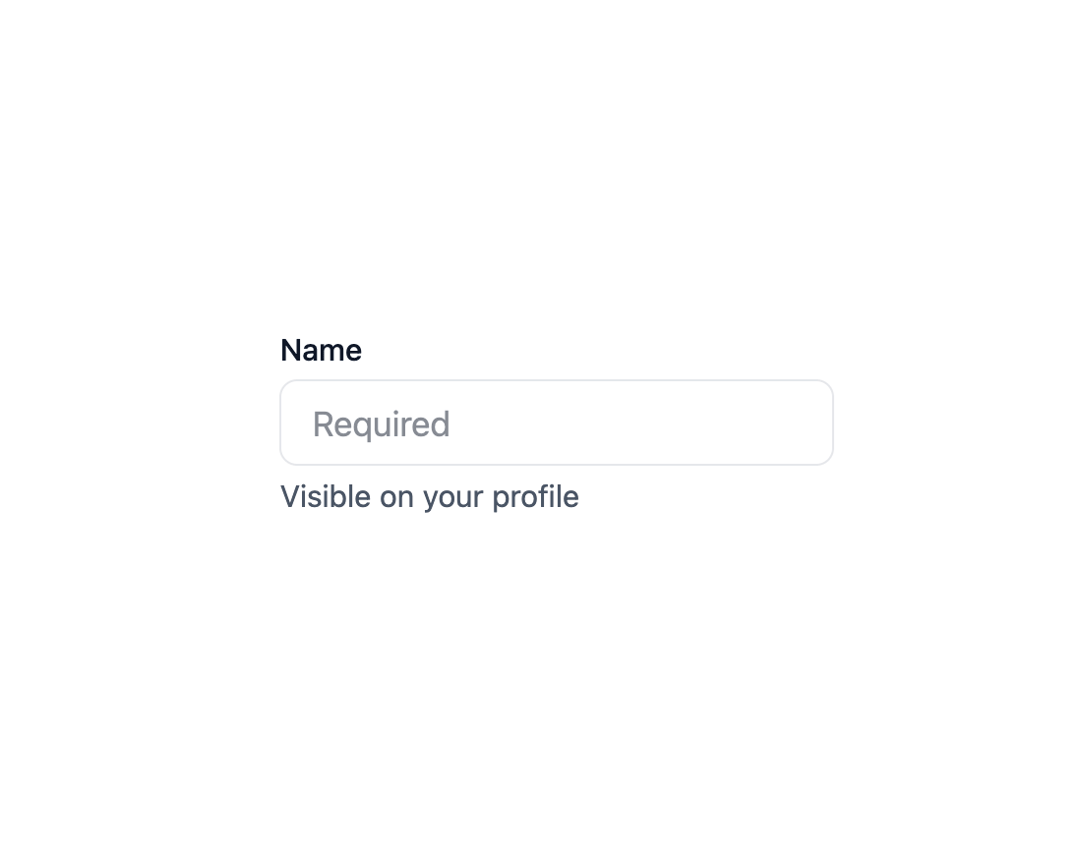
Here is Input component
Built with React and Tailwind. Copy the prompt and paste it into Claude Code, Cursor or Lovable: your agent adds Input to your project and fits it to your theme.
Code
How Input is used: the demo's code. The component's own source comes with a free account.
Usage.tsx
import * as React from 'react';
import { Field } from '@base-ui-components/react/field';

export default function ExampleField() {
  return (
    <Field.Root className="flex w-full max-w-64 flex-col items-start gap-1">
      <Field.Label className="text-sm font-medium text-gray-900">Name</Field.Label>
      <Field.Control
        required
        placeholder="Required"
        className="h-10 w-full rounded-md border border-gray-200 pl-3.5 text-base text-gray-900 focus:outline focus:outline-2 focus:-outline-offset-1 focus:outline-blue-800"
      />
      <Field.Error className="text-sm text-red-800" match="valueMissing">
        Please enter your name
      </Field.Error>

      <Field.Description className="text-sm text-gray-600">
        Visible on your profile
      </Field.Description>
    </Field.Root>
  );
}
Dependencies
More by MUI
View all
Toast
41
Preview Card
40
Scroll Area
34
Select
29
Number Field
27
Popover
24
Accordion
23
Navigation Menu
15

More in Forms
View all

Premium Auth
495
Authentication Card
44

Login 1
52

Login 2
7

Form
31

Card Studio
41

Login Card
32

Form
136
