
About
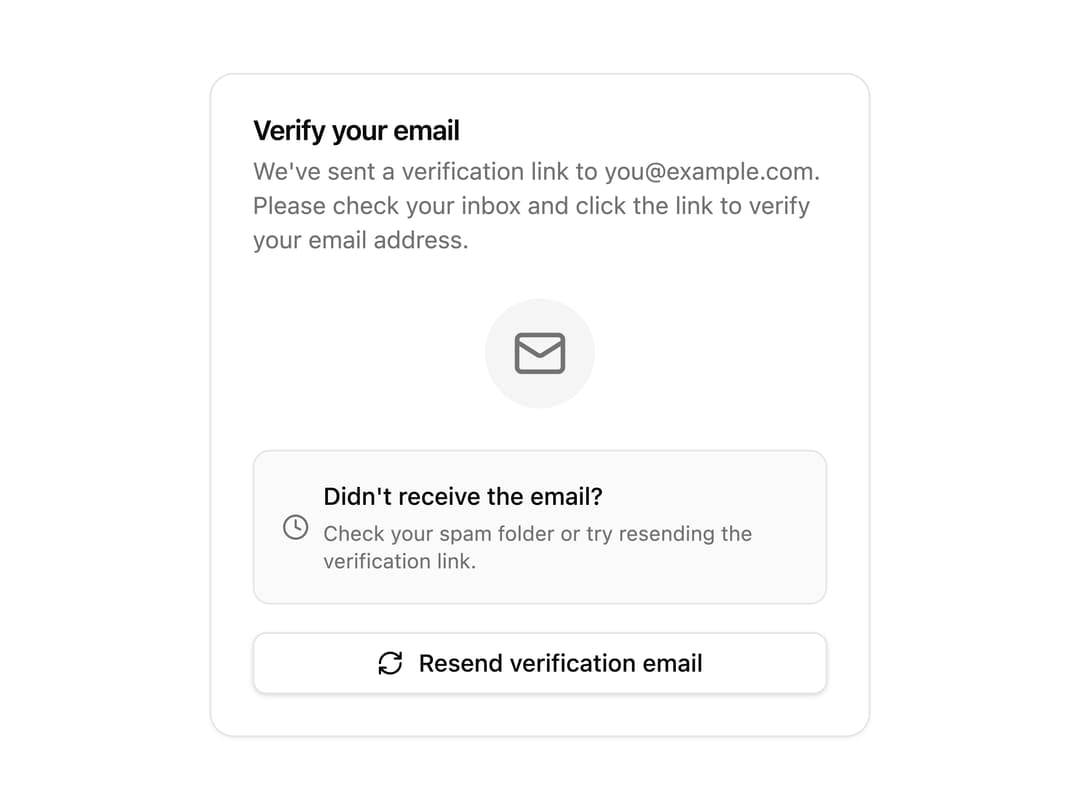
Email verification status card with pending, verifying, verified, expired, and error states plus a resend link with cooldown.
Built with React and Tailwind. Copy the prompt and paste it into Claude Code, Cursor or Lovable: your agent adds Auth Verify Email to your project and fits it to your theme.
Code
How Auth Verify Email is used: the demo's code. The component's own source comes with a free account.
Usage.tsx
"use client";

import AuthVerifyEmail from "@/components/ui/auth-verify-email";

export default function Default() {
  return (
    <div className="flex min-h-svh w-full items-center justify-center p-6">
      <AuthVerifyEmail
        email="you@example.com"
        status="pending"
        onResend={() => {}}
      />
    </div>
  );
}
Dependencies
More by Preet Suthar
View all

Modern & Stunning sign in
1.5K
Shining Text
1.5K
Magic Text
846
Hero 2
818
Toolbar
816
Typewriter Text
768
AI Chat Input
732
Full Screen Signup
724
More in Buttons
View all

Button
5

App Store Button
453

Button
47

Eclipse Button
39
Texture Button
92

Button
4
Split Button
14
Button
32

