
About
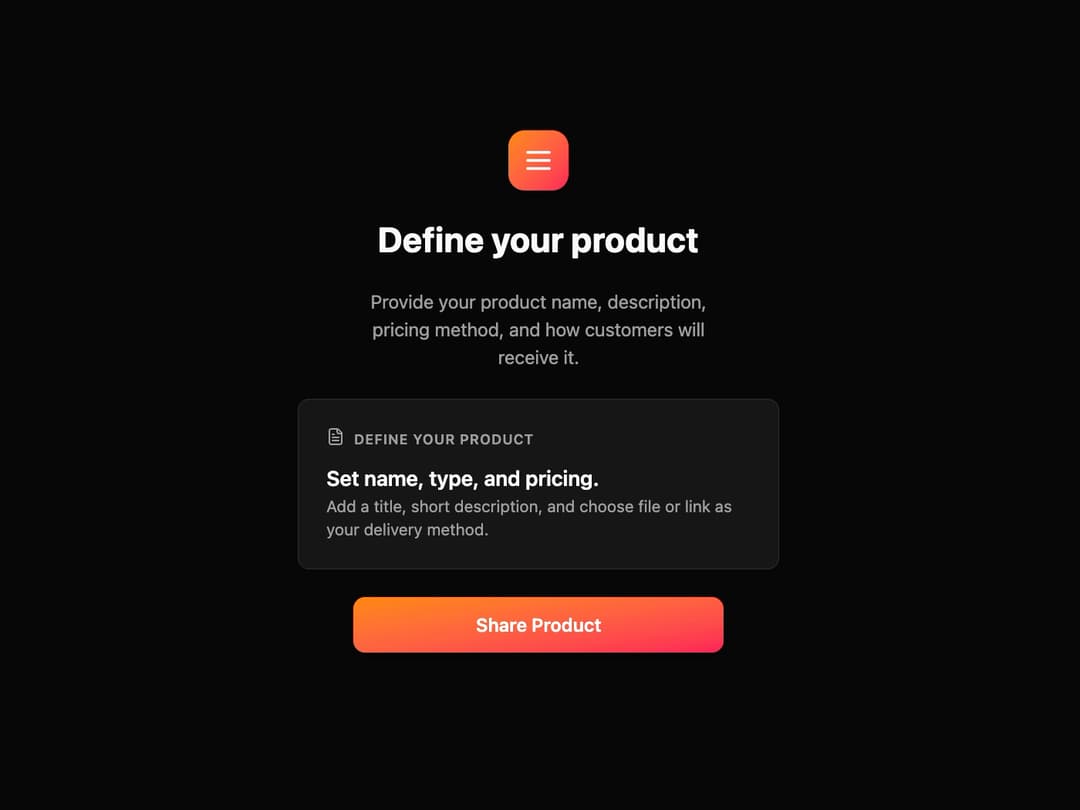
Product Onboarding Card This component provides a structured layout for a feature or step in a process, guiding the user with a clear title, description, and call-to-action.
Built with React and Tailwind. Copy the prompt and paste it into Claude Code, Cursor or Lovable: your agent adds Onboarding Card to your project and fits it to your theme.
Code
How Onboarding Card is used: the demo's code. The component's own source comes with a free account.
Usage.tsx
import { ProductOnboardingCard } from "@/components/ui/onboarding-card";
import { Menu, FileText } from "lucide-react"; // Using lucide-react for icons

const ProductOnboardingDemo = () => {
  return (
    <div className="flex min-h-screen w-full items-center justify-center bg-background">
      <ProductOnboardingCard
        mainIcon={<Menu className="h-7 w-7 text-white" />}
        title="Define your product"
        description="Provide your product name, description, pricing method, and how customers will receive it."
        cardIcon={<FileText className="h-4 w-4 text-muted-foreground" />}
        cardHeaderLabel="Define your product"
        cardTitle="Set name, type, and pricing."
        cardDescription="Add a title, short description, and choose file or link as your delivery method."
        buttonText="Share Product"
        onButtonClick={() => alert("Button clicked!")}
      />
    </div>
  );
};

export default ProductOnboardingDemo;