
About
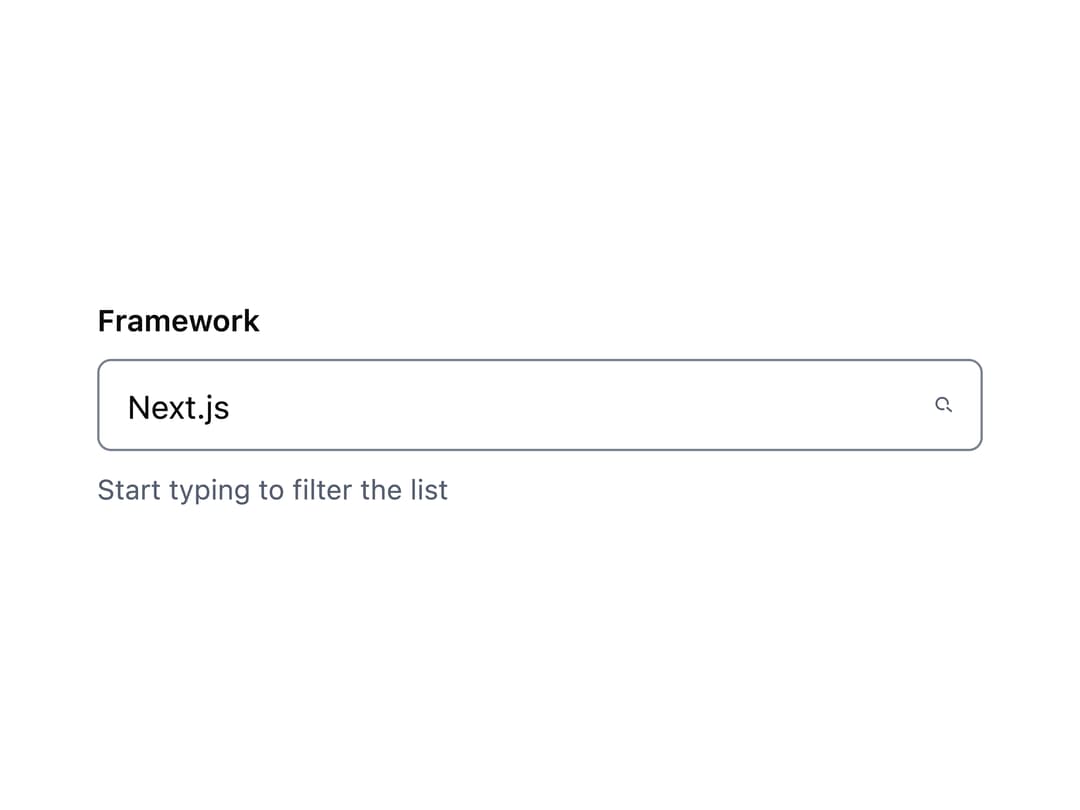
A searchable dropdown input that lets a user type to filter a list of options and pick one, built for lists too long to scroll comfortably.
Built with React and Tailwind. Copy the prompt and paste it into Claude Code, Cursor or Lovable: your agent adds Combobox to your project and fits it to your theme.
Code
How Combobox is used: the demo's code. The component's own source comes with a free account.
Usage.tsx
"use client";

import * as React from "react";
import Combobox from "@/components/ui/combobox";

const frameworks = [
  {
    value: "next",
    label: "Next.js",
    description: "The React framework for the web",
  },
  { value: "remix", label: "Remix", description: "Full stack web framework" },
  {
    value: "astro",
    label: "Astro",
    description: "Content-driven web framework",
  },
  {
    value: "sveltekit",
    label: "SvelteKit",
    description: "The fastest way to build Svelte apps",
  },
  {
    value: "nuxt",
    label: "Nuxt",
    description: "The intuitive web framework for Vue",
  },
  {
    value: "gatsby",
    label: "Gatsby",
    description: "React-based framework for static sites",
  },
];

export default function ComboboxDemo() {
  return (
    <div className="w-full max-w-sm">
      <Combobox
        label="Framework"
        hint="Start typing to filter the list"
        placeholder="Search frameworks..."
        options={frameworks}
        defaultValue="next"
      />
    </div>
  );
}
More by redrob-labs
View all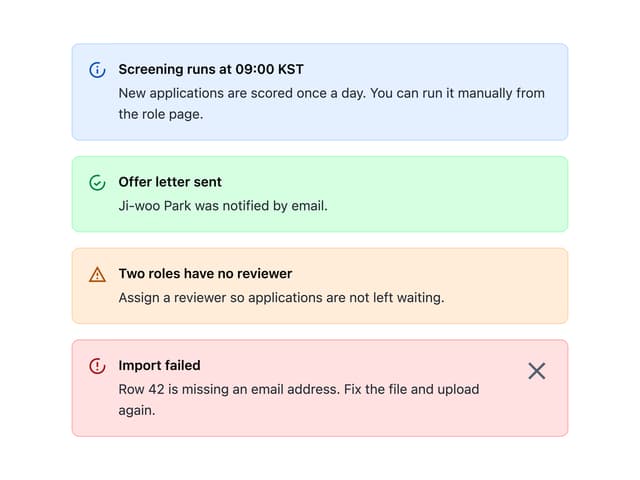
Alert
18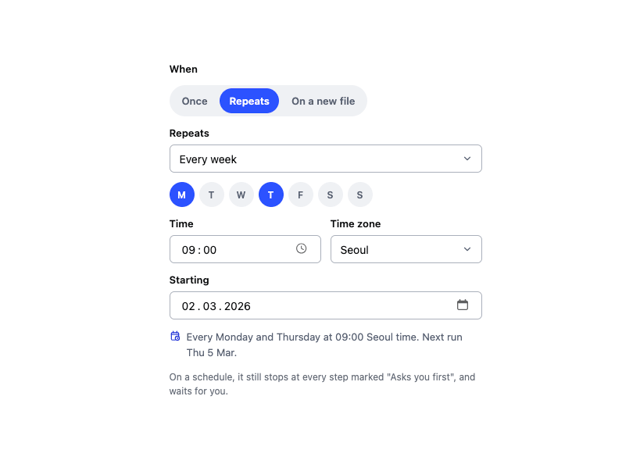
Schedule Picker
15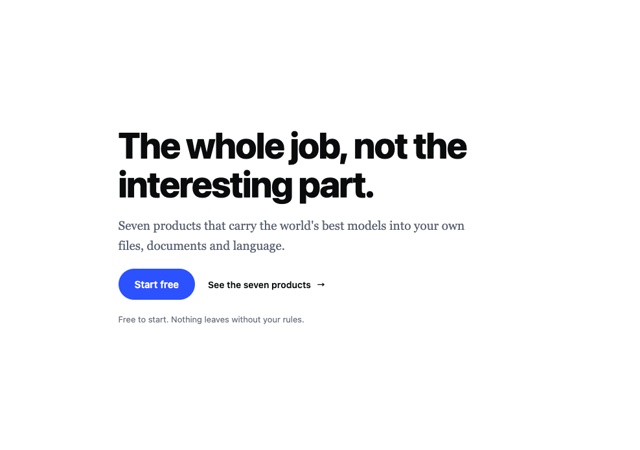
Hero Section
7
Switch
5
Status Card
4
Meter
2
Memory Scope
2
Accordion
2
More in Forms
View all

Premium Auth
498

Login 2
7

Login 1
52
Authentication Card
46

Contact Card
1K
Login Form
6

Form
16

Form
136
