About
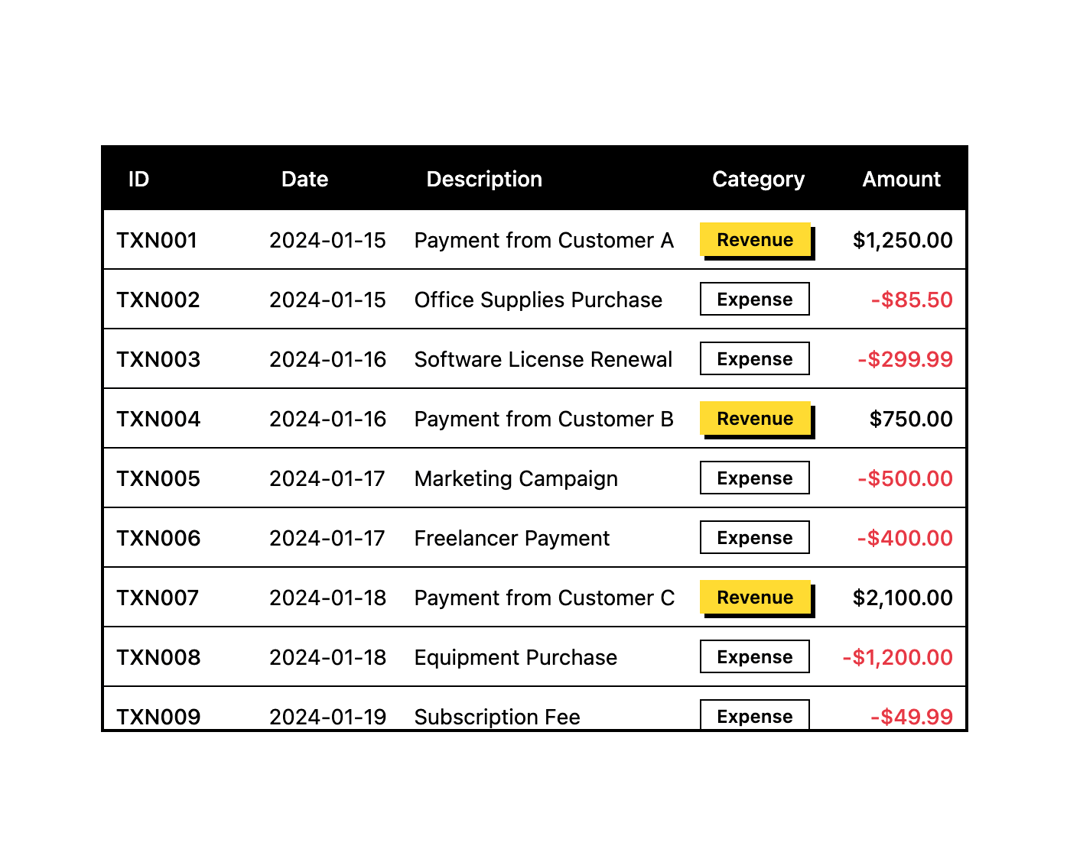
A neobrutalist-styled data table with thick black borders, bold headers and hard offset shadows, built from composable Table.Header, Table.Body, Table.Row, Table.Head and Table.Cell parts — shown here with a sticky header over a scrollable transactions list.
Built with React and Tailwind. Copy the prompt and paste it into Claude Code, Cursor or Lovable: your agent adds Table to your project and fits it to your theme.
Code
How Table is used: the demo's code. The component's own source comes with a free account.
Usage.tsx
import { Badge } from "@/components/ui/badge";
import { Table } from "@/components/ui/table";

const transactions = [
  {
    id: "TXN001",
    date: "2024-01-15",
    description: "Payment from Customer A",
    amount: "$1,250.00",
    category: "Revenue",
  },
  {
    id: "TXN002",
    date: "2024-01-15",
    description: "Office Supplies Purchase",
    amount: "-$85.50",
    category: "Expense",
  },
  {
    id: "TXN003",
    date: "2024-01-16",
    description: "Software License Renewal",
    category: "Expense",
    amount: "-$299.99",
  },
  {
    id: "TXN004",
    date: "2024-01-16",
    description: "Payment from Customer B",
    category: "Revenue",
    amount: "$750.00",
  },
  {
    id: "TXN005",
    date: "2024-01-17",
    description: "Marketing Campaign",
    category: "Expense",
    amount: "-$500.00",
  },
  {
    id: "TXN006",
    date: "2024-01-17",
    description: "Freelancer Payment",
    category: "Expense",
    amount: "-$400.00",
  },
  {
    id: "TXN007",
    date: "2024-01-18",
    description: "Payment from Customer C",
    category: "Revenue",
    amount: "$2,100.00",
  },
  {
    id: "TXN008",
    date: "2024-01-18",
    description: "Equipment Purchase",
    category: "Expense",
    amount: "-$1,200.00",
  },
  {
    id: "TXN009",
    date: "2024-01-19",
    description: "Subscription Fee",
    category: "Expense",
    amount: "-$49.99",
    status: "Pending",
  },
  {
    id: "TXN010",
    date: "2024-01-19",
    description: "Payment from Customer D",
    category: "Revenue",
    amount: "$890.00",
  },
  {
    id: "TXN011",
    date: "2024-01-20",
    description: "Travel Expenses",
    category: "Expense",
    amount: "-$350.00",
  },
  {
    id: "TXN012",
    date: "2024-01-20",
    description: "Payment from Customer E",
    category: "Revenue",
    amount: "$1,500.00",
  },
];

export default function TableWithStickyHeader() {
  return (
    <div className="h-96 border-2">
      <Table className="border-0 shadow-none">
        <Table.Header className="sticky top-0">
          <Table.Row className="bg-secondary hover:bg-secondary">
            <Table.Head className="w-[100px] text-secondary-foreground">
              ID
            </Table.Head>
            <Table.Head className="text-secondary-foreground">Date</Table.Head>
            <Table.Head className="text-secondary-foreground">
              Description
            </Table.Head>
            <Table.Head className="text-secondary-foreground">
              Category
            </Table.Head>
            <Table.Head className="text-right text-secondary-foreground">
              Amount
            </Table.Head>
          </Table.Row>
        </Table.Header>
        <Table.Body>
          {transactions.map((transaction) => (
            <Table.Row key={transaction.id}>
              <Table.Cell className="font-medium">{transaction.id}</Table.Cell>
              <Table.Cell>{transaction.date}</Table.Cell>
              <Table.Cell>{transaction.description}</Table.Cell>
              <Table.Cell>
                <Badge
                  variant={
                    transaction.category === "Revenue" ? "default" : "outline"
                  }
                  size="sm"
                >
                  {transaction.category}
                </Badge>
              </Table.Cell>
              <Table.Cell
                className={`text-right font-medium ${transaction.amount.startsWith("-") ? "text-destructive" : "text-foreground"}`}
              >
                {transaction.amount}
              </Table.Cell>
            </Table.Row>
          ))}
        </Table.Body>
      </Table>
    </div>
  );
}
More by retroui
View all

Menu
22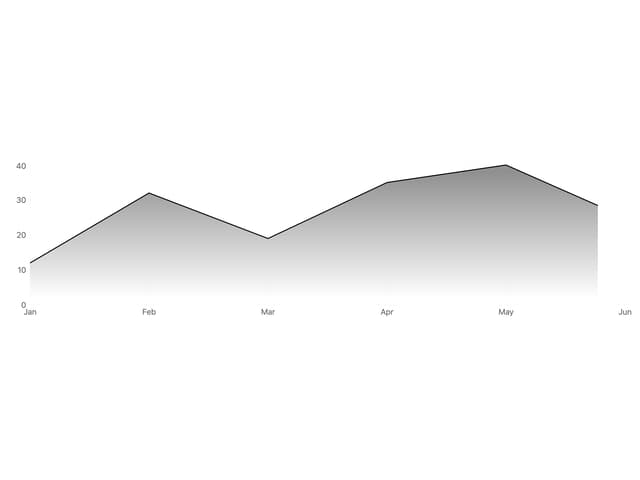
Area Chart
9
Popover
8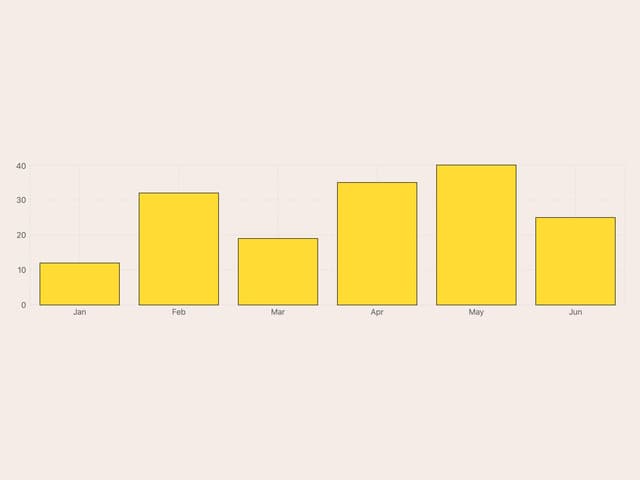
Bar Chart
1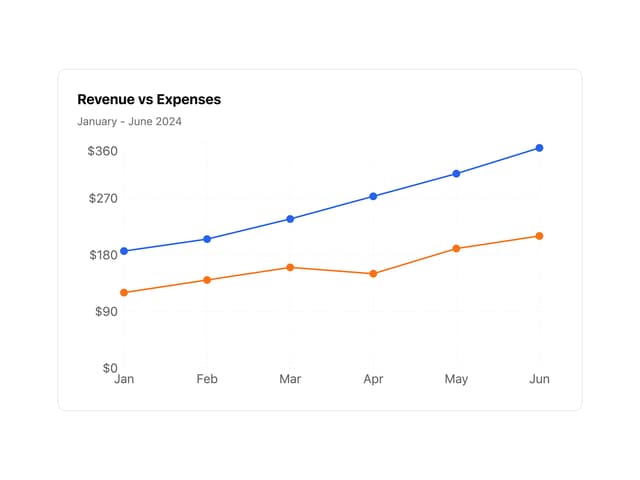
Line Chart
Badge
Tooltip
Toggle Group