
About
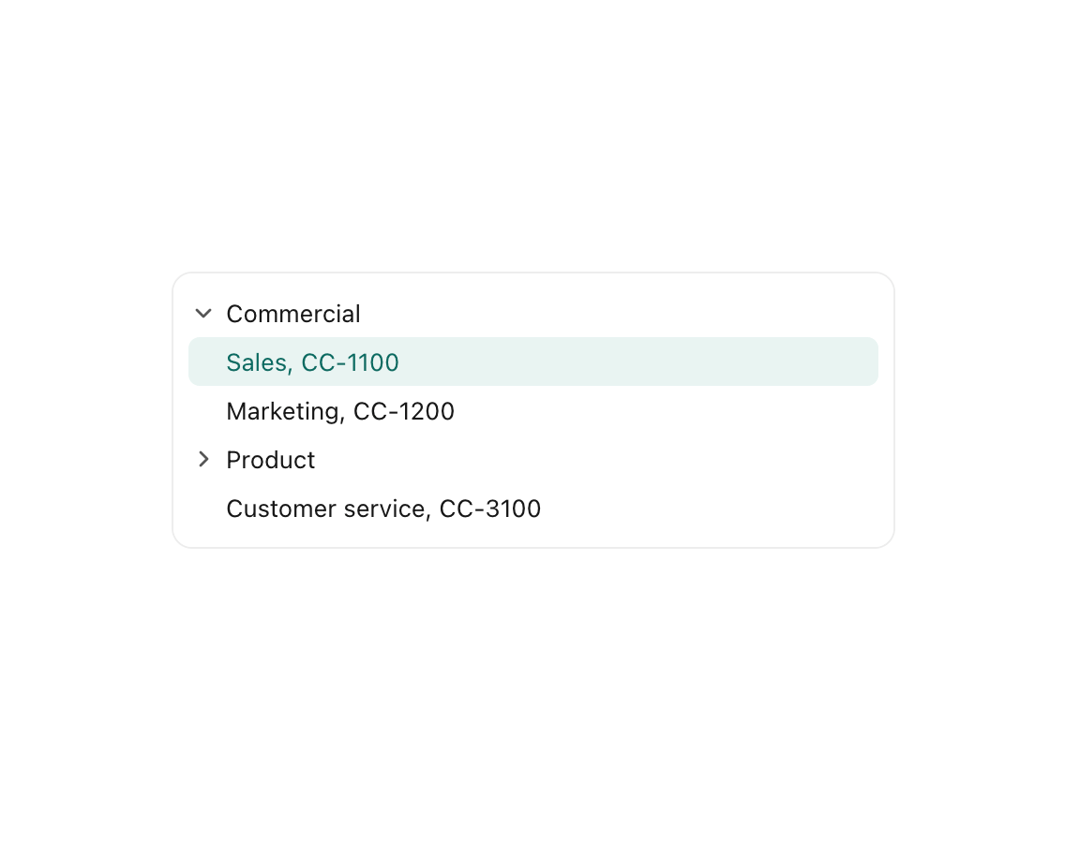
An accessible, virtualizable tree view for hierarchical data (org charts, file trees, nested categories) with keyboard navigation, typeahead search, a search field and optional multi-select checkboxes with cascading/indeterminate state.
Built with React and Tailwind. Copy the prompt and paste it into Claude Code, Cursor or Lovable: your agent adds Tree View to your project and fits it to your theme.
Code
How Tree View is used: the demo's code. The component's own source comes with a free account.
Usage.tsx
import TreeView, { useTree } from "@/components/ui/tree-view";
import type { NodeReader } from "@/components/ui/tree-view";

interface Unit {
  id: string;
  name: string;
  children?: Unit[];
}

const COMPANY: Unit[] = [
  {
    id: "commercial",
    name: "Commercial",
    children: [
      { id: "CC-1100", name: "Sales, CC-1100" },
      { id: "CC-1200", name: "Marketing, CC-1200" },
    ],
  },
  {
    id: "product",
    name: "Product",
    children: [
      { id: "CC-2100", name: "Engineering, CC-2100" },
      { id: "CC-2200", name: "Design, CC-2200" },
    ],
  },
  { id: "CC-3100", name: "Customer service, CC-3100" },
];

const READER: NodeReader<Unit> = {
  key: (unit) => unit.id,
  children: (unit) => unit.children,
  label: (unit) => unit.name,
};

export default function TreeViewDemo() {
  const tree = useTree(COMPANY, {
    reader: READER,
    defaultExpanded: ["commercial"],
    defaultActive: "CC-1200",
  });

  return (
    <div className="w-full max-w-sm" style={{ color: "var(--u-color-text)" }}>
      <div
        className="rounded-lg p-2"
        style={{
          background: "var(--u-color-surface)",
          boxShadow: "var(--u-edge)",
        }}
      >
        <TreeView tree={tree} ariaLabel="Cost centres">
          {(entry) => entry.node.name}
        </TreeView>
      </div>
    </div>
  );
}