
About
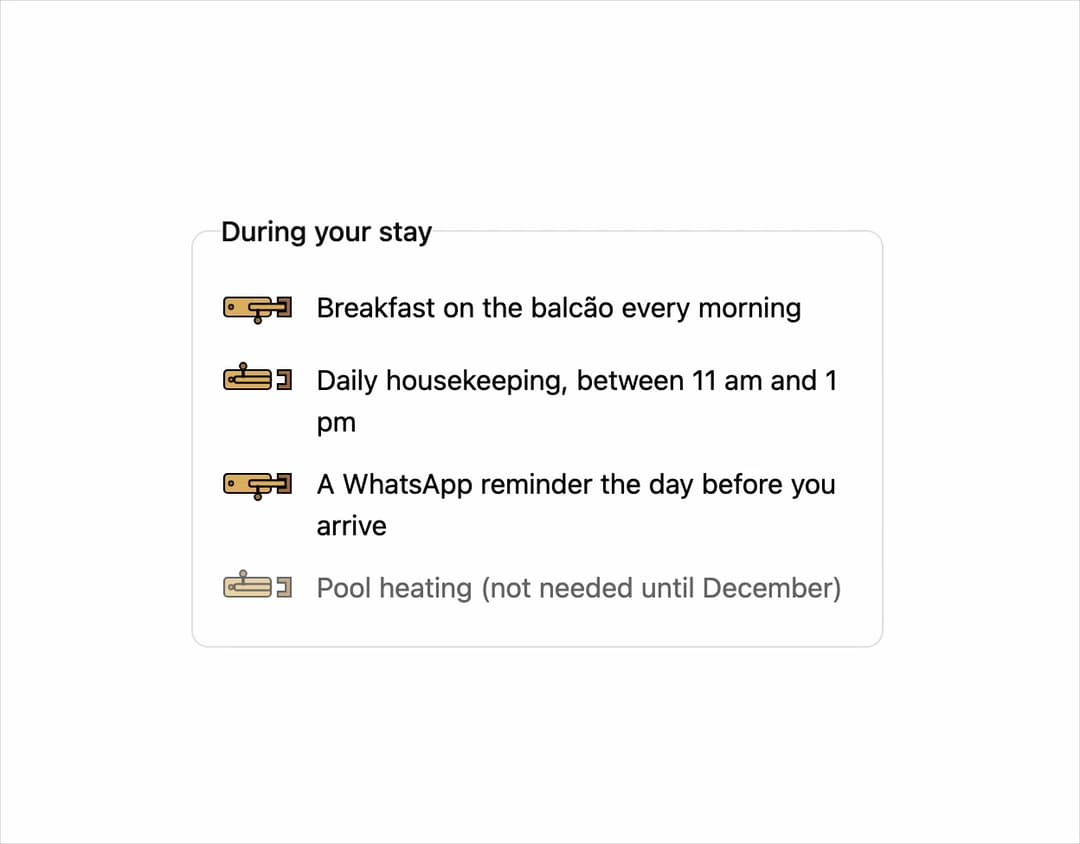
A switch-style checkbox toggle (on/off) with three faithful visual skins — a plain CSS track, a hand-drawn brass door-latch, or a flickering clay lamp — ported from susegad-ui's sg-toggle web component.
Built with React and Tailwind. Copy the prompt and paste it into Claude Code, Cursor or Lovable: your agent adds Toggle to your project and fits it to your theme.
Code
How Toggle is used: the demo's code. The component's own source comes with a free account.
Usage.tsx
import Toggle from "@/components/ui/toggle";

export default function ToggleDemo() {
  return (
    <div className="w-full max-w-md mx-auto p-6">
      <fieldset className="grid gap-3 rounded-lg border p-4">
        <legend className="mb-1 font-medium">During your stay</legend>
        <Toggle
          skin="warm"
          name="breakfast"
          value="yes"
          defaultChecked
          label="Breakfast on the balcão every morning"
        />
        <Toggle
          skin="warm"
          name="housekeeping"
          value="daily"
          label="Daily housekeeping, between 11 am and 1 pm"
        />
        <Toggle
          skin="warm"
          name="reminder"
          value="whatsapp"
          defaultChecked
          label="A WhatsApp reminder the day before you arrive"
        />
        <Toggle
          skin="warm"
          name="pool-heat"
          value="yes"
          disabled
          label="Pool heating (not needed until December)"
        />
      </fieldset>
    </div>
  );
}
More by sarat-asymmetrica
View all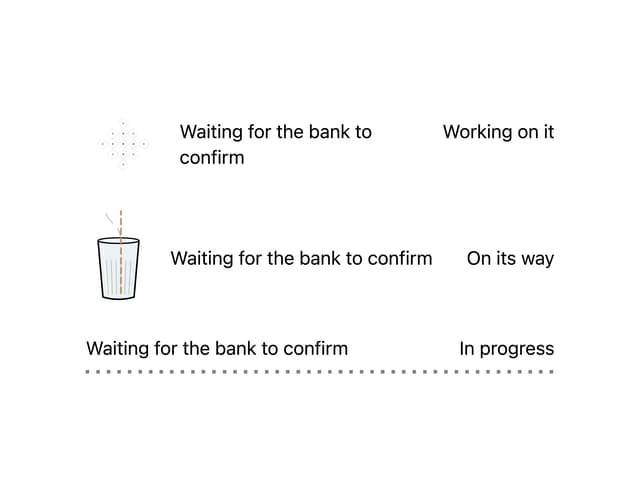
Kolam & Chai Progress
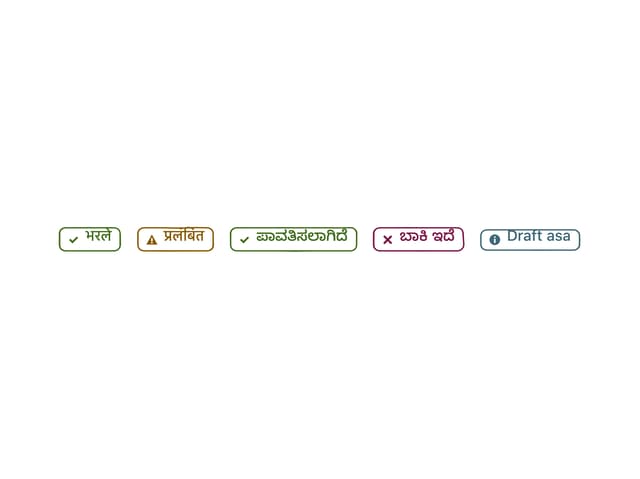
Hand-Inked Status Badge
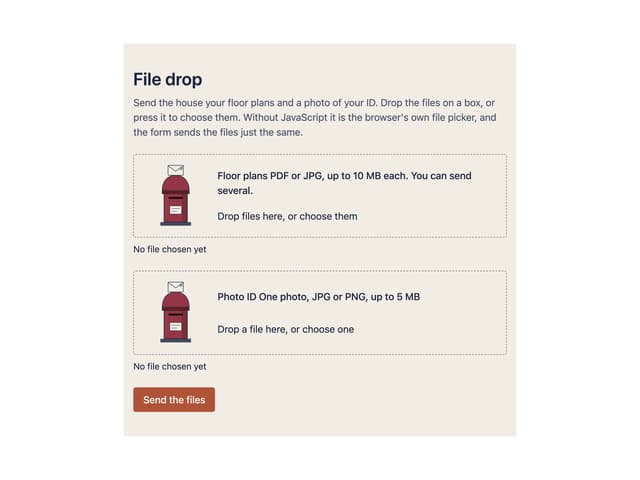
File Drop
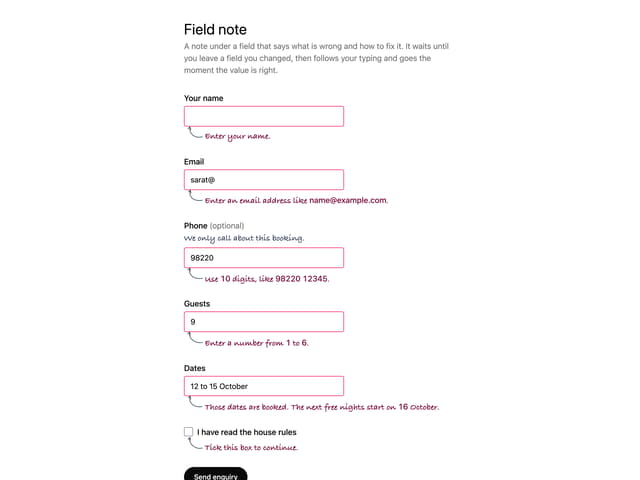
Field Note
More in Forms
View all

Login 1
52

Premium Auth
492

Contact Card
1K

Form
136

Login 2
7
Login Form
6
Authentication Card
45

Card Studio
41
