
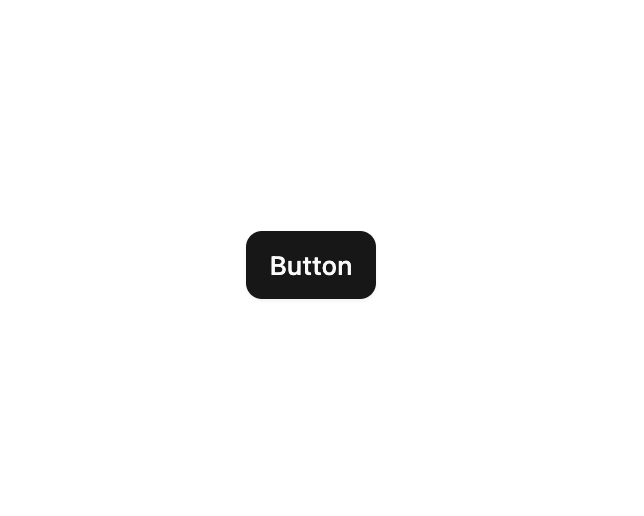
About
Advanced button component with extended options and variants.
Built with React and Tailwind. Copy the prompt and paste it into Claude Code, Cursor or Lovable: your agent adds Button to your project and fits it to your theme.
Code
How Button is used: the demo's code. The component's own source comes with a free account.
Usage.tsx
import { Button } from "@/components/ui/button";

const DemoOne = () => {
  return (
    <div className="flex w-full h-screen justify-center items-center">
      <Button>Button</Button>
    </div>
  );
};

export { DemoOne };
Dependencies
More by Sean Hello
View all

3D Testimonails
3.6K
Line Charts 9
709
Alert
505
Line Charts 6
410
Area Charts 1
404
Scroll Area
378
Navigation Menu
345
Area Charts 2
326
More in Buttons
View all
Texture Button
106

Notification Button
115
Button
1
Button
12
Base Button
1

HeroUI Button Group


App Store Button
483

Button
35

