
About
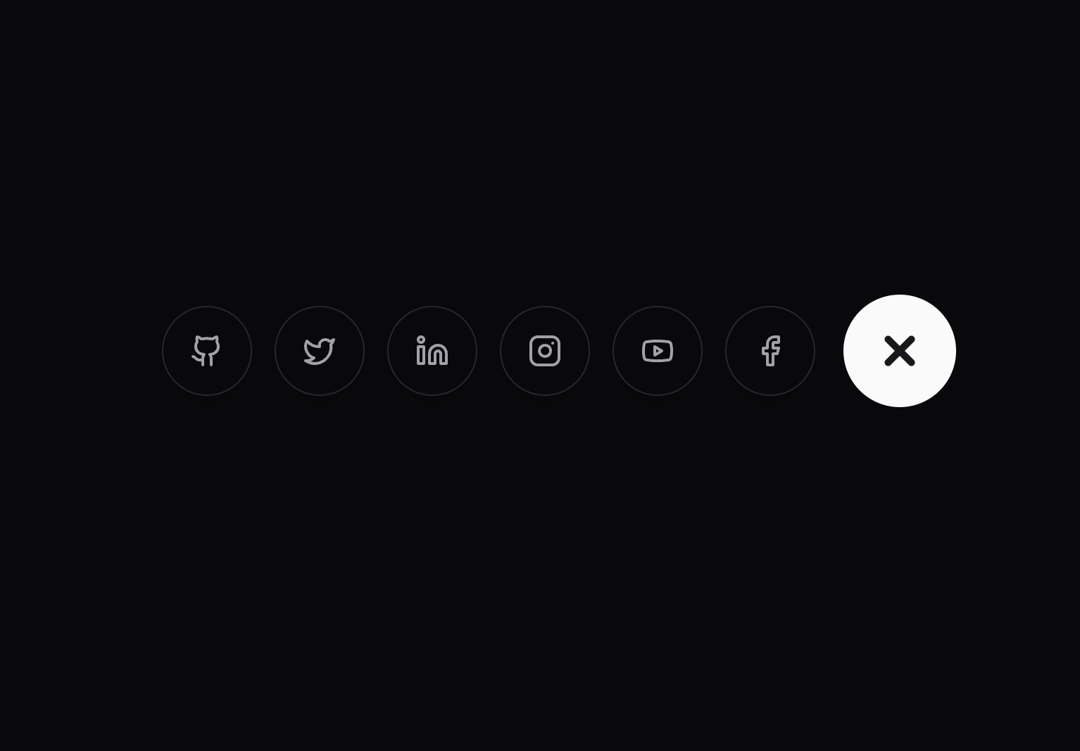
Apple-Inspired Floating Action Buttons. Inspired by @KumailNanji and @ln-dev7
Built with React and Tailwind. Copy the prompt and paste it into Claude Code, Cursor or Lovable: your agent adds Floating Action Button to your project and fits it to your theme.
Code
How Floating Action Button is used: the demo's code. The component's own source comes with a free account.
Usage.tsx
'use client'

import { Github, Twitter, Linkedin, Instagram, Youtube, Facebook } from "lucide-react"
import { AnimatedSocialIcons } from "@/components/ui/floating-action-button"

export function Demo() {
  const socialIcons = [
    {
      Icon: Github,
      href: "https://github.com",
      className: "hover:bg-accent"
    },
    {
      Icon: Twitter,
      href: "https://twitter.com"
    },
    {
      Icon: Linkedin,
      href: "https://linkedin.com"
    },
    {
      Icon: Instagram,
      href: "https://instagram.com"
    }
  ]

  return (
    <main className="relative w-full min-h-screen flex items-start md:items-center justify-center px-4 py-10 bg-background">
      <AnimatedSocialIcons
        icons={socialIcons}
        iconSize={20}
      />
    </main>
  )
}
Dependencies
More by Serafim
View all
Spline Scene
9.4K
Testimonials with Marquee
2.3K
Gradient Button
1.9K
Pixel Canvas
898
Animated Blur Number
830
Empty State
772
Balloons
753
Status Badge
639
More in Buttons
View all
Texture Button
92

Button
1

App Store Button
452

Button
47
Button Retro
61

Eclipse Button
39

Button Group
7

Astryx Button Group
22
