About
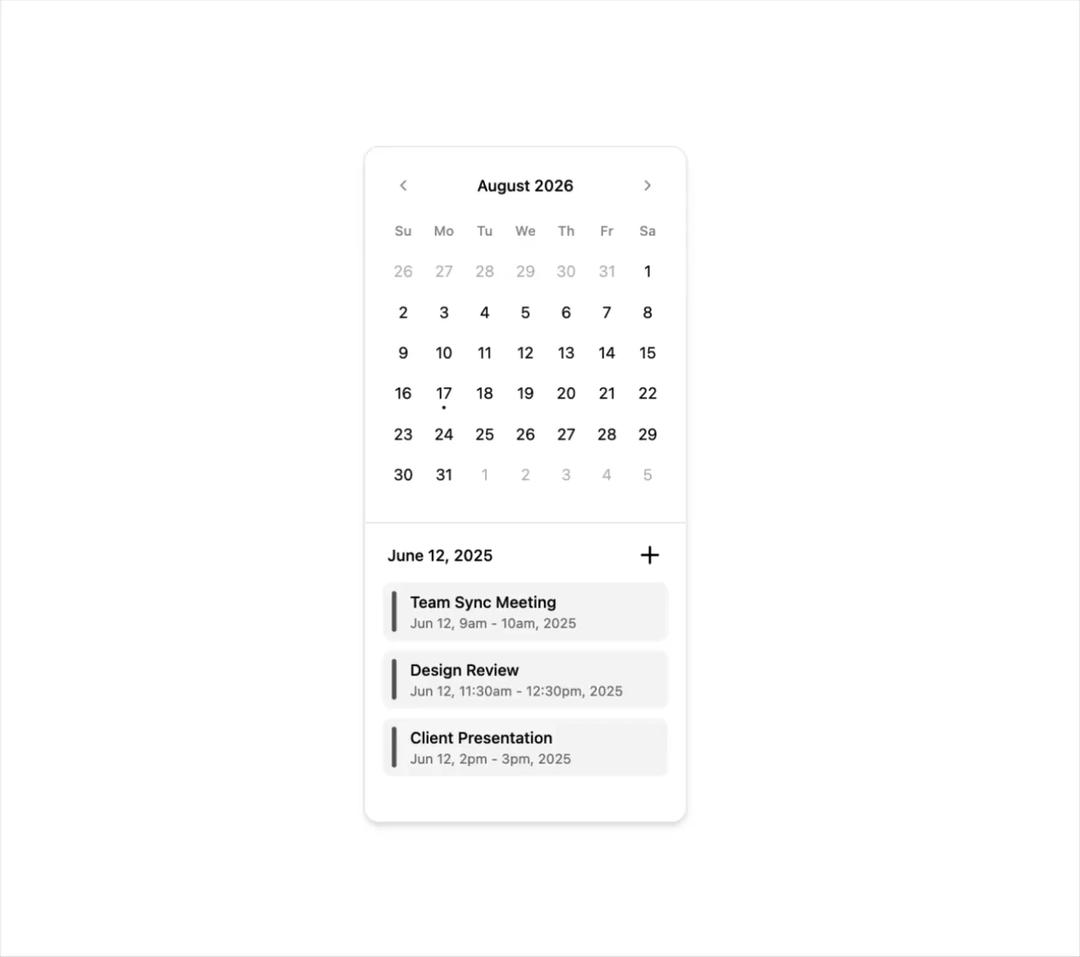
Here is Shadcn calendar component with event slots
Built with React and Tailwind. Copy the prompt and paste it into Claude Code, Cursor or Lovable: your agent adds Calendar with event slots to your project and fits it to your theme.
Code
How Calendar with event slots is used: the demo's code. The component's own source comes with a free account.
Usage.tsx
"use client"

import * as React from "react"
import { formatDateRange } from "little-date"
import { PlusIcon } from "lucide-react"

import { Button } from "@/components/ui/button"
import { Calendar } from "@/components/ui/calendar"
import { Card, CardContent, CardFooter } from "@/components/ui/card-shadcn"

const events = [
  {
    title: "Team Sync Meeting",
    from: "2025-06-12T09:00:00",
    to: "2025-06-12T10:00:00",
  },
  {
    title: "Design Review",
    from: "2025-06-12T11:30:00",
    to: "2025-06-12T12:30:00",
  },
  {
    title: "Client Presentation",
    from: "2025-06-12T14:00:00",
    to: "2025-06-12T15:00:00",
  },
]

export function Calendar31() {
  const [date, setDate] = React.useState<Date | undefined>(
    new Date(2025, 5, 12)
  )

  return (
    <Card className="w-fit py-4">
      <CardContent className="px-4">
        <Calendar
          mode="single"
          selected={date}
          onSelect={setDate}
          className="bg-transparent p-0"
          required
        />
      </CardContent>
      <CardFooter className="flex flex-col items-start gap-3 border-t px-4 !pt-4">
        <div className="flex w-full items-center justify-between px-1">
          <div className="text-sm font-medium">
            {date?.toLocaleDateString("en-US", {
              day: "numeric",
              month: "long",
              year: "numeric",
            })}
          </div>
          <Button
            variant="ghost"
            size="icon"
            className="size-6"
            title="Add Event"
          >
            <PlusIcon />
            <span className="sr-only">Add Event</span>
          </Button>
        </div>
        <div className="flex w-full flex-col gap-2">
          {events.map((event) => (
            <div
              key={event.title}
              className="bg-muted after:bg-primary/70 relative rounded-md p-2 pl-6 text-sm after:absolute after:inset-y-2 after:left-2 after:w-1 after:rounded-full"
            >
              <div className="font-medium">{event.title}</div>
              <div className="text-muted-foreground text-xs">
                {formatDateRange(new Date(event.from), new Date(event.to))}
              </div>
            </div>
          ))}
        </div>
      </CardFooter>
    </Card>
  )
}
More by shadcn
View all

Navigation menu
778
Calendar with time pressets
507
Sidebar
344
Sonner
235
Chart
220
Icons
188
Dropdown Menu
153
Data Table
116
More in Cards
View all

Course Design Cards
1.1K

Statistics Card 2
269
Statistics Card 7
295
Card
56
Stats cards with links
86

Interactive Tech Stack Bento Grid with Hover Effects
102
The Item one
3

Card Studio
36
