
About
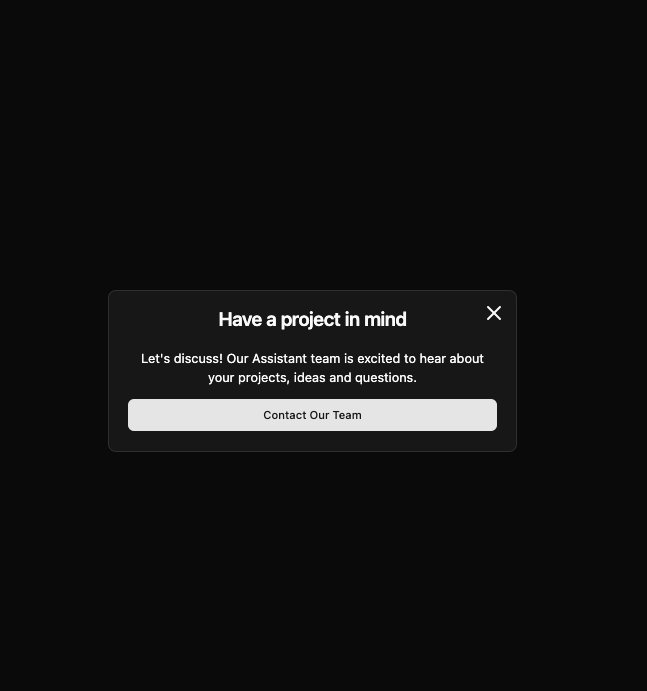
Here is Card component
Built with React and Tailwind. Copy the prompt and paste it into Claude Code, Cursor or Lovable: your agent adds Card Studio to your project and fits it to your theme.
Code
How Card Studio is used: the demo's code. The component's own source comes with a free account.
Usage.tsx
'use client'
import { useState } from 'react'
import { XIcon } from 'lucide-react'
import { Button } from '@/components/ui/button'
import { Card, CardContent, CardHeader, CardTitle } from '@/components/ui/card'
const CardActionDemo = () => {
const [isActive, setIsActive] = useState(true)
if (!isActive) return null
return (
<Card className='relative max-w-lg shadow-none'>
<Button
variant='ghost'
size='icon'
onClick={() => setIsActive(false)}
className='absolute top-2 right-2 rounded-full'
>
<XIcon />
<span className='sr-only'>Close</span>
</Button>
<CardHeader>
<CardTitle className='text-center'>Have a project in mind</CardTitle>
</CardHeader>
<CardContent className='flex flex-col gap-4 text-center'>
<p>Let's discuss! Our Assistant team is excited to hear about your projects, ideas and questions. </p>
<Button>Contact Our Team</Button>
</CardContent>
</Card>
)
}
export default CardActionDemo
More by Clevision
View all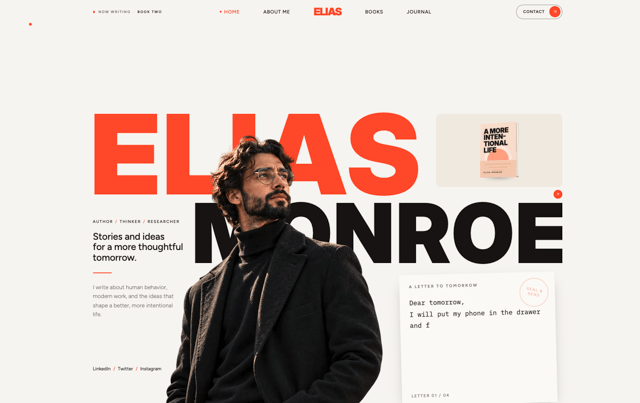

Portfolio Hero
760
Syntra Hero
569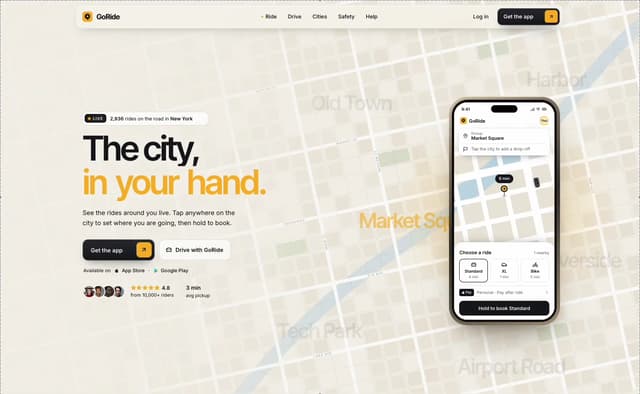
Hero Section
293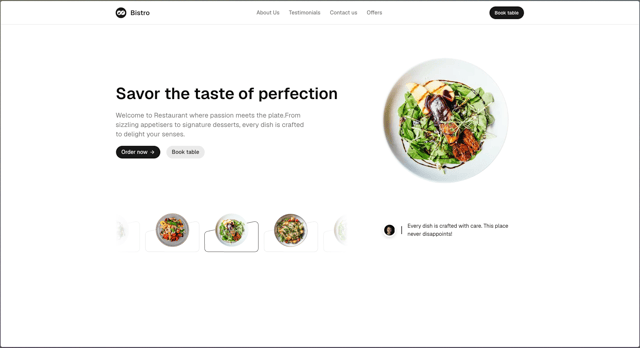
Hero Section 41
170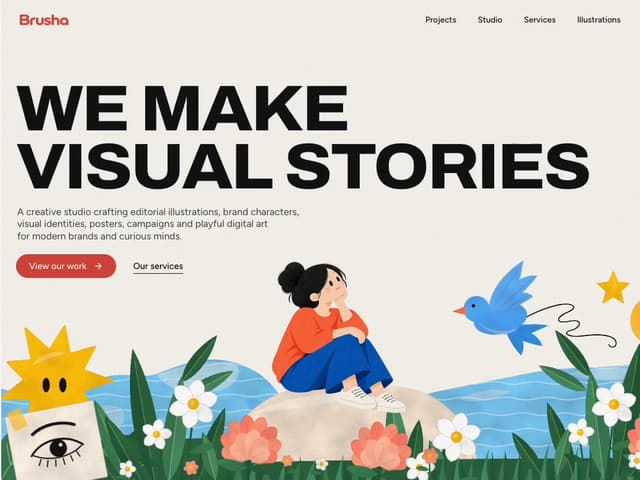
Studio Hero
146
Hardware Hero
143
Saas Hero Section
141
Calendar
116
More in Buttons
View all
Texture Button
115

Button
157

Random Letter Swap CTA Buttons
67

Icon Label Subtext Button
71

Icon Button
8

Button
2
Hero Button
25

Button
54

