
About
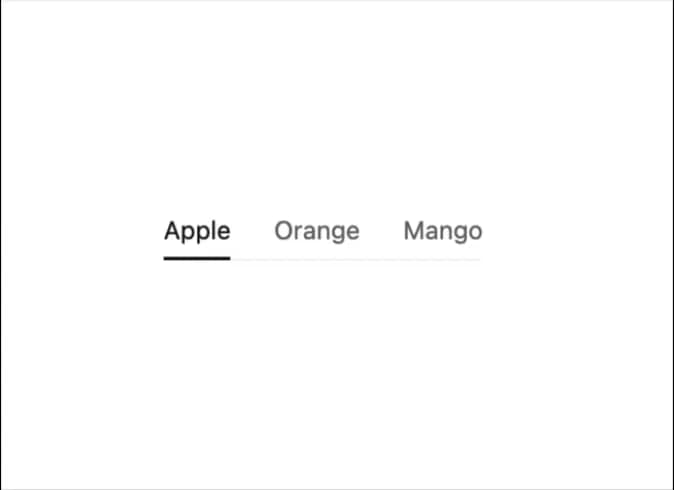
Display tab content.
Built with React and Tailwind. Copy the prompt and paste it into Claude Code, Cursor or Lovable: your agent adds Tabs to your project and fits it to your theme.
Code
How Tabs is used: the demo's code. The component's own source comes with a free account.
Usage.tsx
import { useState } from "react";
import { ITab, Tabs } from "@/components/ui/tabs-1";

const defaultTabs: ITab[] = [
  {
    title: "Apple",
    value: "apple"
  },
  {
    title: "Orange",
    value: "orange"
  },
  {
    title: "Mango",
    value: "mango"
  }
];

export default function DisabledDemo() {
  const [selected, setSelected] = useState<string>("apple");
  return <Tabs selected={selected} setSelected={setSelected} tabs={defaultTabs} disabled />;
}
Dependencies
More by tigran tumasov
View all
Product Hunt Badge
1.8K
Book
161
Calendar
151
Theme Switcher
135
Snippet
124
Table
123
Feedback
88
Toggle
88
More in Navigation
View all

Sidebar
225

Tabs
52
Navbar with Theme Toggle
41

Breadcrumb
12
Nav List Card
31

Pagination
85
Pagination Ant
3
Pagination
9


