
About
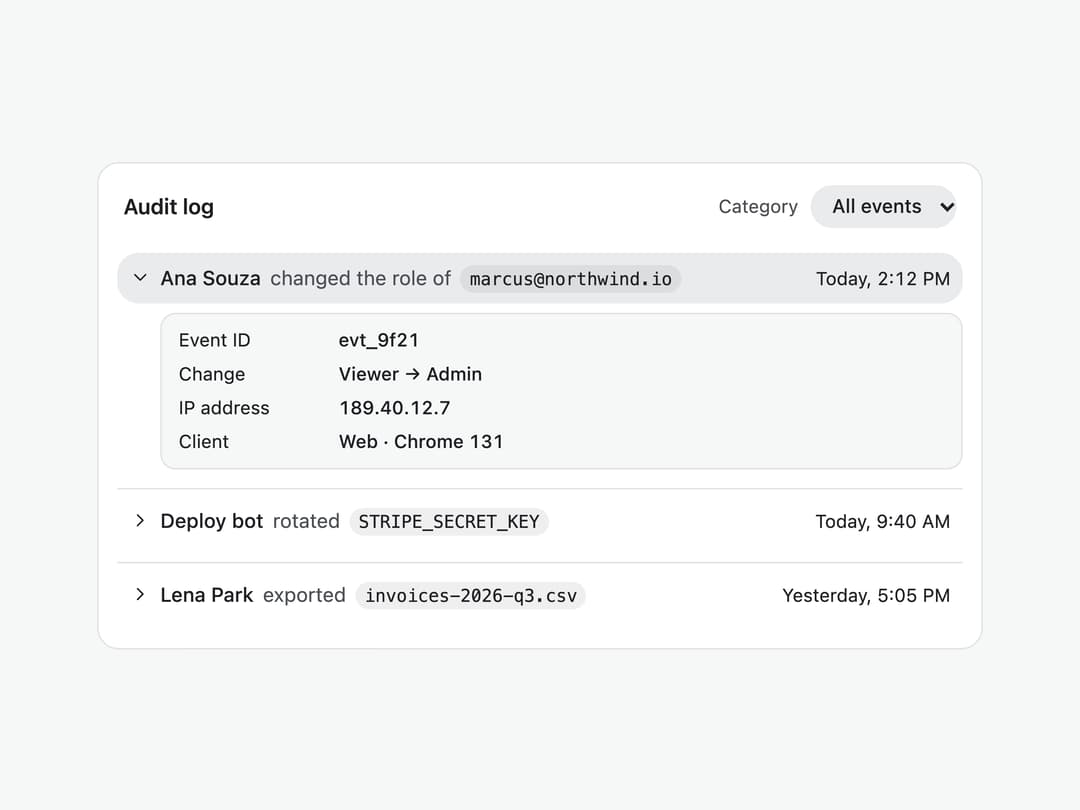
A compound component for listing security/audit events with actor, action, resource, timestamp, filters, and expandable event details.
Built with React and Tailwind. Copy the prompt and paste it into Claude Code, Cursor or Lovable: your agent adds Audit Log to your project and fits it to your theme.
Code
How Audit Log is used: the demo's code. The component's own source comes with a free account.
Usage.tsx
"use client";

import {
  AuditLog,
  AuditLogAction,
  AuditLogActor,
  AuditLogDetailLabel,
  AuditLogDetailValue,
  AuditLogEmpty,
  AuditLogEvent,
  AuditLogEventDetails,
  AuditLogEventSummary,
  AuditLogFilters,
  AuditLogHeader,
  AuditLogList,
  AuditLogResource,
  AuditLogTimestamp,
  AuditLogTitle,
  type AuditLogVariant,
} from "@/components/ui/audit-log";
import { useState } from "react";

const entries = [
  {
    id: "evt_9f21",
    actor: "Ana Souza",
    action: "changed the role of",
    resource: "marcus@northwind.io",
    category: "members",
    time: "2026-09-30T14:12:00",
    label: "Today, 2:12 PM",
    details: {
      Change: "Viewer → Admin",
      "IP address": "189.40.12.7",
      Client: "Web · Chrome 131",
    },
  },
  {
    id: "evt_9f1c",
    actor: "Deploy bot",
    action: "rotated",
    resource: "STRIPE_SECRET_KEY",
    category: "security",
    time: "2026-09-30T09:40:00",
    label: "Today, 9:40 AM",
    details: {
      Environment: "Production",
      Trigger: "Scheduled rotation",
      Client: "API token tok_41",
    },
  },
  {
    id: "evt_9e88",
    actor: "Lena Park",
    action: "exported",
    resource: "invoices-2026-q3.csv",
    category: "data",
    time: "2026-09-29T17:05:00",
    label: "Yesterday, 5:05 PM",
    details: {
      Rows: "1,284",
      Filters: "Status is Paid",
      Client: "Web · Safari 19",
    },
  },
];

export default function AuditLogDemo({
  variant = "card",
}: {
  variant?: AuditLogVariant;
}) {
  const [category, setCategory] = useState("all");
  const visible = entries.filter(
    (entry) => category === "all" || entry.category === category,
  );
  return (
    <div className="w-full max-w-xl">
      <AuditLog variant={variant}>
        <AuditLogHeader>
          <AuditLogTitle>Audit log</AuditLogTitle>
          <AuditLogFilters>
            <label className="flex items-center gap-2 text-xs text-muted-foreground">
              Category
              <select
                value={category}
                onChange={(event) => setCategory(event.target.value)}
                className="h-7 cursor-pointer rounded-full border-0 bg-accent px-2.5 text-[12.5px] font-medium text-foreground"
              >
                <option value="all">All events</option>
                <option value="members">Members</option>
                <option value="security">Security</option>
                <option value="data">Data</option>
                <option value="billing">Billing</option>
              </select>
            </label>
          </AuditLogFilters>
        </AuditLogHeader>
        {visible.length === 0 ? (
          <AuditLogEmpty>
            No events match this category in the last 30 days.
          </AuditLogEmpty>
        ) : (
          <AuditLogList>
            {visible.map((entry) => (
              <AuditLogEvent key={entry.id}>
                <AuditLogEventSummary>
                  <AuditLogActor>{entry.actor}</AuditLogActor>
                  <AuditLogAction>{entry.action}</AuditLogAction>
                  <AuditLogResource>{entry.resource}</AuditLogResource>
                  <AuditLogTimestamp dateTime={entry.time}>
                    {entry.label}
                  </AuditLogTimestamp>
                </AuditLogEventSummary>
                <AuditLogEventDetails>
                  <AuditLogDetailLabel>Event ID</AuditLogDetailLabel>
                  <AuditLogDetailValue>{entry.id}</AuditLogDetailValue>
                  {Object.entries(entry.details).map(([label, value]) => (
                    <div key={label} style={{ display: "contents" }}>
                      <AuditLogDetailLabel>{label}</AuditLogDetailLabel>
                      <AuditLogDetailValue>{value}</AuditLogDetailValue>
                    </div>
                  ))}
                </AuditLogEventDetails>
              </AuditLogEvent>
            ))}
          </AuditLogList>
        )}
      </AuditLog>
    </div>
  );
}
Dependencies
More by Victor Mesquita
View all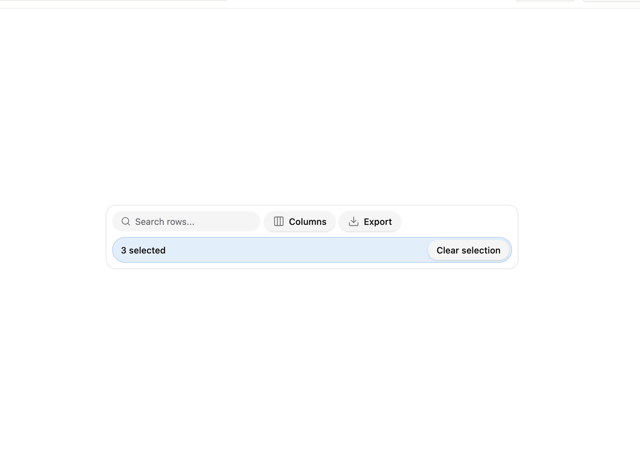
Data Table Toolbar
9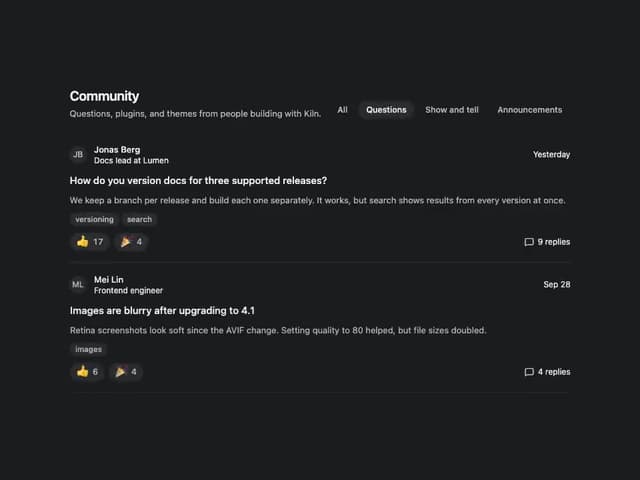
Uai Blocks Community Feed
5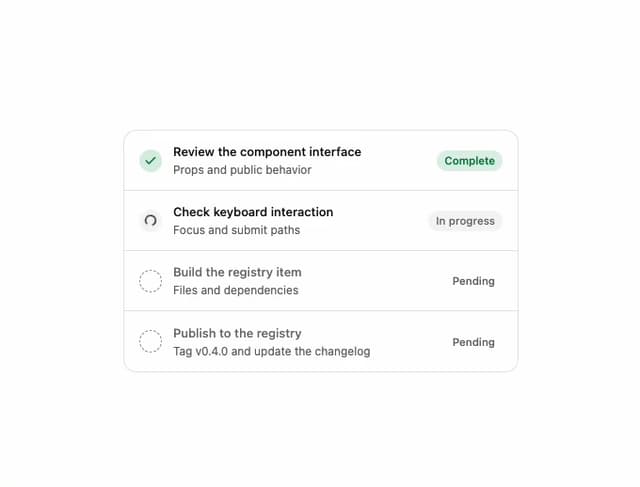
Task List
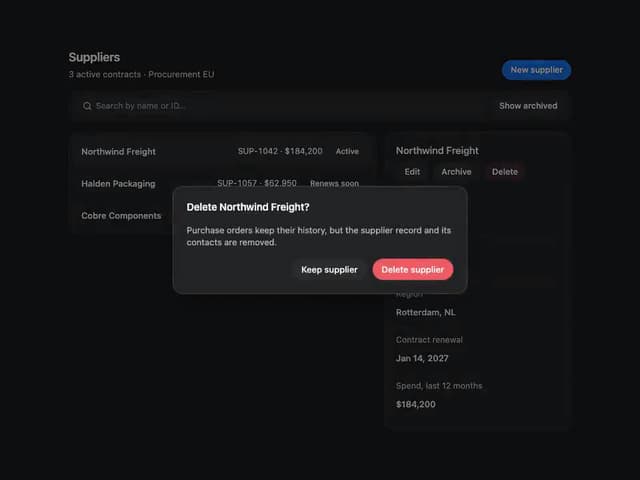
Uai Blocks Resource Manager
Uai Blocks Response Status
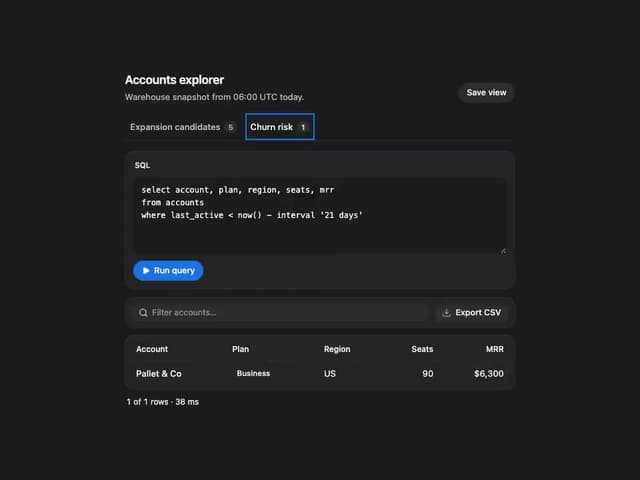
Uai Blocks Data Explorer
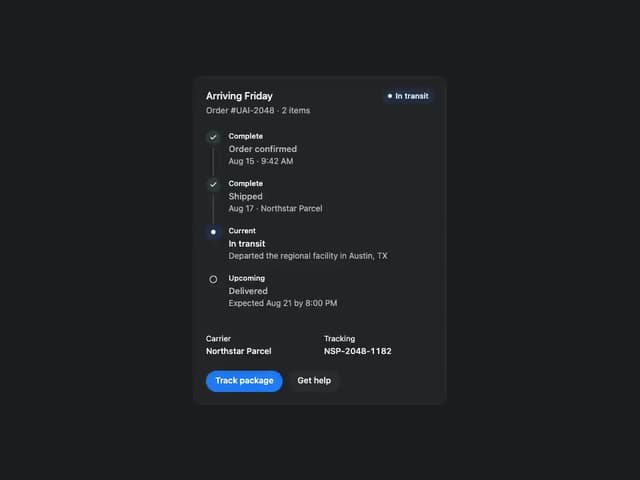
Uai Blocks Order Status
Uai Blocks CEP Field