
About
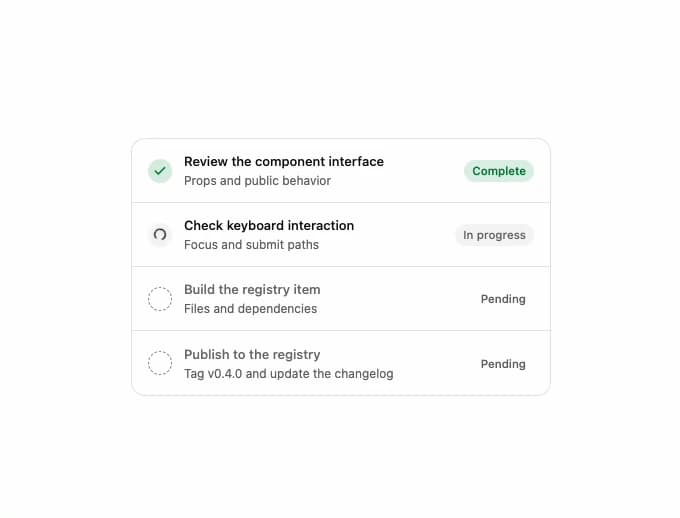
A progress checklist that shows a sequence of tasks or steps each marked complete, in-progress, or pending, with card, timeline, or compact layouts.
Built with React and Tailwind. Copy the prompt and paste it into Claude Code, Cursor or Lovable: your agent adds Task List to your project and fits it to your theme.
Code
How Task List is used: the demo's code. The component's own source comes with a free account.
Usage.tsx
"use client";

import {
  TaskList,
  TaskListDescription,
  TaskListItem,
  TaskListTitle,
} from "@/components/ui/task-list";

export default function TaskListDemo() {
  return (
    <div className="w-full max-w-[420px]">
      <TaskList variant="card" aria-label="Release progress">
        <TaskListItem status="complete">
          <TaskListTitle>Review the component interface</TaskListTitle>
          <TaskListDescription>Props and public behavior</TaskListDescription>
        </TaskListItem>
        <TaskListItem status="active">
          <TaskListTitle>Check keyboard interaction</TaskListTitle>
          <TaskListDescription>Focus and submit paths</TaskListDescription>
        </TaskListItem>
        <TaskListItem status="pending">
          <TaskListTitle>Build the registry item</TaskListTitle>
          <TaskListDescription>Files and dependencies</TaskListDescription>
        </TaskListItem>
        <TaskListItem status="pending">
          <TaskListTitle>Publish to the registry</TaskListTitle>
          <TaskListDescription>
            Tag v0.4.0 and update the changelog
          </TaskListDescription>
        </TaskListItem>
      </TaskList>
    </div>
  );
}
Dependencies
More by Victor Mesquita
View all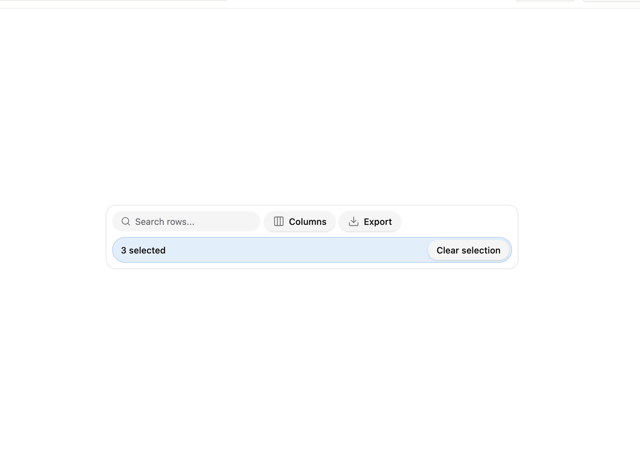
Data Table Toolbar
9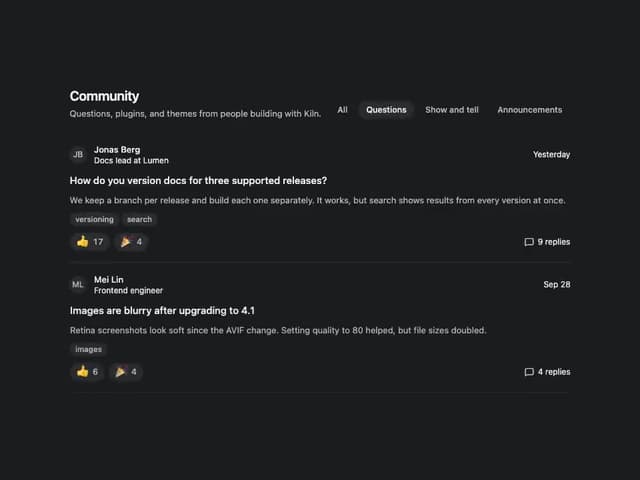
Uai Blocks Community Feed
5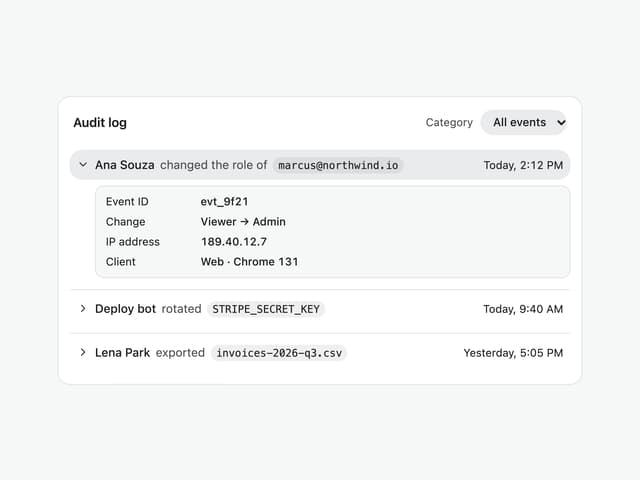
Audit Log
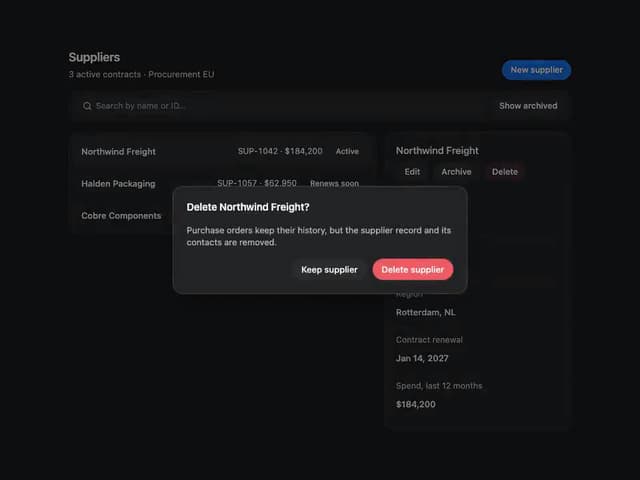
Uai Blocks Resource Manager
Uai Blocks Response Status
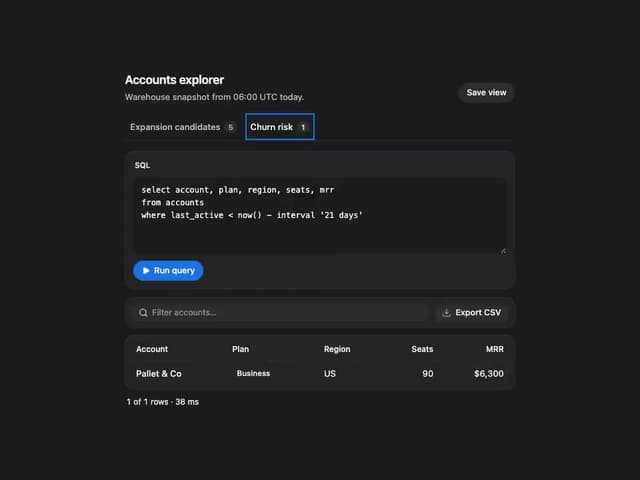
Uai Blocks Data Explorer
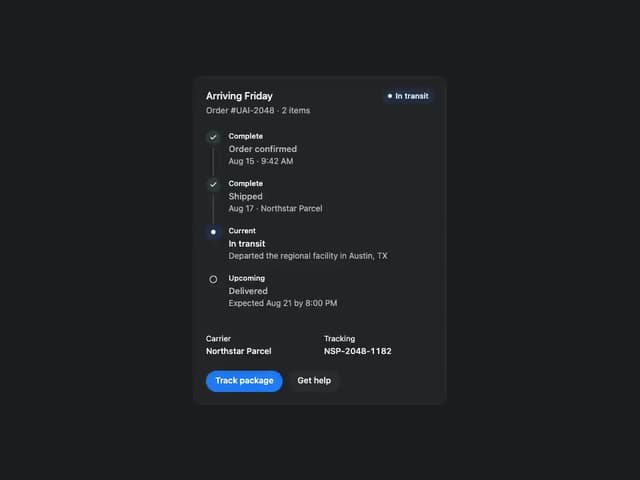
Uai Blocks Order Status
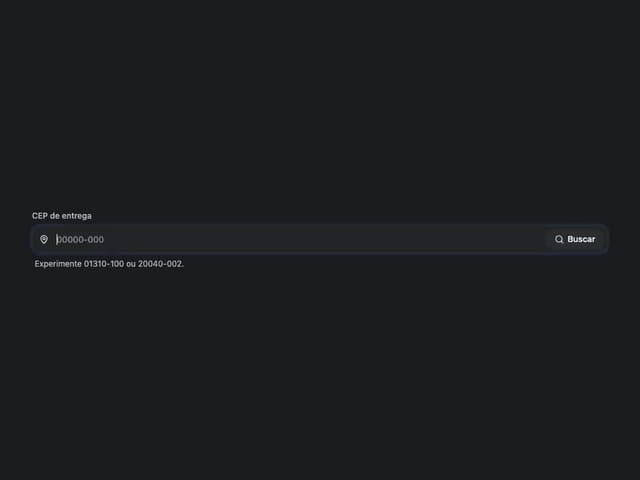
Uai Blocks CEP Field
More in Cards
View all

Course Design Cards
1.3K

Statistics Card 7
334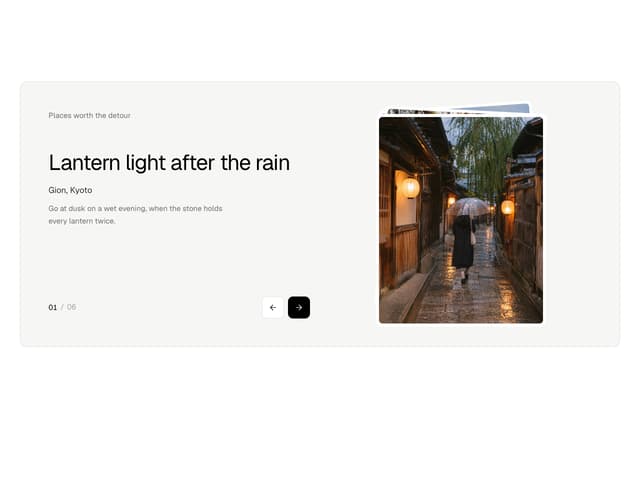

Photo Deck
39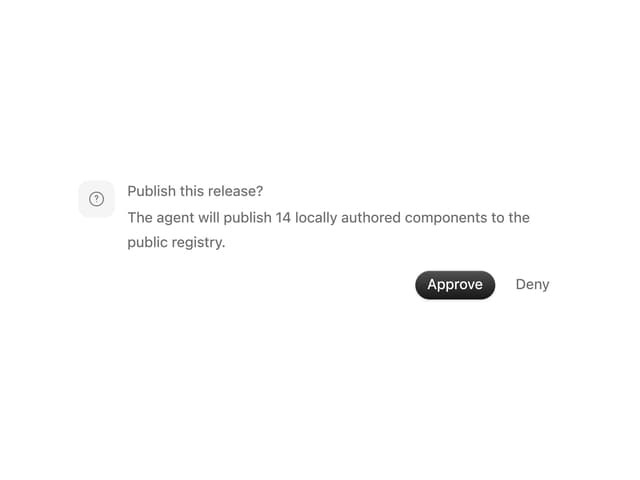
Approval Card
33

Interactive Tech Stack Bento Grid with Hover Effects
700
Statistics Card 10
300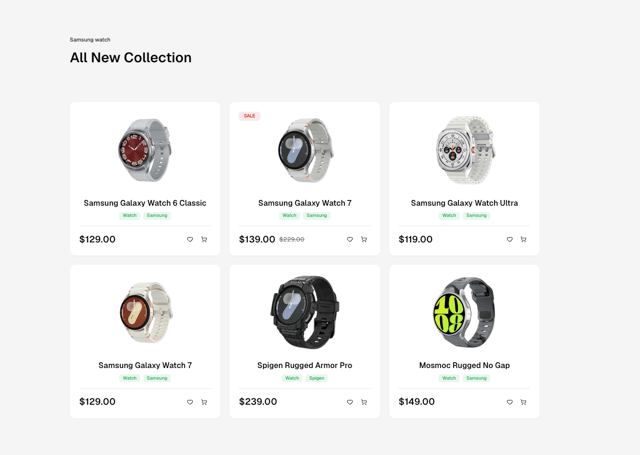

Product List 01
32

Weather Card
66
