
About
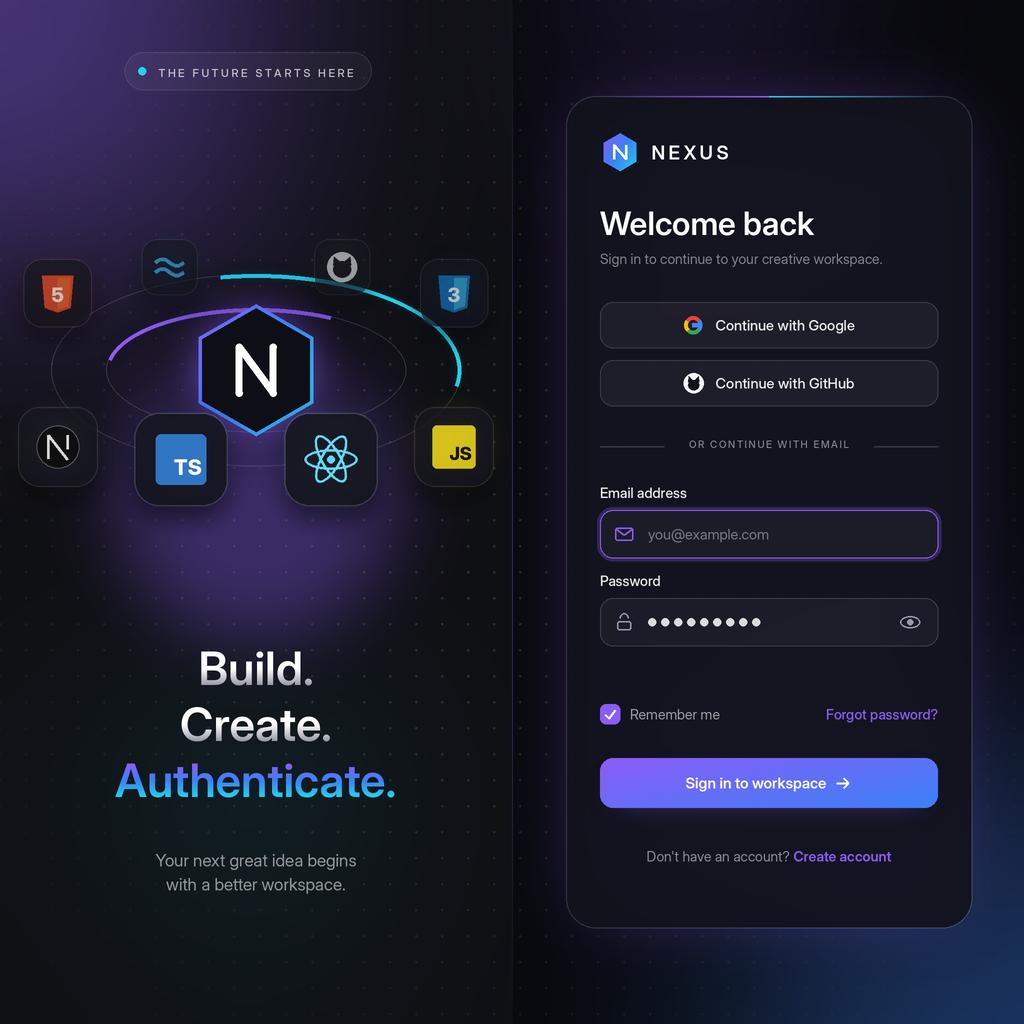
A premium 3D animated login experience featuring floating technology icons, interactive particle backgrounds, glassmorphism UI, and smooth motion effects. Fully responsive and customizable for modern SaaS applications.
Built with React and Tailwind. Copy the prompt and paste it into Claude Code, Cursor or Lovable: your agent adds Nexus 3D Animated Login to your project and fits it to your theme.
Code
How Nexus 3D Animated Login is used: the demo's code. The component's own source comes with a free account.
Usage.tsx
// This is a file with a demo for your component
// That's what users will see in the preview
// Create new files in this directory to add more demos

/**
 * default.tsx
 * ------------------------------------------------------------------
 * Live demo for Nexus 3D Animated Login (21st.dev format).
 * Only the default export is treated as the demo, so everything the
 * preview needs lives inside DemoOne.
 *
 * Nothing here talks to a server. The callbacks only simulate latency.
 */

import NexusLogin from "@/components/ui/nexus-3d-animated-login";


/* ==================================================================
   MOCK HELPERS
   ================================================================== */

/** Simulates a network round trip. */
const delay = (ms: number) => new Promise<void>((resolve) => setTimeout(resolve, ms));


/* ==================================================================
   DEMO
   ================================================================== */

// ONLY DEFAULT EXPORT WILL BE TREATED AS A DEMO
export default function DemoOne() {
  return (
    <NexusLogin
      brandName="NEXUS"
      title="Welcome back"
      description="Sign in to continue to your creative workspace."
      emailPlaceholder="you@example.com"
      passwordPlaceholder="Enter your password"
      signInText="Sign in to workspace"
      googleButtonText="Continue with Google"
      githubButtonText="Continue with GitHub"
      rememberMeText="Remember me"
      forgotPasswordText="Forgot password?"
      signupText="Don't have an account?"
      signupLinkText="Create account"
      showSocialLogin
      showRememberMe
      showForgotPassword
      show3DScene
      enableAnimations
      enableMouseParallax
      accentColor="#8B5CF6"
      // Mock sign-in: the password "wrongpass" shows the error state
      onSubmit={async ({ password }) => {
        await delay(1400);
        if (password === "wrongpass") {
          throw new Error("Demo error: those credentials were not accepted.");
        }
      }}
      onGoogleLogin={async () => {
        await delay(1000);
      }}
      onGithubLogin={async () => {
        await delay(1000);
      }}
      onForgotPassword={async () => {
        await delay(900);
      }}
      onSignup={() => {
        // A real app would navigate to its sign-up route here
        console.info("Demo: sign-up link clicked");
      }}
    />
  );
}
Dependencies
More by themeocean
View all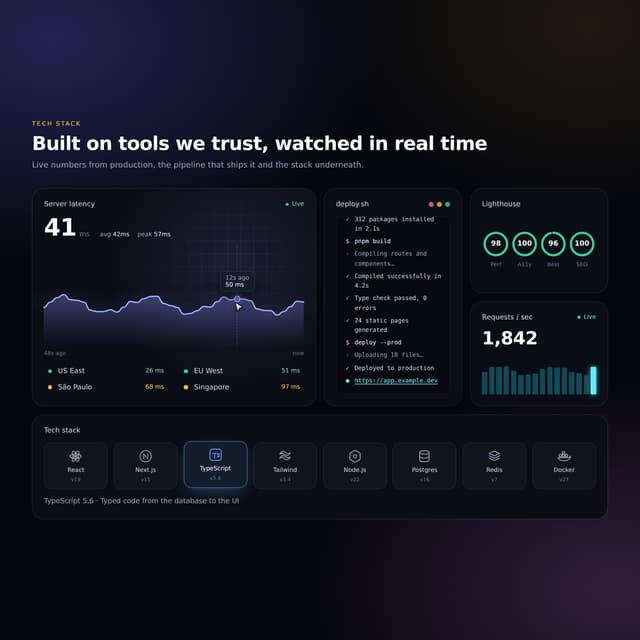

Interactive Tech Stack Bento Grid with Hover Effects
315
Mac-Style Floating Dock
53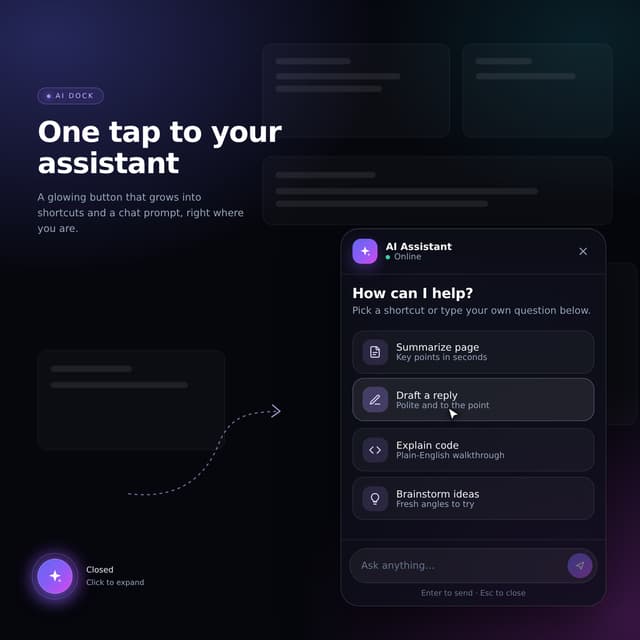
Expandable Floating Action Button (FAB) AI Dock
2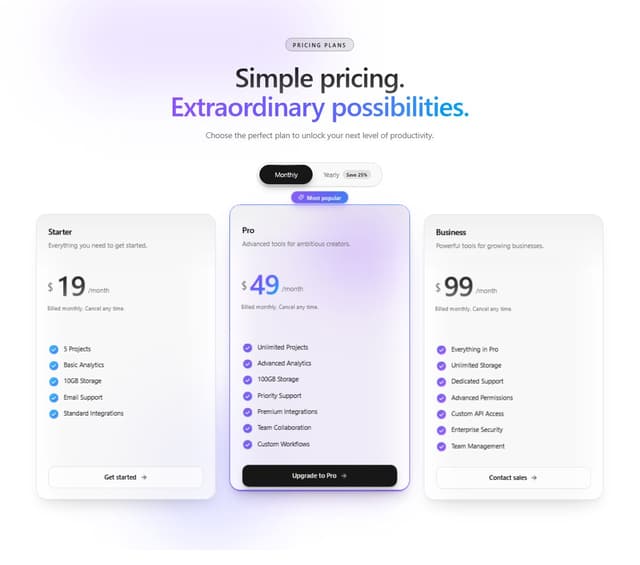
3D Pricing - Animated SaaS Pricing Table
More in Forms
View all

Premium Auth
533

Contact Card
1K

Book A Demo 1
77

Card Studio
44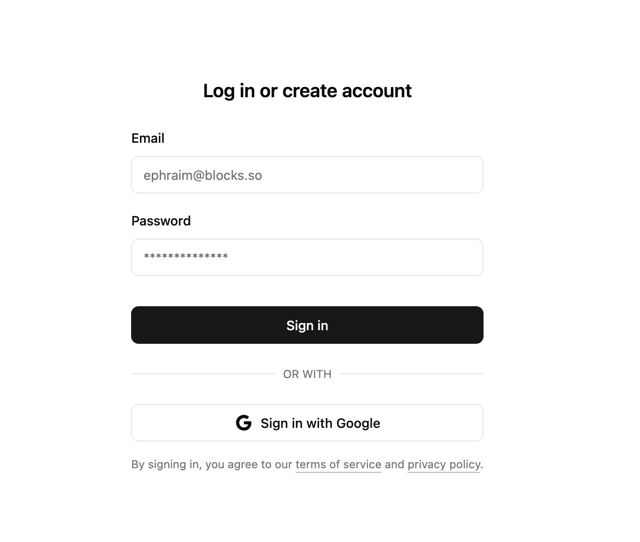

Login 2
9
Login Card
29

Form
17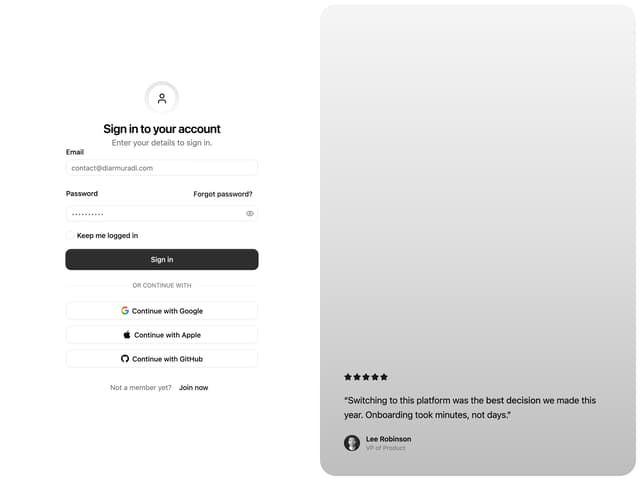

Split Sign In Form
77
