

About
An animated orb for AI chat interfaces with 11 moods, from thinking to asking a question.
Built with React and Tailwind. Copy the prompt and paste it into Claude Code, Cursor or Lovable: your agent adds Orbling to your project and fits it to your theme.
Code
How Orbling is used: the demo's code. The component's own source comes with a free account.
Usage.tsx
"use client";

import { useState } from "react";
import { MOOD_NAMES, Orbling, OrblingStatus, type Mood } from "@/components/ui/orbling";

function MoodButton({ name, active, onPick }: { name: Mood; active: boolean; onPick: (mood: Mood) => void }) {
  function handleClick() {
    onPick(name);
  }

  return (
    <button
      id={`mood-${name}`}
      type="button"
      onClick={handleClick}
      className={`rounded-full border px-3 py-1 text-sm capitalize transition-colors ${
        active ? "border-foreground bg-foreground text-background" : "border-border text-muted-foreground hover:text-foreground"
      }`}
    >
      {name}
    </button>
  );
}

export default function Default() {
  const [mood, setMood] = useState<Mood>("thinking");

  return (
    <div className="flex min-h-[520px] w-full flex-col items-center justify-center gap-10 bg-background p-8 text-foreground">
      <Orbling mood={mood} size={120} />
      <div className="flex max-w-md flex-wrap justify-center gap-2">
        {MOOD_NAMES.map((name) => (
          <MoodButton key={name} name={name} active={name === mood} onPick={setMood} />
        ))}
      </div>
      <div className="text-sm text-muted-foreground">
        <OrblingStatus key={mood} mood={mood} />
      </div>
    </div>
  );
}
Dependencies
More in AI chats
View all

AI Actions
317
Color Picker
74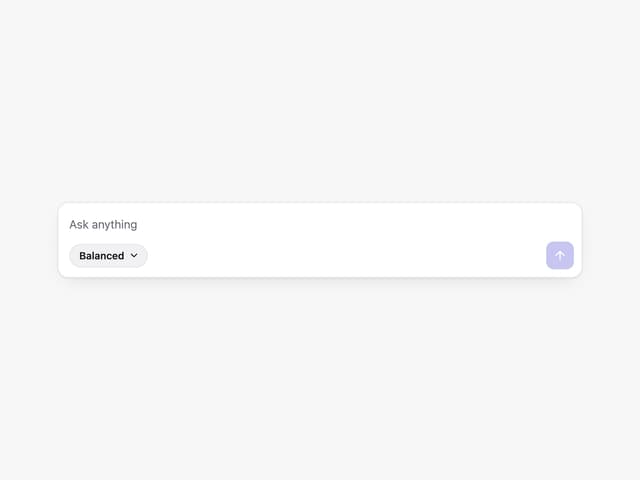
Prompt with Model Picker
2
Agent Chat
17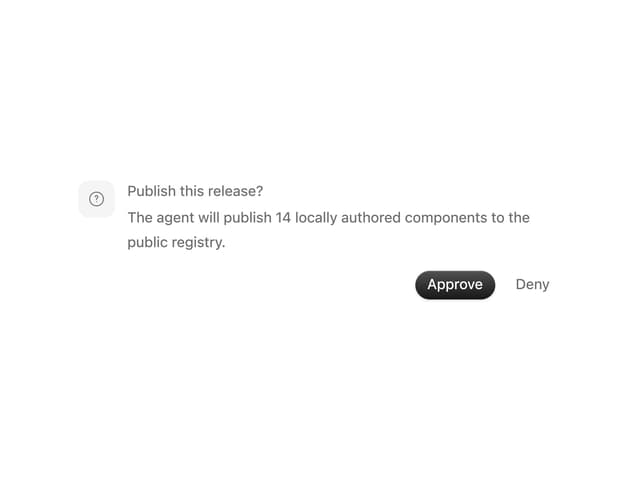
Approval Card
12

System Message
53

Message
48

AI Task List
159


