HomeBookmarks
Liro UI SystemLiro UI System
Liro UI System

Liro UI System

Layro System: the inside of a SaaS product, built as one system on shadcn tokens. Forms, overlays, data tables, charts, editor and auth. Keyboard-complete, accessible, light and dark.

MUby Mohamed Uvaish
30components238.6Kviews487bookmarks

Liro UI System contents
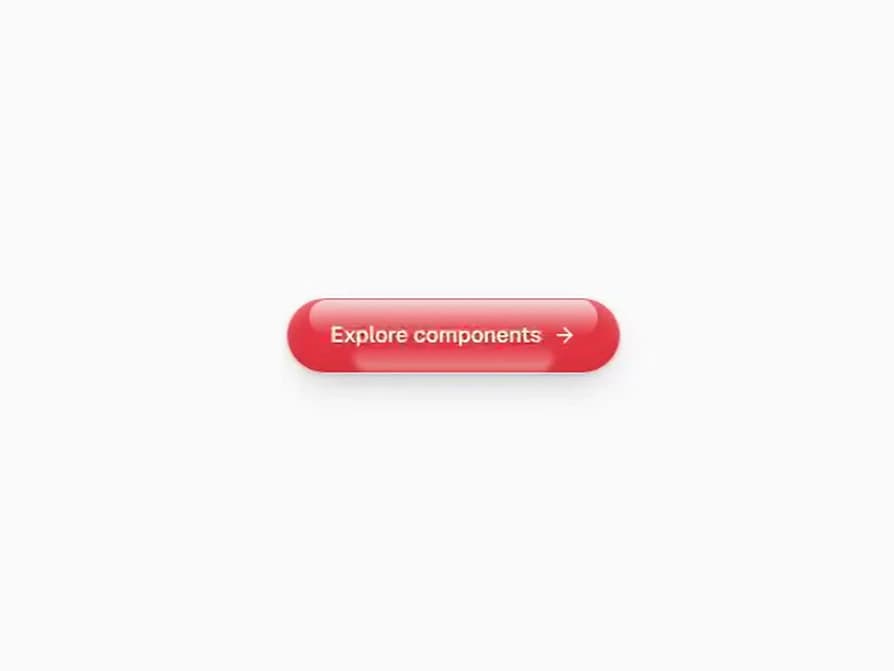
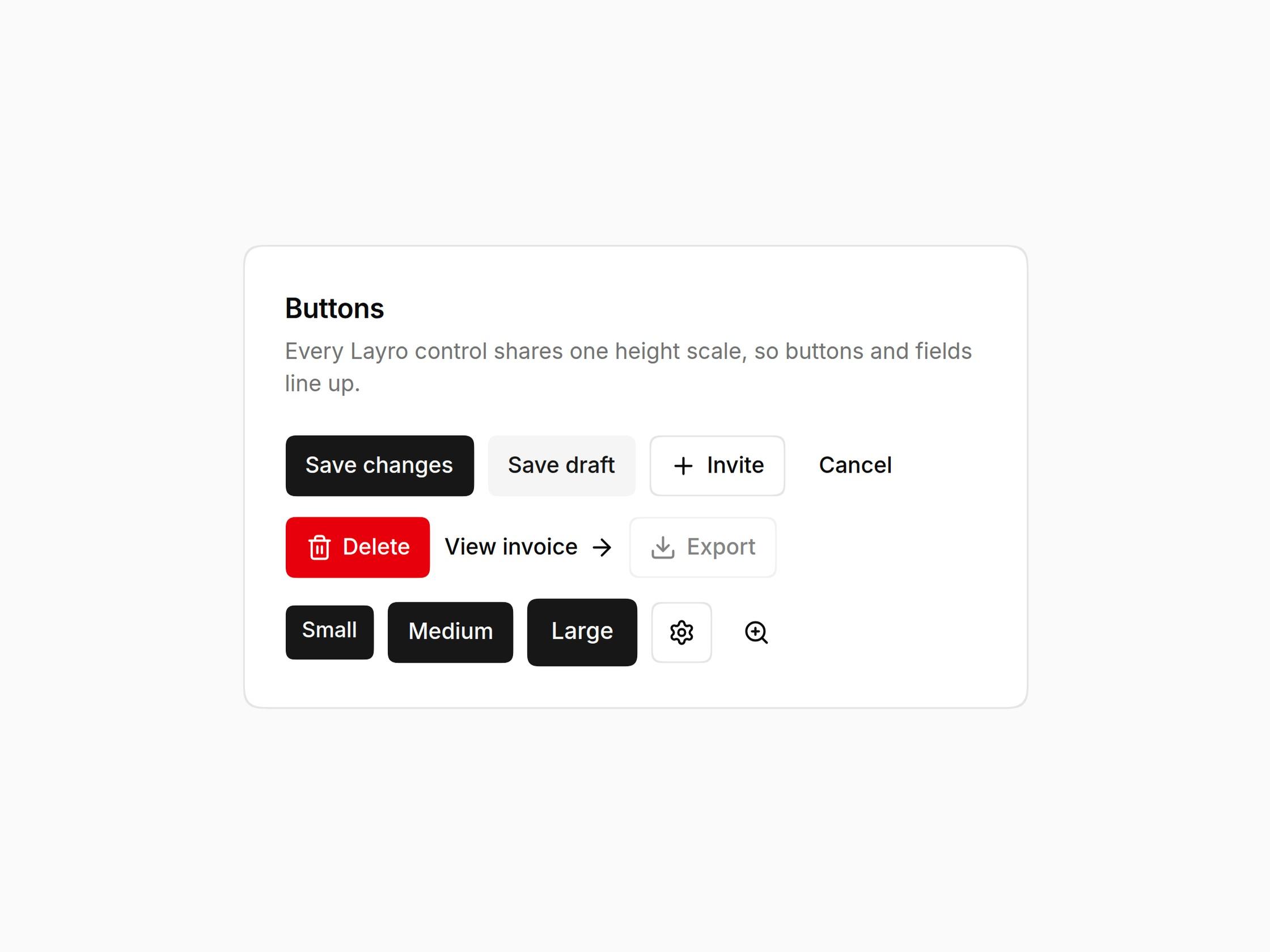
  • Web Shot Button

    Web Shot Button

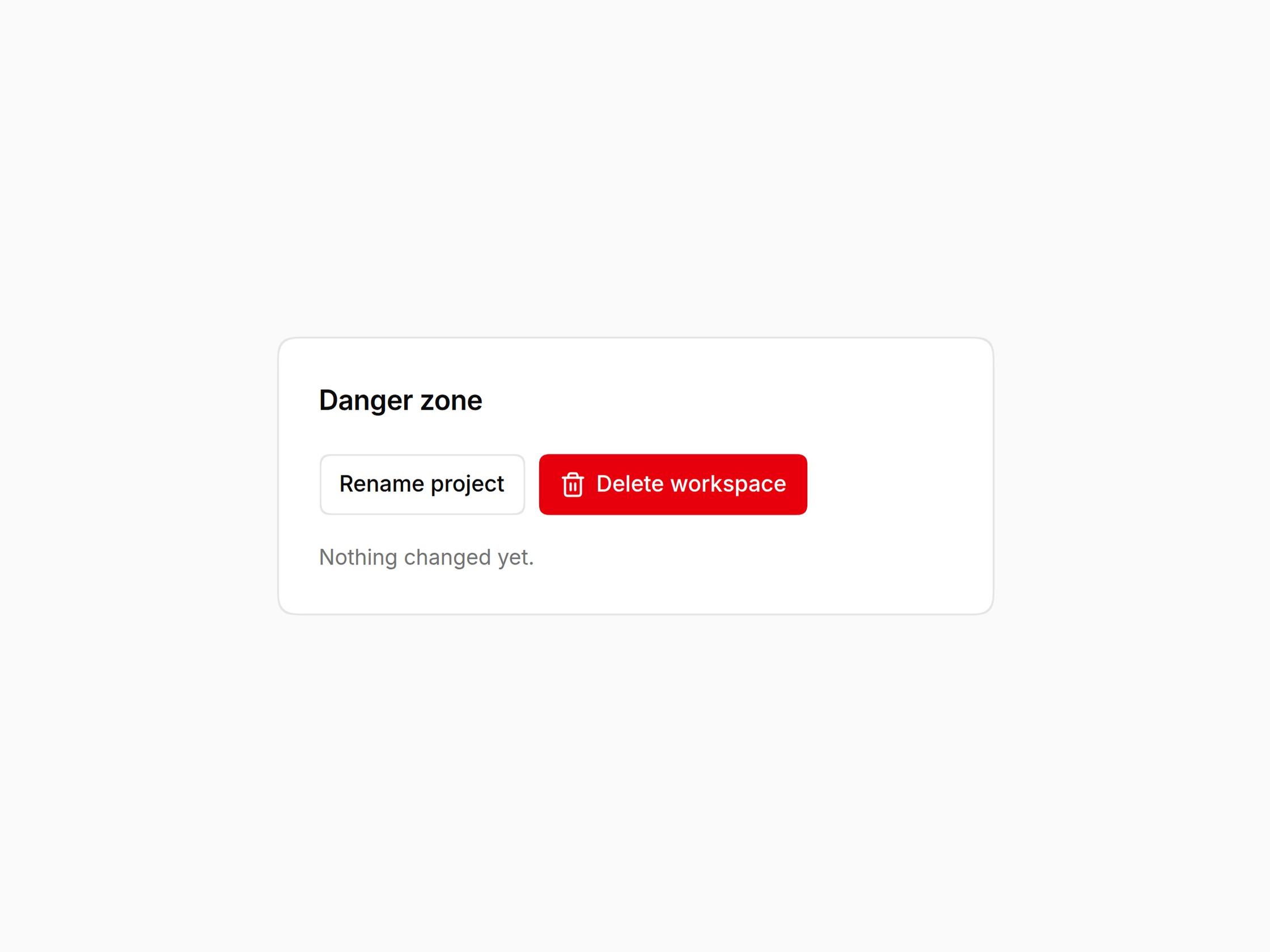
  • Button

    Button

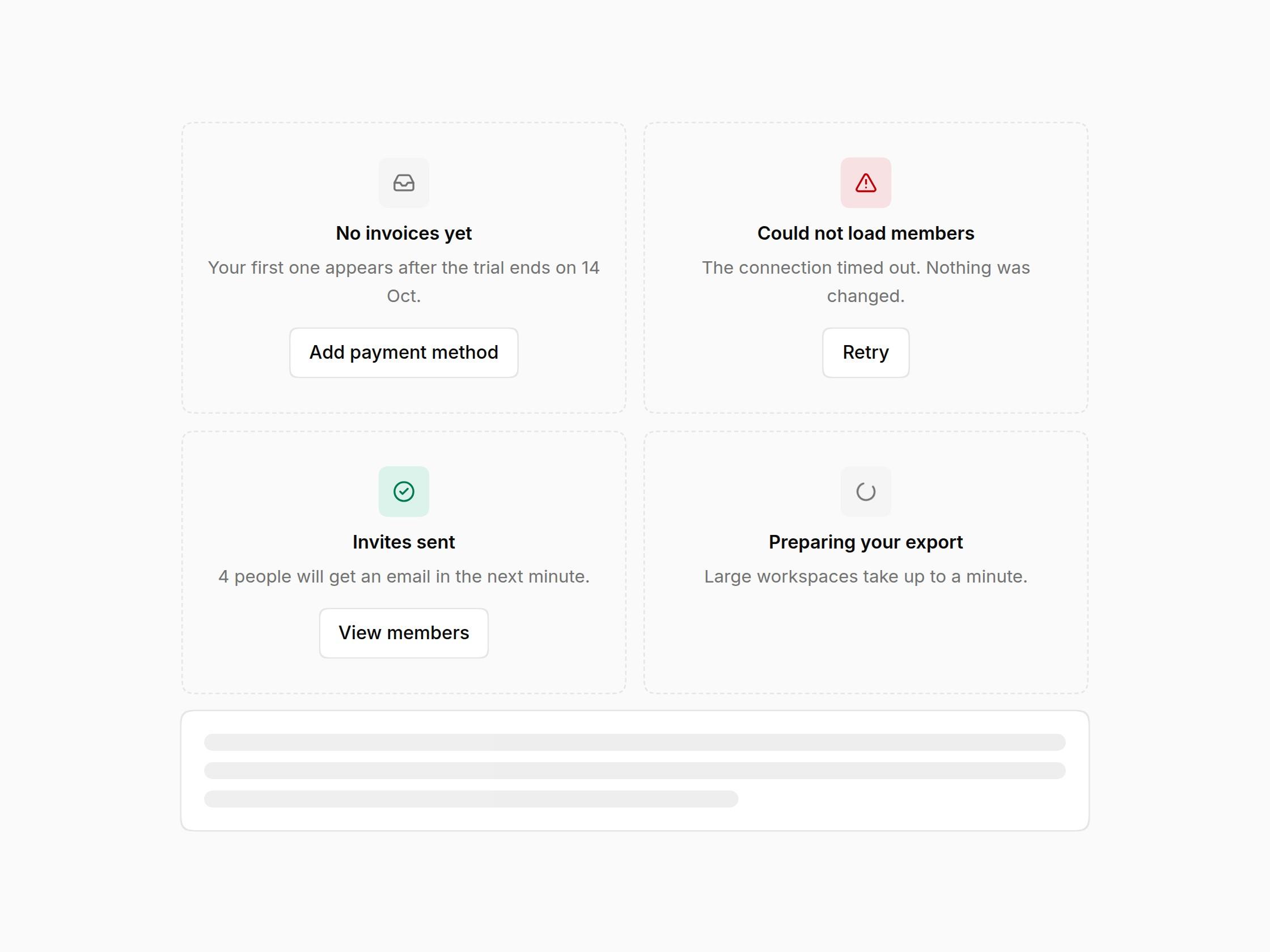
  • Empty & Loading States

    Empty & Loading States

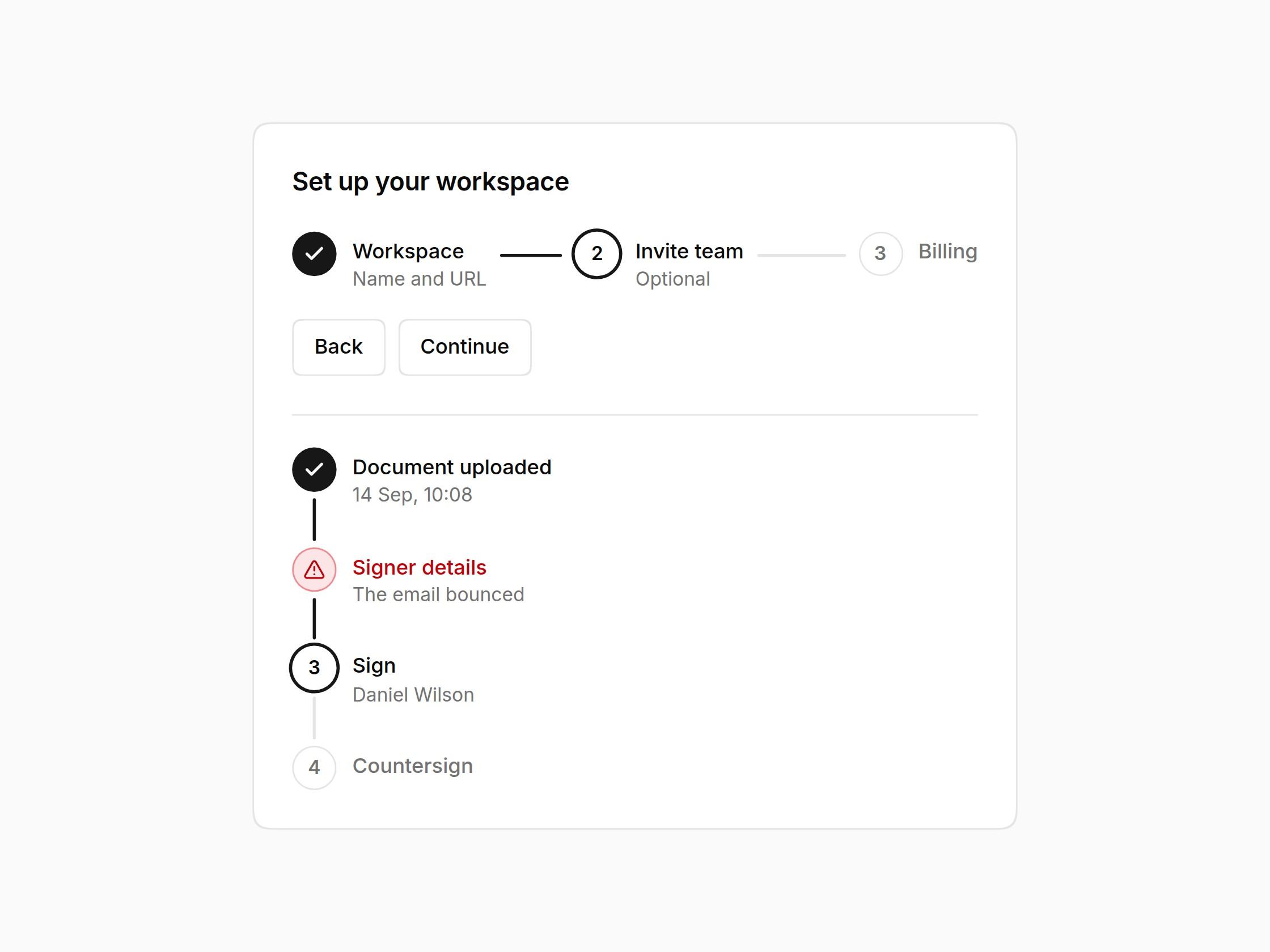
  • Stepper

    Stepper

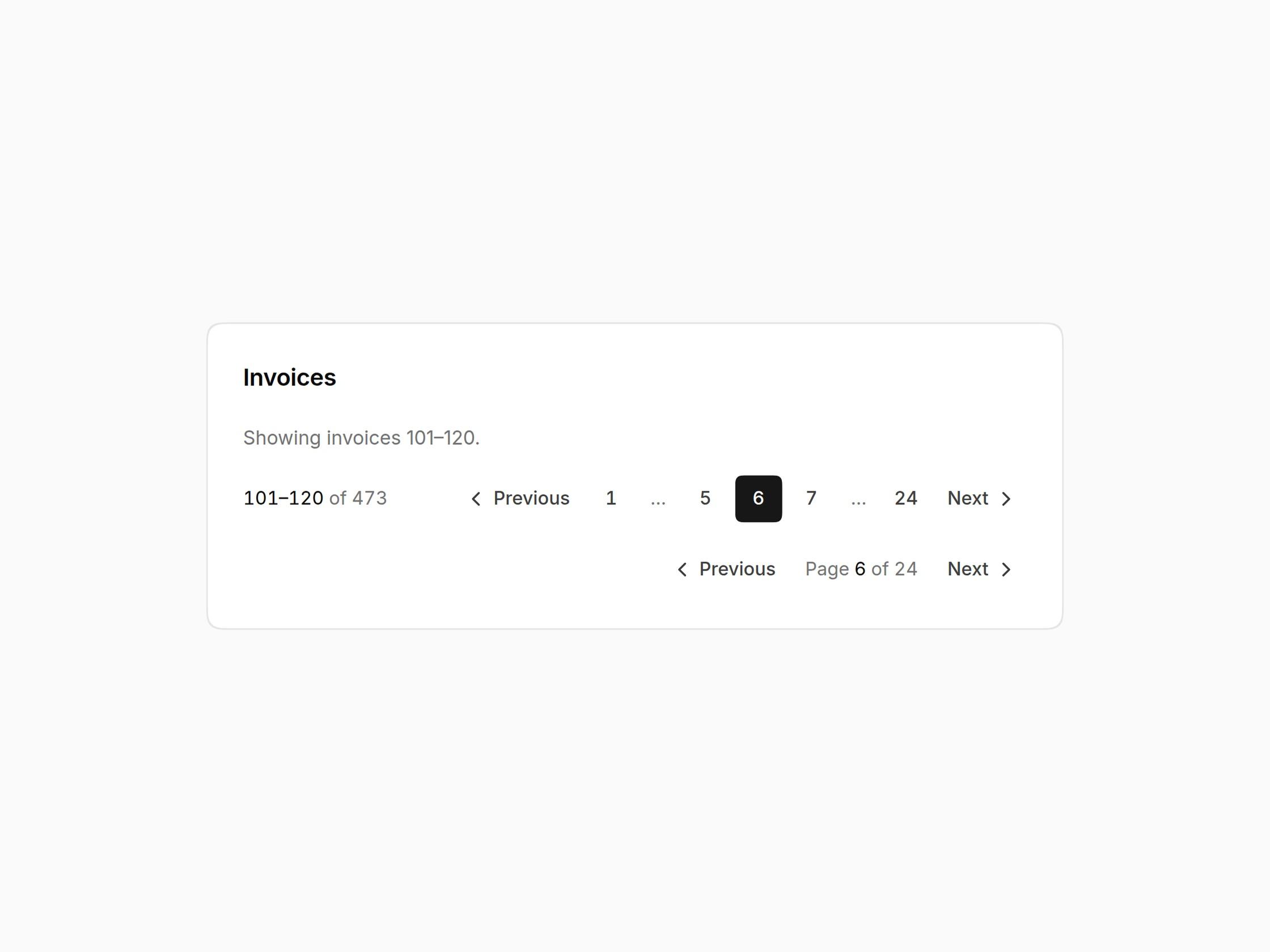
  • Pagination

    Pagination

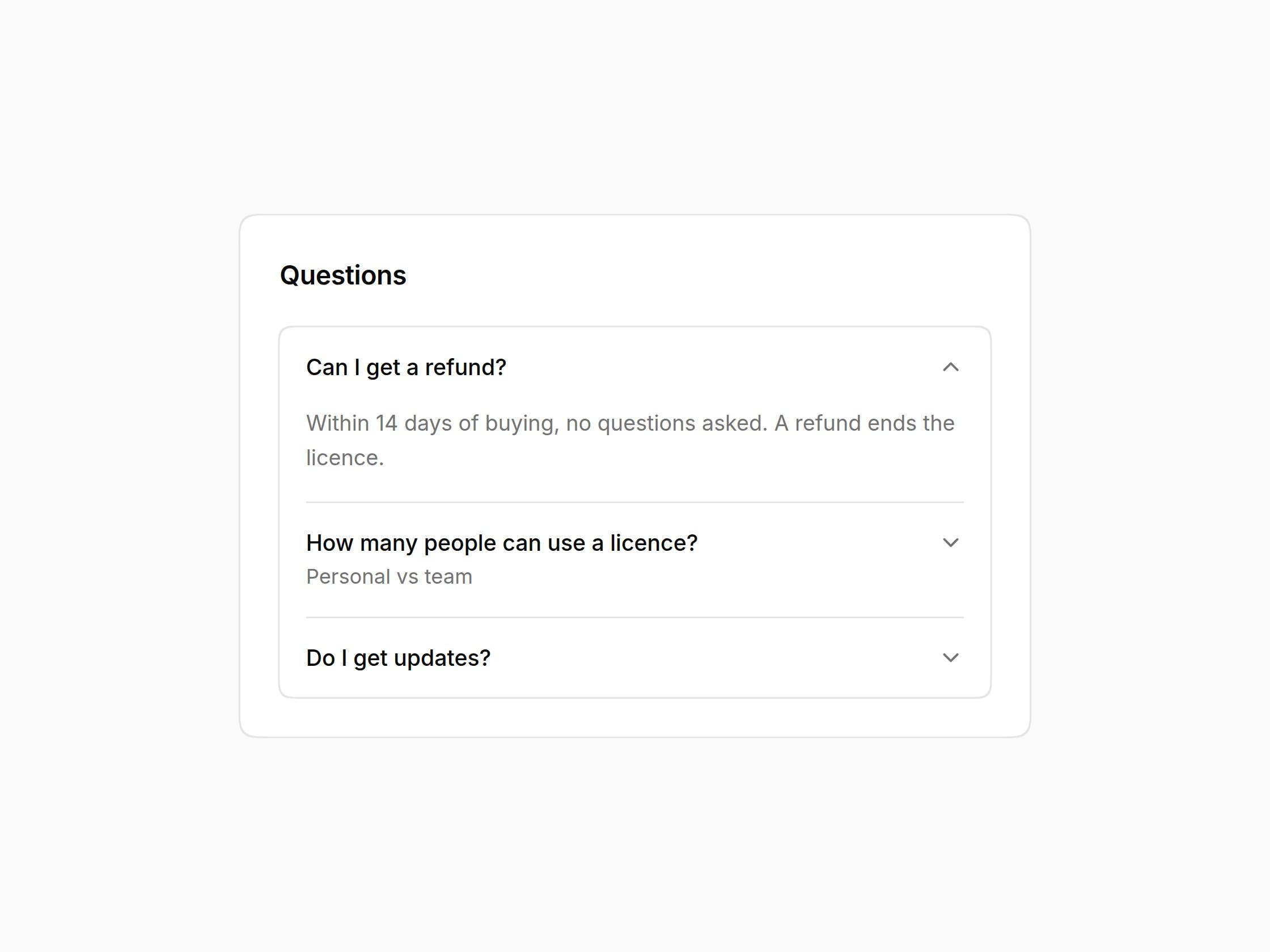
  • Accordion

    Accordion

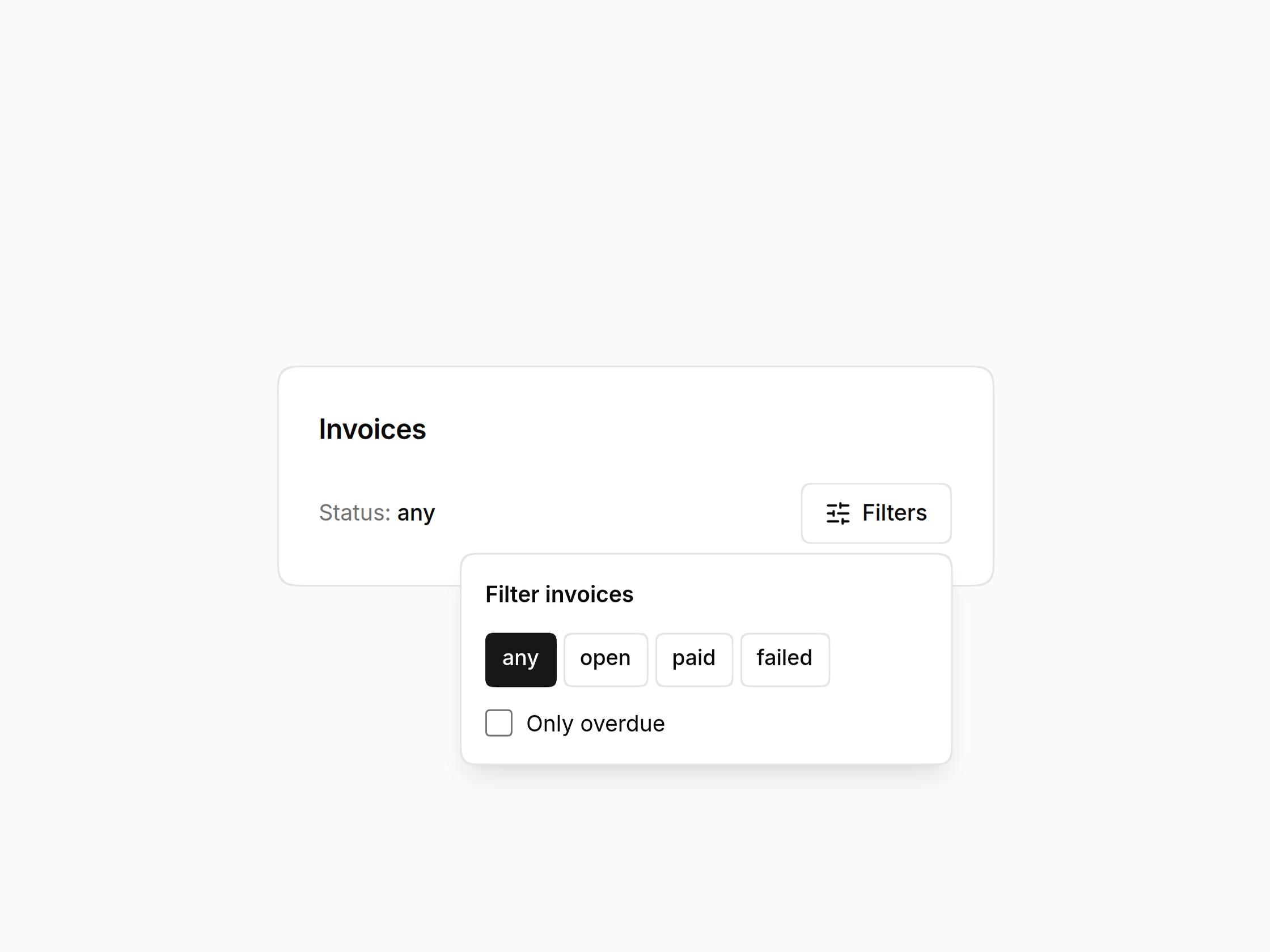
  • Popover

    Popover

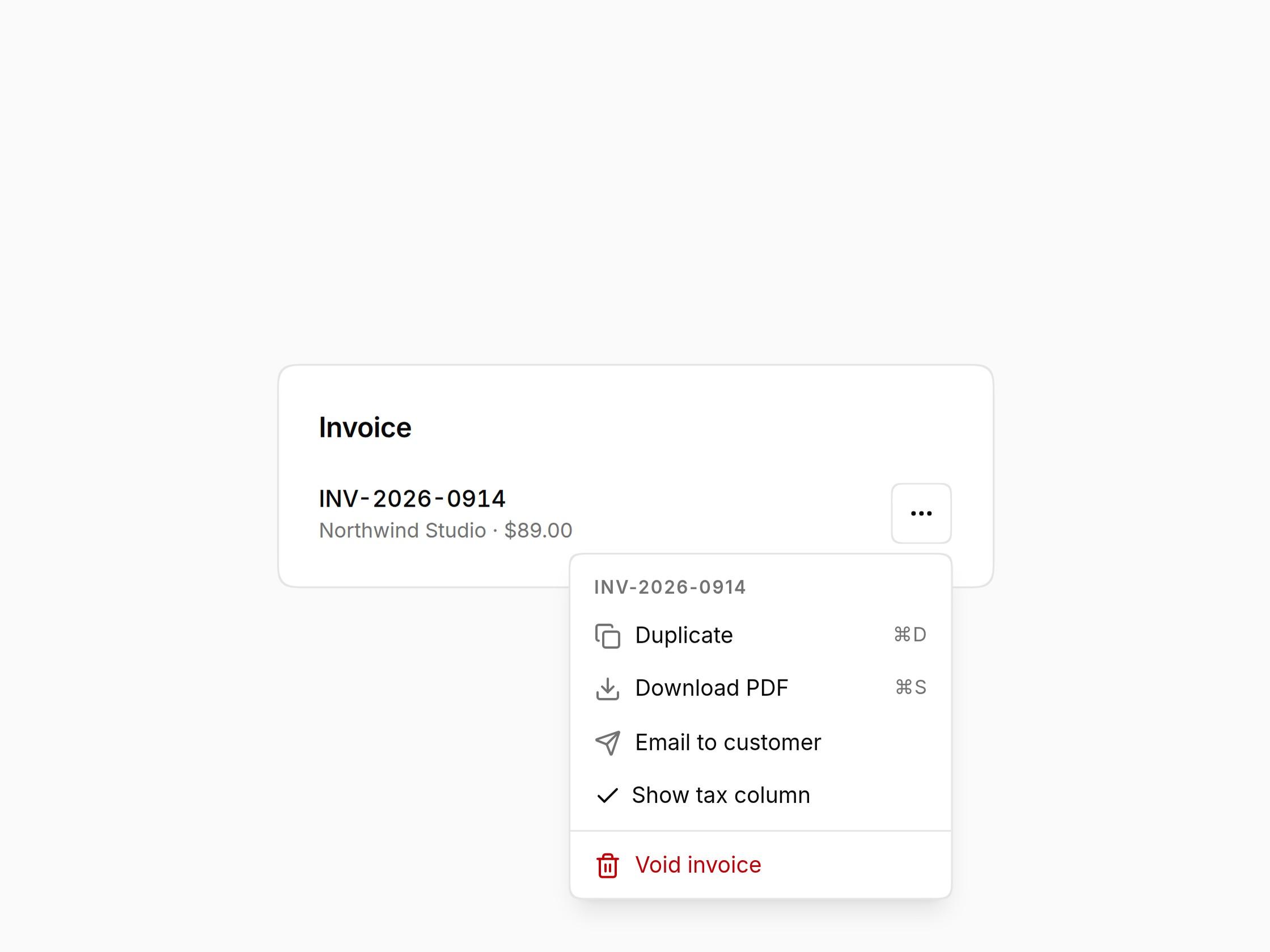
  • Dropdown Menu

    Dropdown Menu

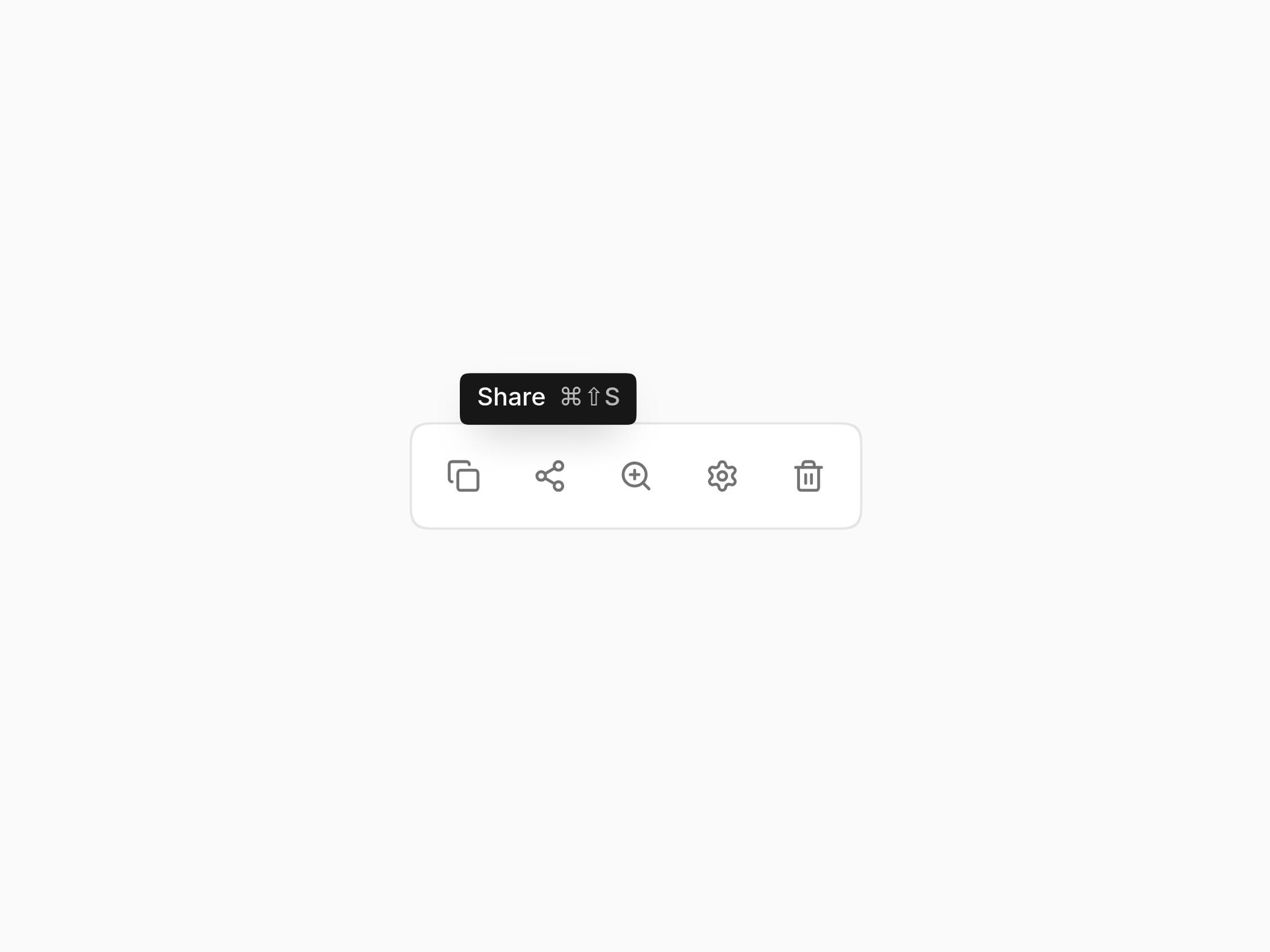
  • Tooltip

    Tooltip

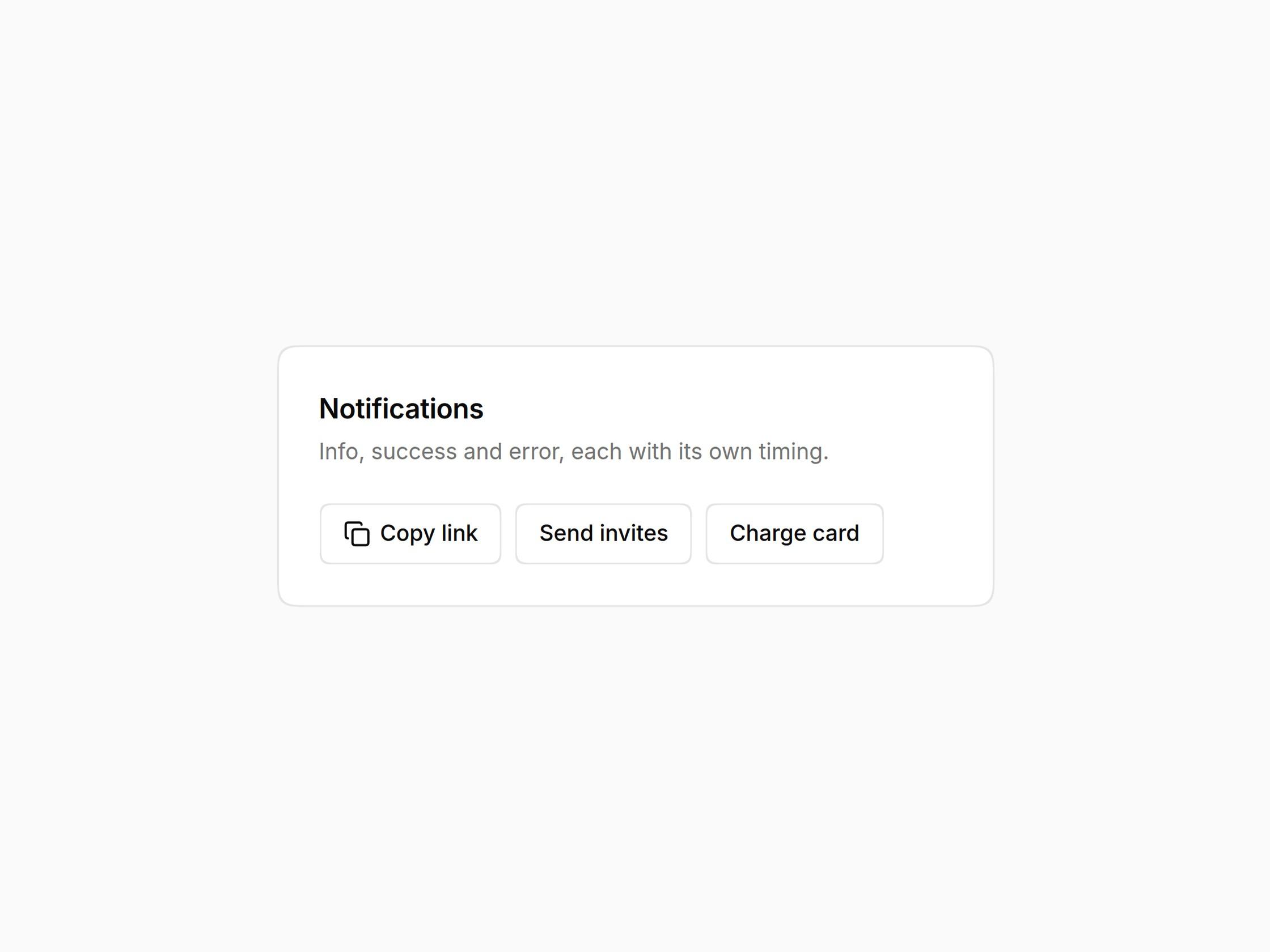
  • Toast

    Toast

  • Dialog

    Dialog

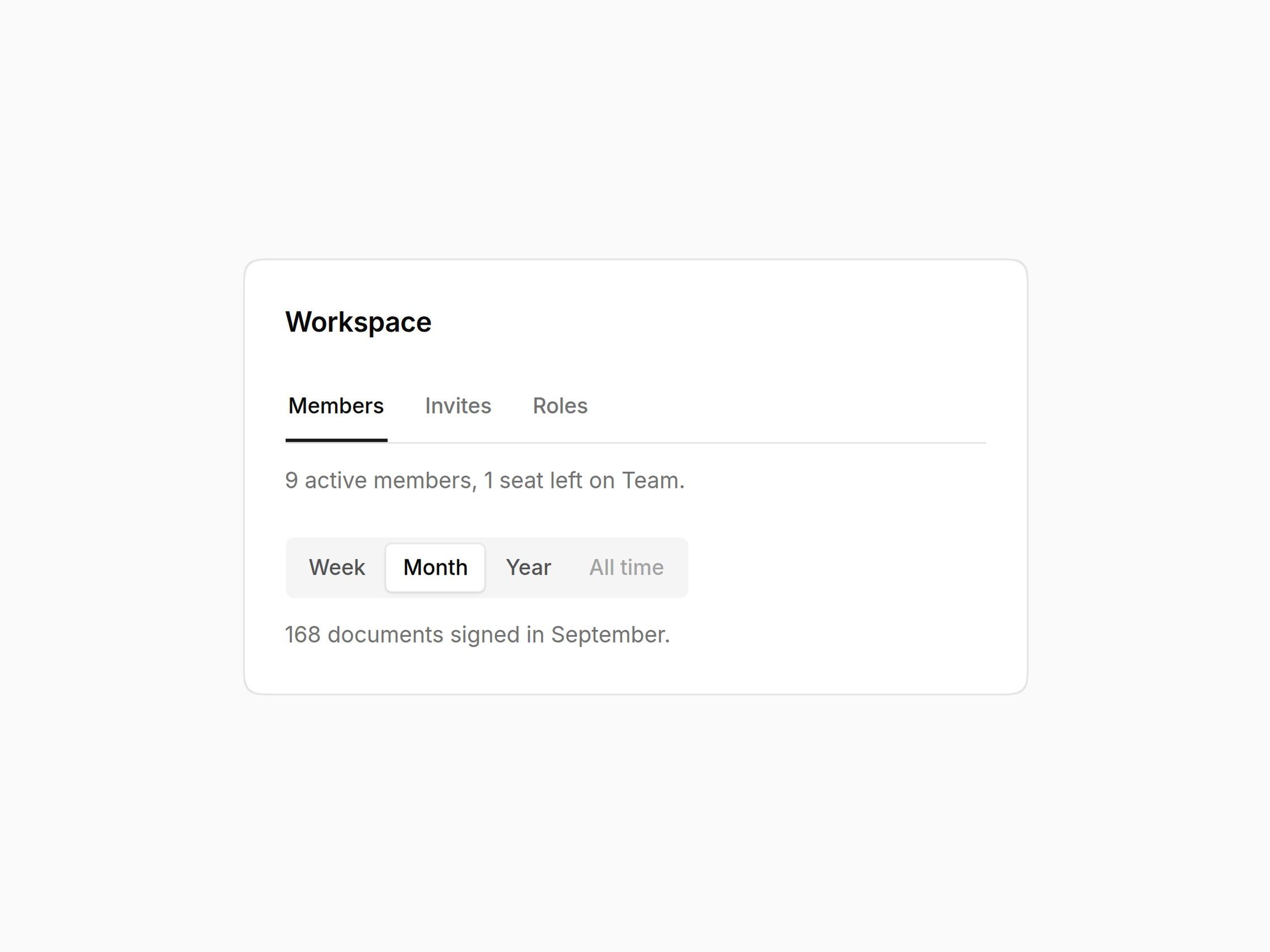
  • Tabs

    Tabs

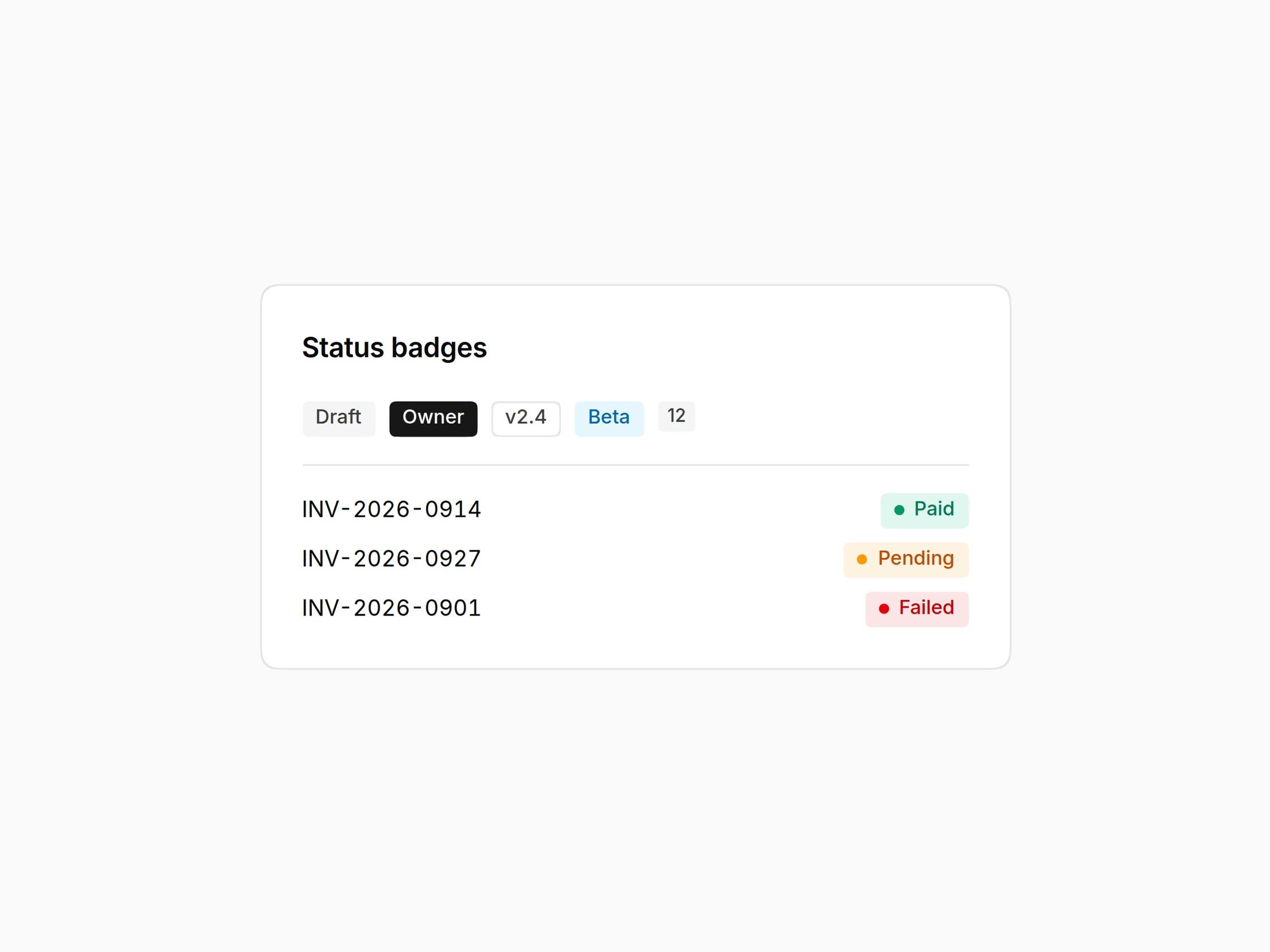
  • Badge

    Badge

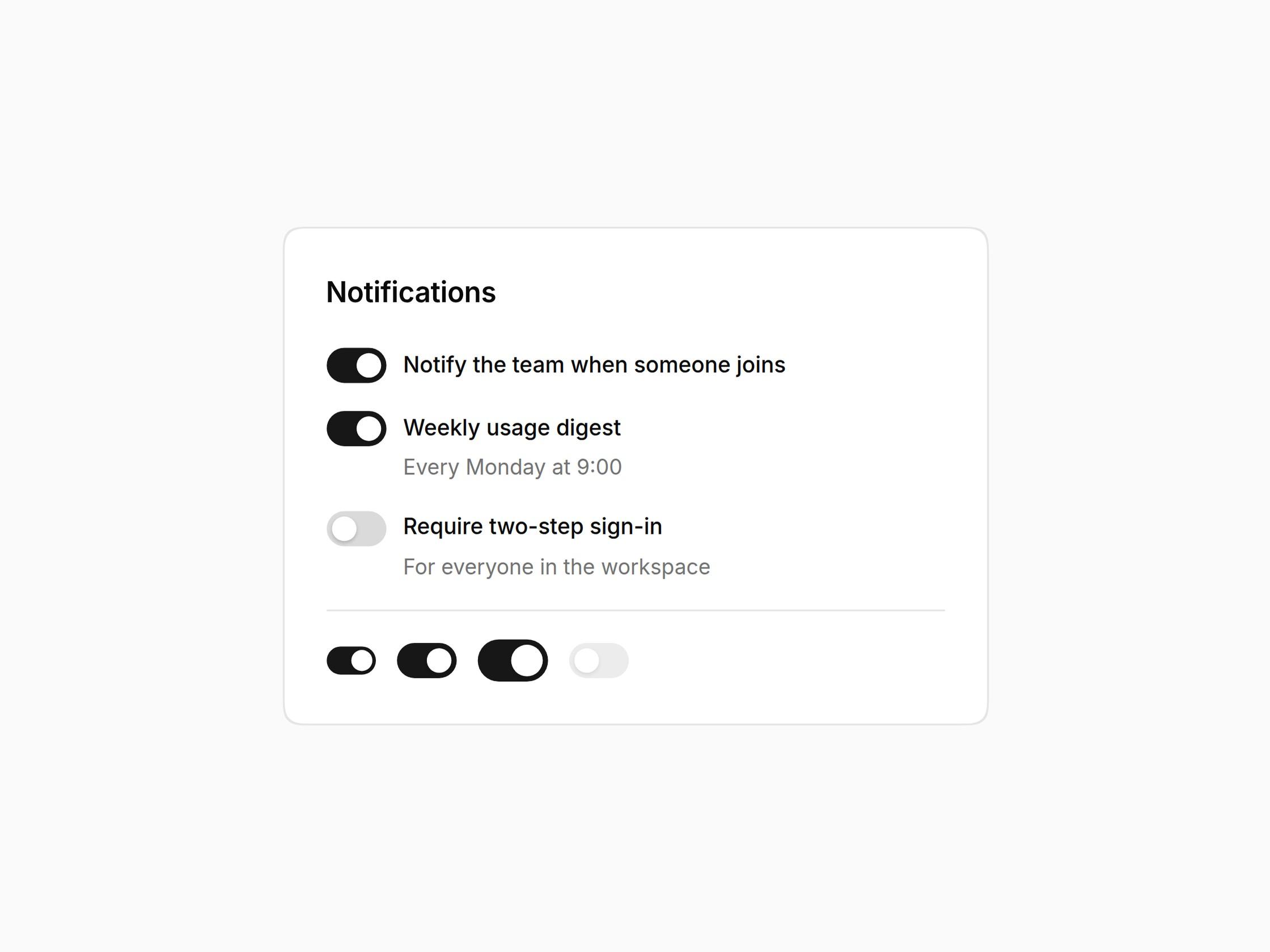
  • Switch

    Switch

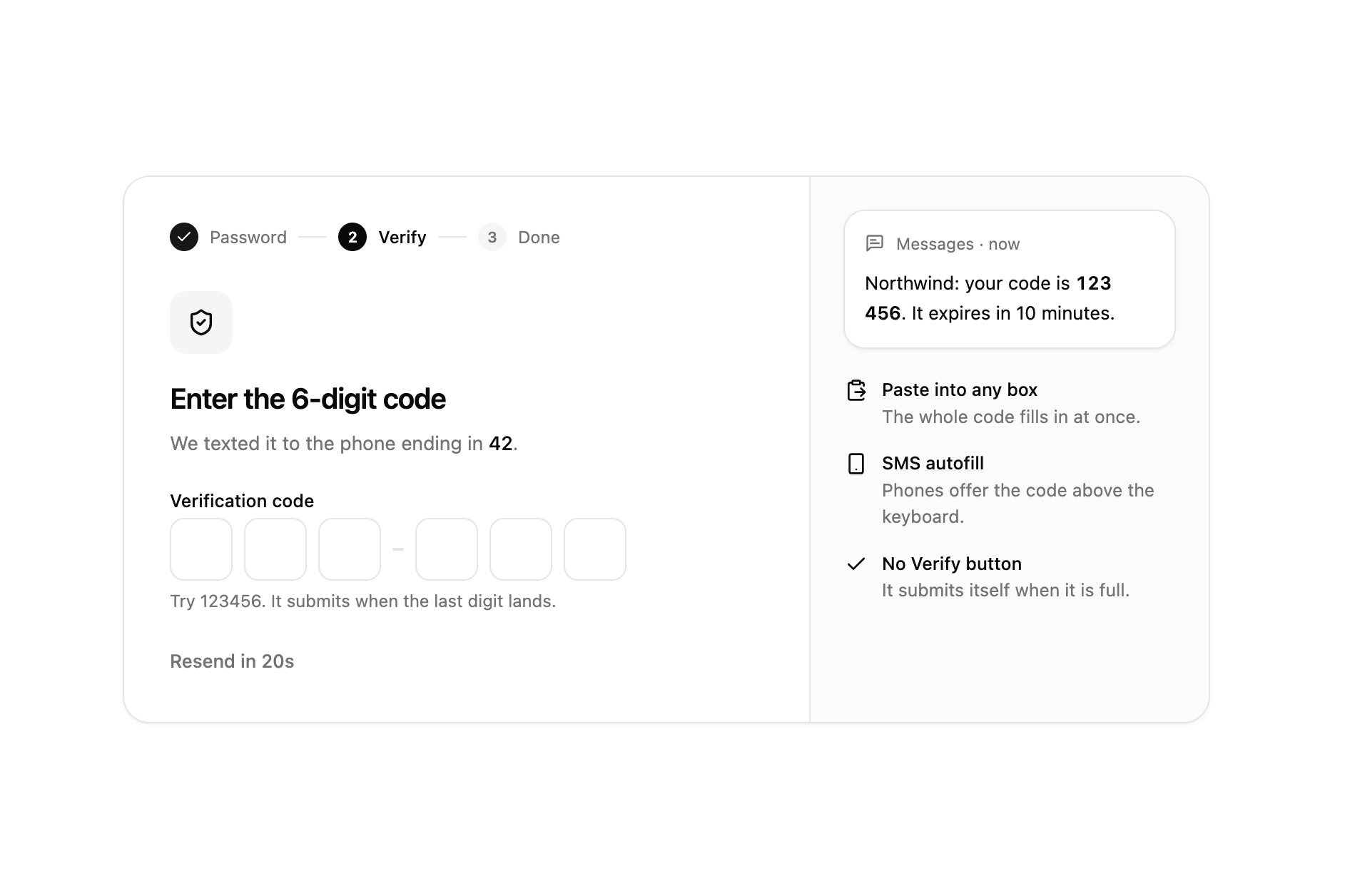
  • OTP Input

    OTP Input

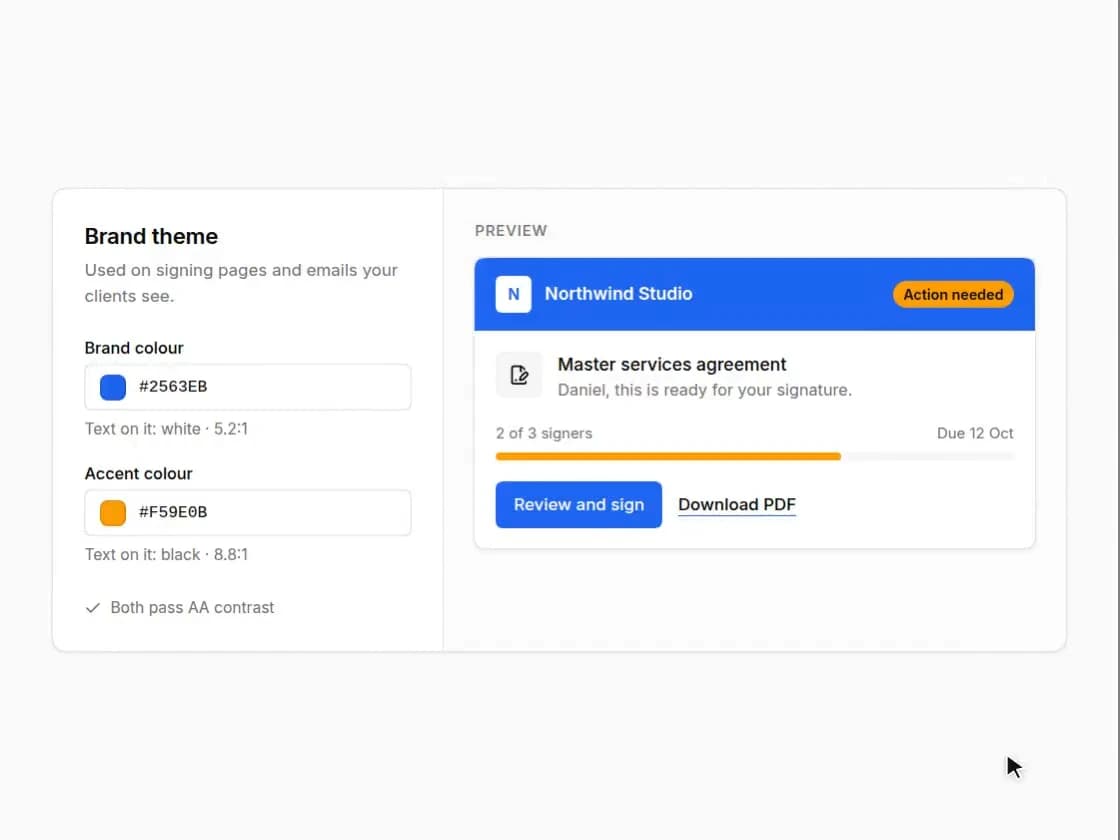
  • Color Picker

    Color Picker

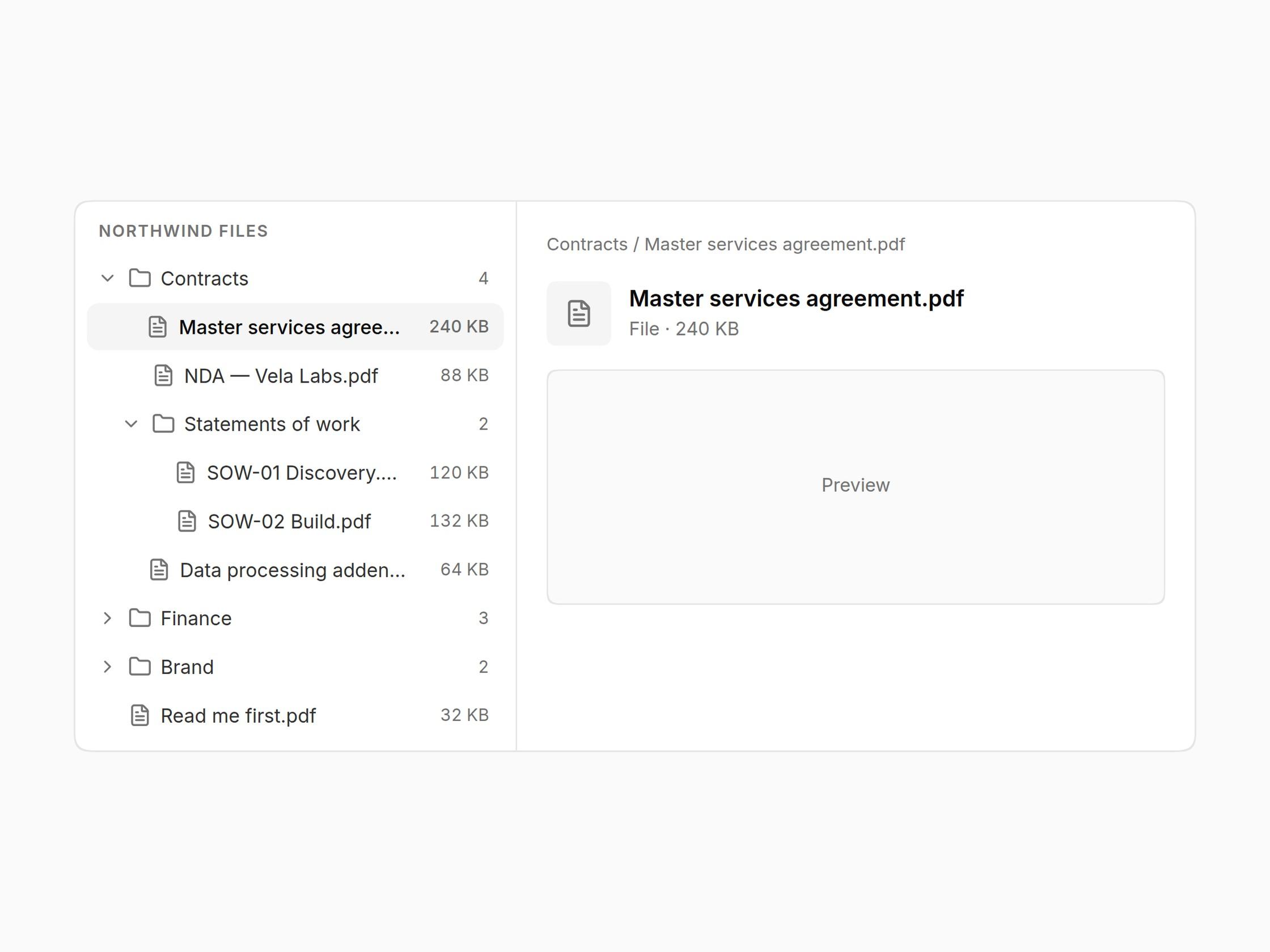
  • Tree View

    Tree View

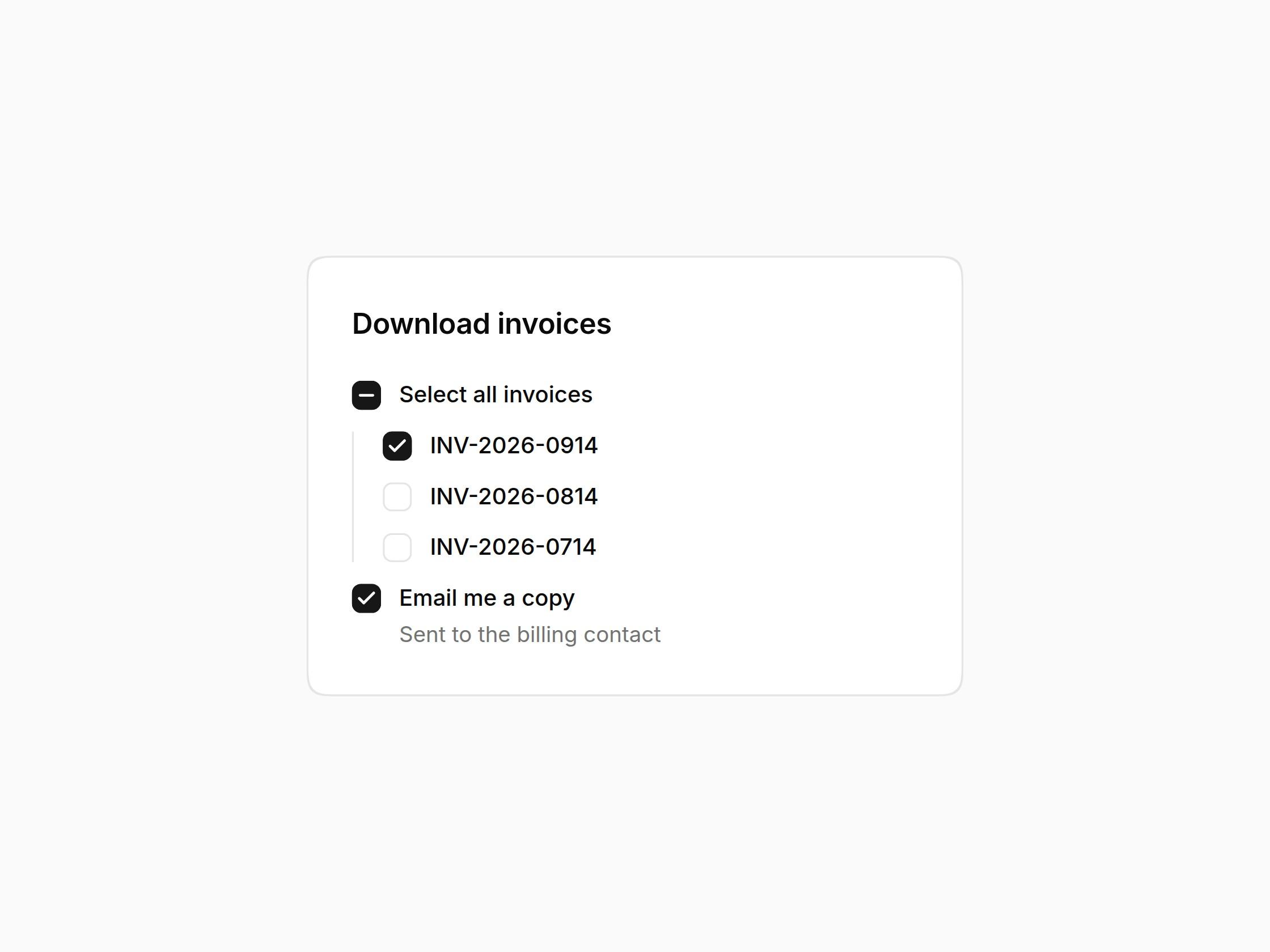
  • Checkbox

    Checkbox

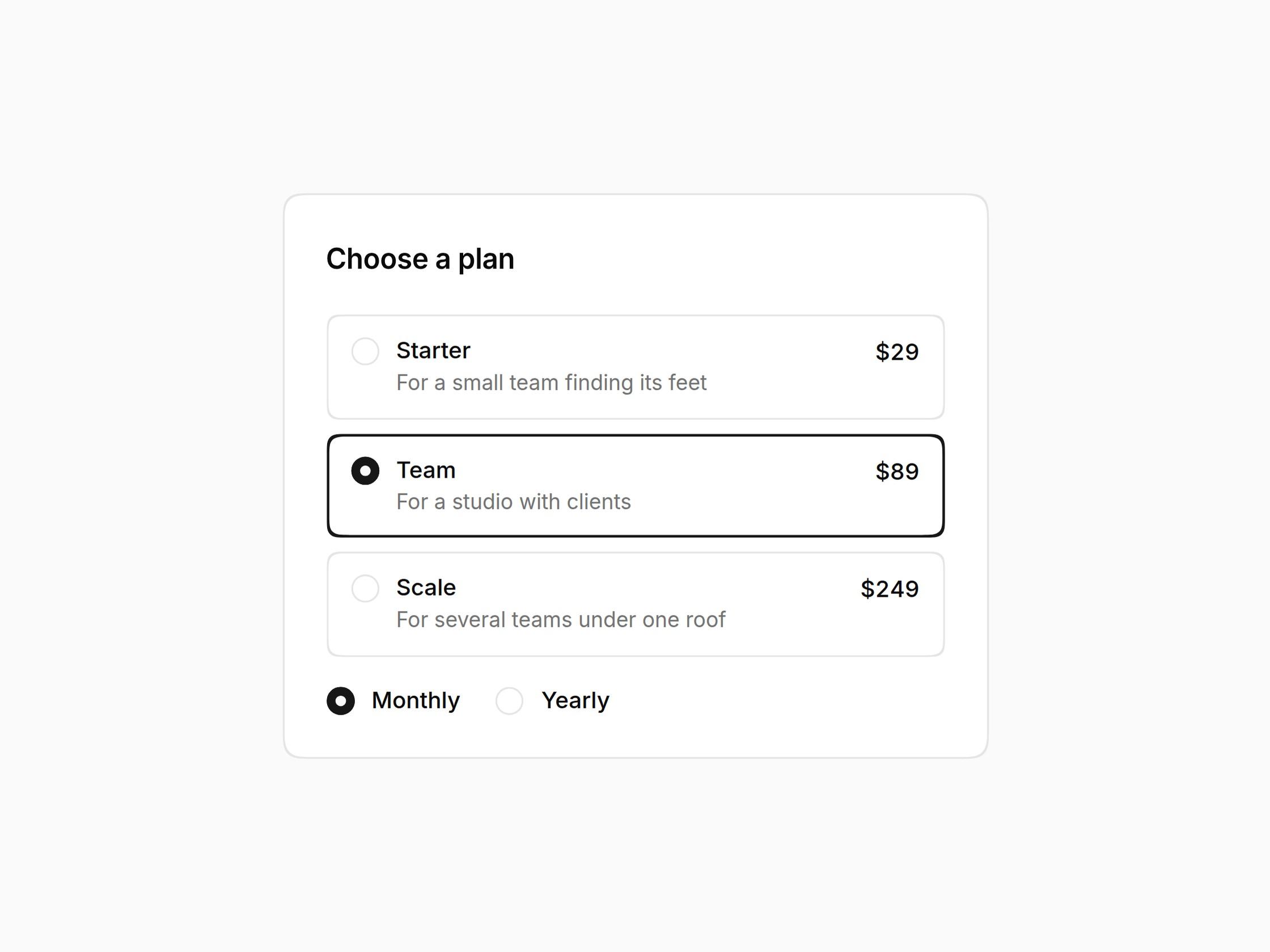
  • Radio Group

    Radio Group

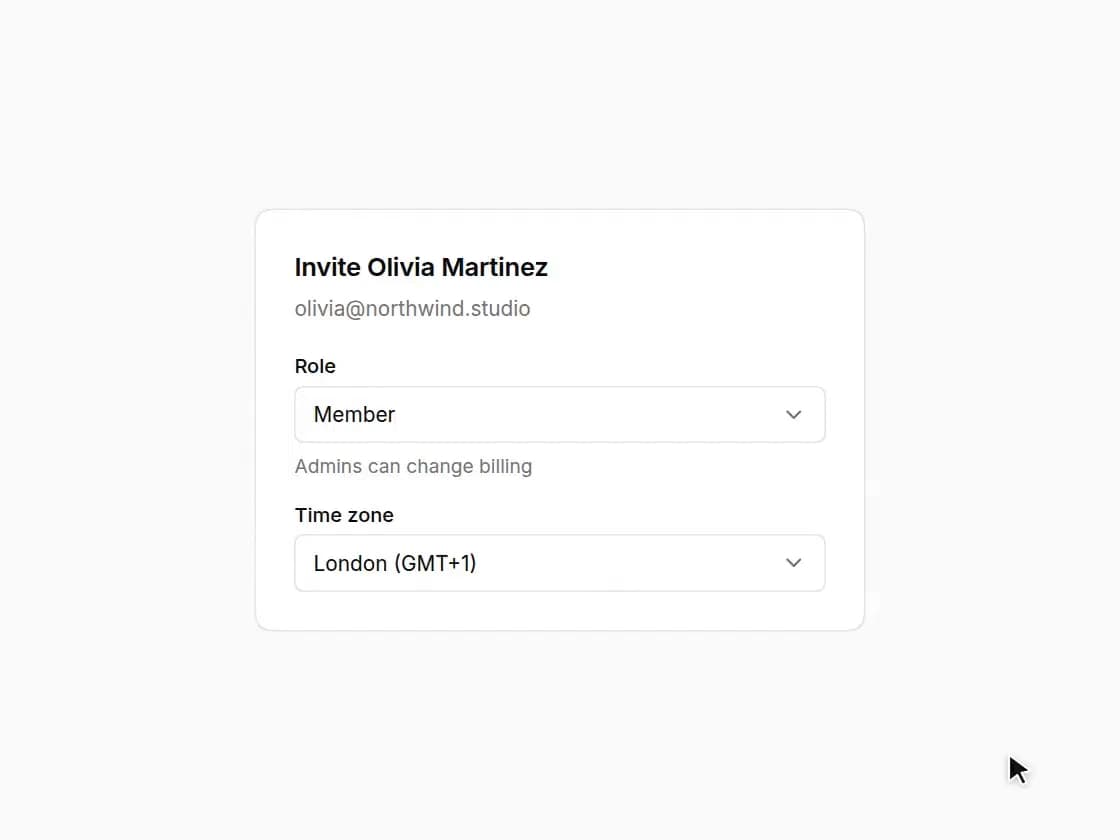
  • Select

    Select

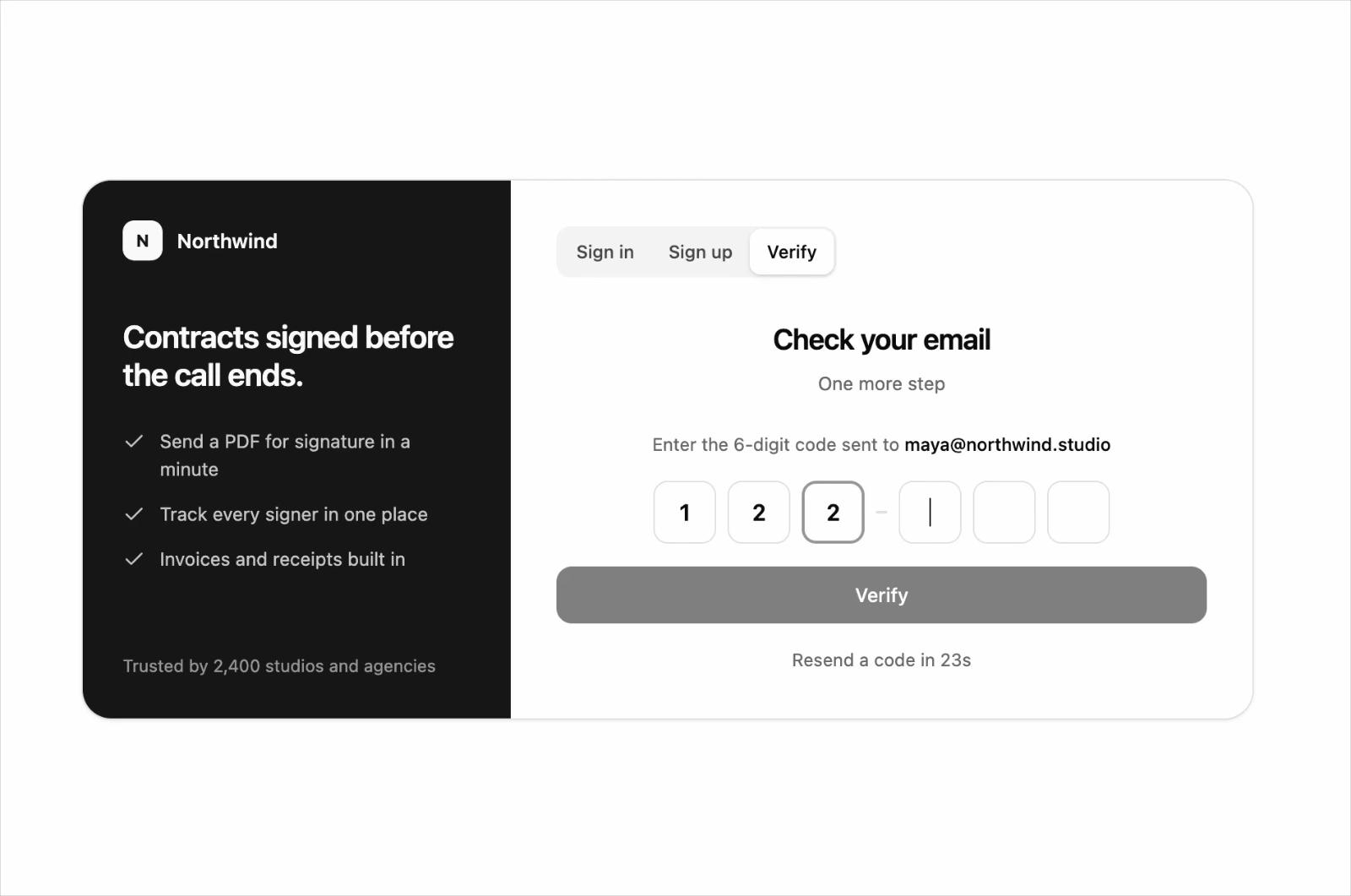
  • Auth Forms

    Auth Forms

  • Combobox

    Combobox

  • Date & Range Picker

    Date & Range Picker

  • Textarea

    Textarea

    1. Components
    2. /
    3. Mohamed Uvaish
    4. /
    5. Liro UI System

    Related libraries

    Cnippet

    Cnippet

    by Cnippet

    347

    components

    ReUI

    ReUI

    by Sean Hello

    263

    components

    Ruixen UI

    Ruixen UI

    by Ruixen UI

    347

    components

    Jolly UI

    Jolly UI

    by James Shopland

    49

    components

    HextaUI

    HextaUI

    by Preet Suthar

    119

    components

    uiable

    uiable

    by uiable

    168

    components

    About Liro UI System

    Liro UI System is a component library on 21st.dev by Mohamed Uvaish with 30 public React components. Every component ships with a live interactive preview and full TSX source — copy the code, install it through the shadcn CLI, or pull it into Cursor or Claude Code over MCP.

    All 30 Liro UI System components

    • Accordion
    • Auth Forms
    • Badge
    • Button
    • Charts & KPI Cards
    • Checkbox
    • Color Picker
    • Combobox
    • Command Menu
    • Data Table
    • Date & Range Picker
    • Dialog

    Browse all component libraries →

    Dropdown Menu
  • Empty & Loading States
  • Field
  • Input
  • OTP Input
  • Pagination
  • Popover
  • Radio Group
  • Rich Text Editor
  • Select
  • Stepper
  • Switch
  • Tabs
  • Textarea
  • Toast
  • Tooltip
  • Tree View
  • Web Shot Button