
About
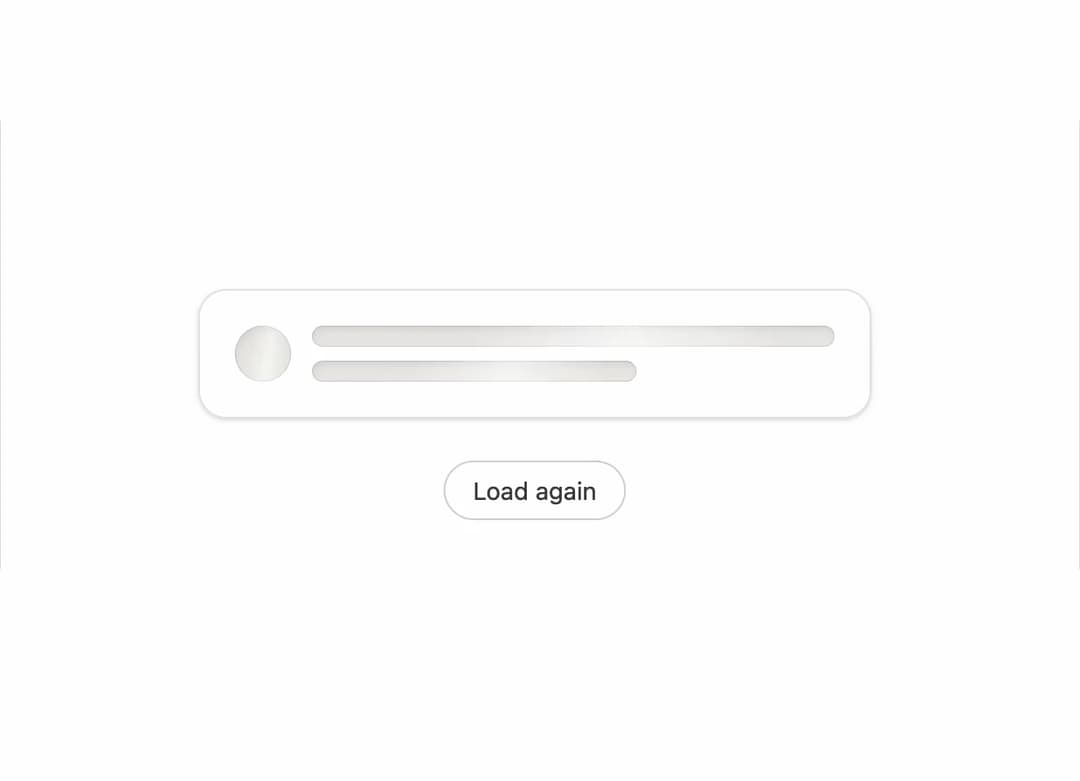
A placeholder loading state made of blocks, text lines, and circles that stands in for content while it loads, then fades into the real content once it arrives.
Built with React and Tailwind. Copy the prompt and paste it into Claude Code, Cursor or Lovable: your agent adds Skeleton Loader to your project and fits it to your theme.
Code
How Skeleton Loader is used: the demo's code. The component's own source comes with a free account.
Usage.tsx
"use client";

import * as React from "react";
import { Skeleton } from "@/components/ui/skeleton";

export default function SkeletonDemo() {
  const [loading, setLoading] = React.useState(true);

  React.useEffect(() => {
    const t = setTimeout(() => setLoading(false), 2000);
    return () => clearTimeout(t);
  }, [loading]);

  return (
    <div className="flex min-h-[320px] w-full flex-col items-center justify-center gap-6 bg-background p-10">
      <div className="w-full max-w-sm rounded-2xl border border-border bg-card p-5 shadow-sm">
        <Skeleton.Swap
          loading={loading}
          label="Loading notes"
          fallback={
            <div className="flex items-center gap-3">
              <Skeleton.Circle size={32} />
              <Skeleton.Text lines={2} className="flex-1" />
            </div>
          }
        >
          <div className="flex items-center gap-3">
            <div className="flex h-8 w-8 flex-none items-center justify-center rounded-full bg-neutral-200 text-xs font-medium text-neutral-700">
              AK
            </div>
            <div className="flex flex-col gap-1">
              <p className="text-sm font-medium text-foreground">Ava Kim</p>
              <p className="text-xs text-muted-foreground">Loaded just now</p>
            </div>
          </div>
        </Skeleton.Swap>
      </div>
      <button
        type="button"
        onClick={() => setLoading(true)}
        className="rounded-full border border-neutral-300 px-4 py-1.5 text-sm text-neutral-700 hover:bg-neutral-50"
      >
        Load again
      </button>
    </div>
  );
}
More by vijayksingh
View all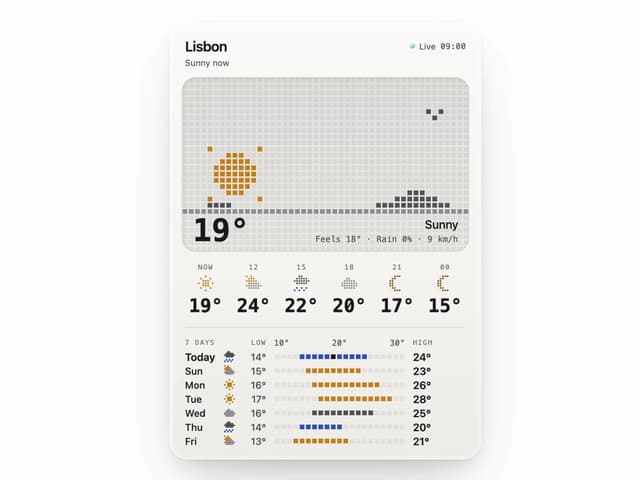
Weather Widget
74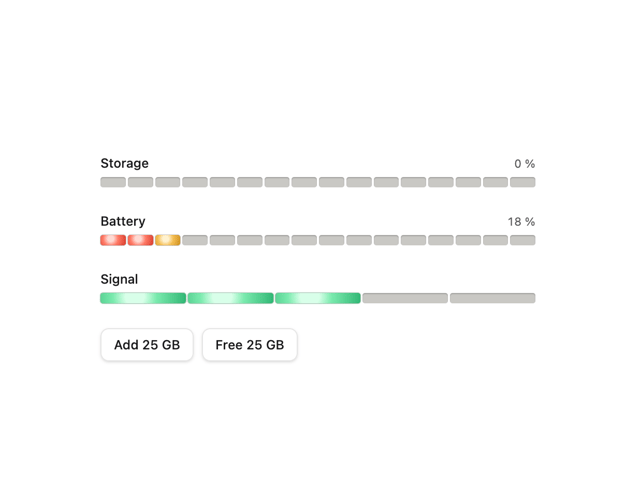
Meter
10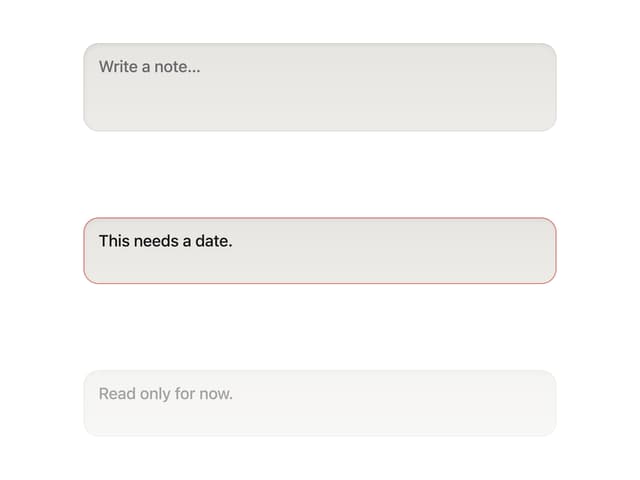
Textarea
2
Well
1
Soft Hardware Spinner
1
Settings List
Perfect Preview
Line Handles