
About
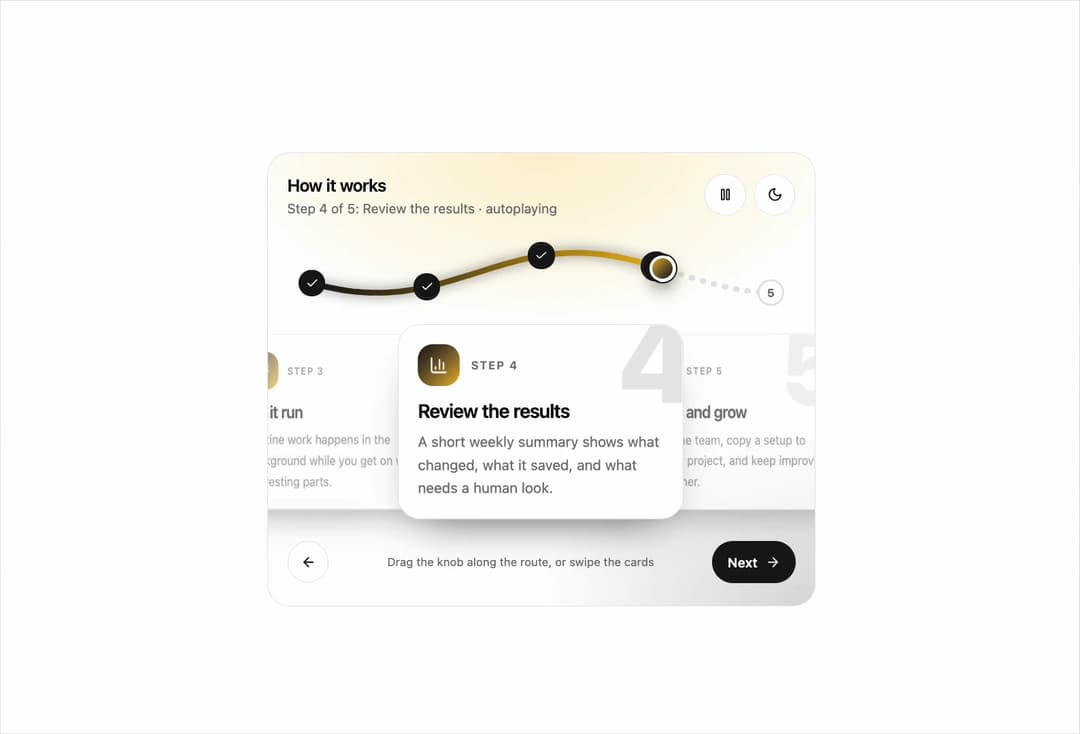
Animated multi-step progress path with connected waypoints and a gold accent.
Built with React and Tailwind. Copy the prompt and paste it into Claude Code, Cursor or Lovable: your agent adds Path Stepper to your project and fits it to your theme.
Code
How Path Stepper is used: the demo's code. The component's own source comes with a free account.
Usage.tsx
import * as React from "react"
import { StepsPath, type PathStep } from "@/components/ui/cd-steps-path"

import { BarChart3, Link2, Rocket, Sliders, Sparkles } from "lucide-react"
const DEMO: PathStep[] = [
  { id: "1", title: "Connect your tools", body: "Link the apps you already use. It takes one click each and nothing is copied until you say so.", icon: <Link2 className="size-5" aria-hidden /> },
  { id: "2", title: "Set your rules", body: "Pick what should happen and when. Start from a template or describe it in a sentence.", icon: <Sliders className="size-5" aria-hidden /> },
  { id: "3", title: "Let it run", body: "Routine work happens in the background while you get on with the interesting parts.", icon: <Sparkles className="size-5" aria-hidden /> },
  { id: "4", title: "Review the results", body: "A short weekly summary shows what changed, what it saved, and what needs a human look.", icon: <BarChart3 className="size-5" aria-hidden /> },
  { id: "5", title: "Share and grow", body: "Invite the team, copy a setup to another project, and keep improving it together.", icon: <Rocket className="size-5" aria-hidden /> },
]
export default function StepsPathDemo() {
  return <StepsPath steps={DEMO} defaultStep={0} autoPlay autoPlayInterval={3800} />
}
Dependencies
More by Holo
View all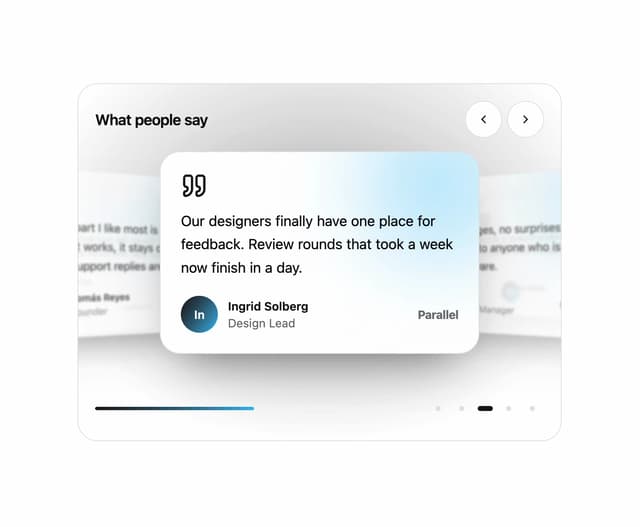

Testimonial Coverflow
59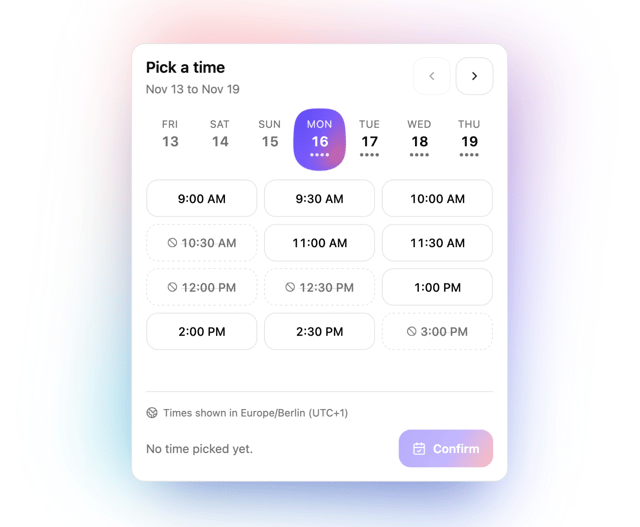
Slot Week Picker
57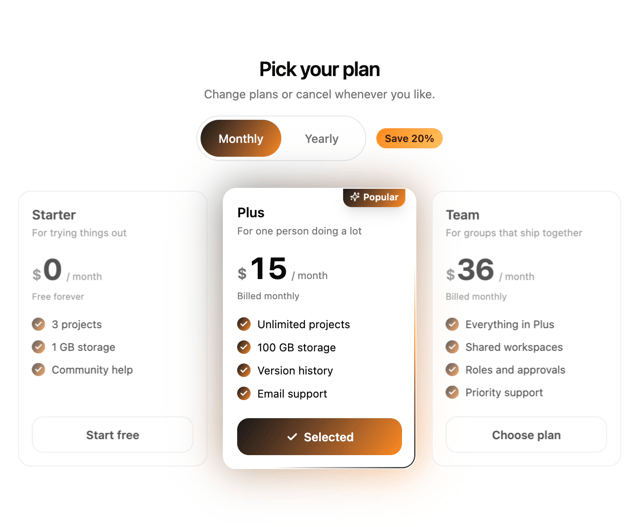
Pricing Plan Tilt
38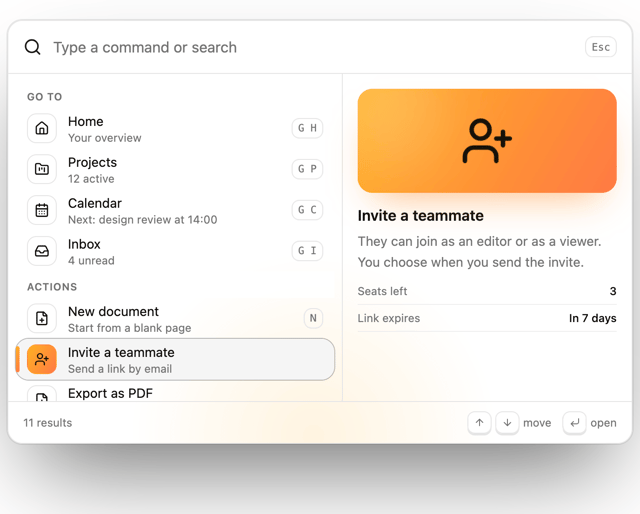
Command Palette
26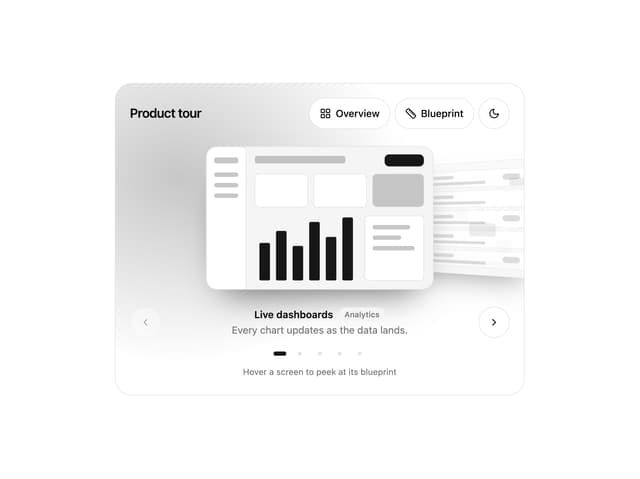
Lens Reel
25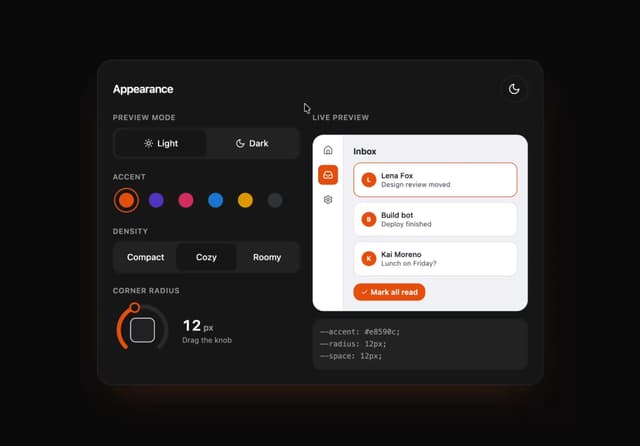
Appearance Lab
20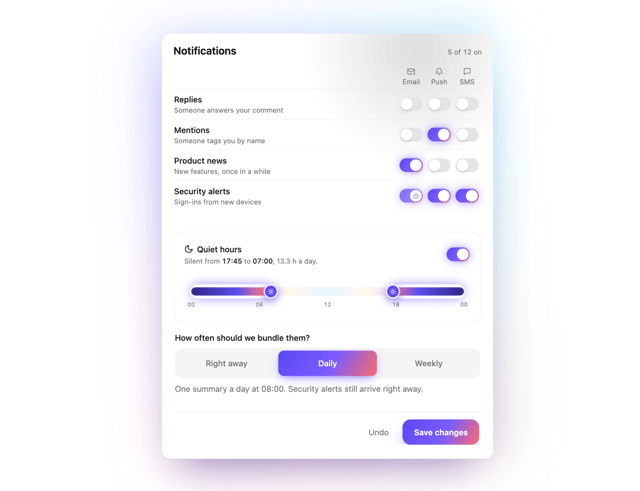
Notification Matrix
17
Photo Review Form
11