
About
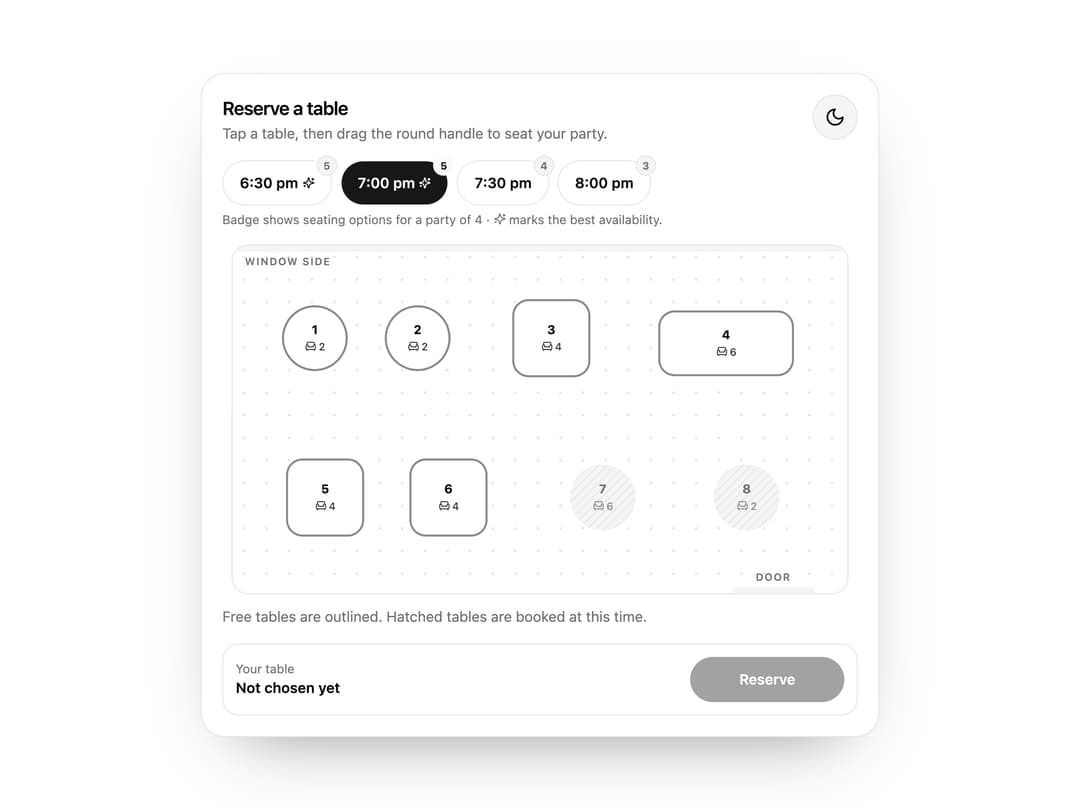
Restaurant floor-plan table booking with per-time-slot availability.
Built with React and Tailwind. Copy the prompt and paste it into Claude Code, Cursor or Lovable: your agent adds Table Floor to your project and fits it to your theme.
Code
How Table Floor is used: the demo's code. The component's own source comes with a free account.
Usage.tsx
import { TableFloor, type FloorTable } from "@/components/ui/pk-table-floor"

const DEMO_TABLES: FloorTable[] = [
  { id: "t1", label: "1", x: 80, y: 90, seats: 2, shape: "round", joinWith: "t2" },
  { id: "t2", label: "2", x: 180, y: 90, seats: 2, shape: "round", joinWith: "t1" },
  { id: "t3", label: "3", x: 310, y: 90, seats: 4, shape: "square" },
  { id: "t4", label: "4", x: 480, y: 95, seats: 6, shape: "long" },
  { id: "t5", label: "5", x: 90, y: 245, seats: 4, shape: "square", joinWith: "t6" },
  { id: "t6", label: "6", x: 210, y: 245, seats: 4, shape: "square", joinWith: "t5" },
  { id: "t7", label: "7", x: 360, y: 245, seats: 6, shape: "round" },
  { id: "t8", label: "8", x: 500, y: 245, seats: 2, shape: "round" },
]

export default function Demo() {
  return <TableFloor tables={DEMO_TABLES} times={["6:30 pm", "7:00 pm", "7:30 pm", "8:00 pm"]} booked={{ "6:30 pm": ["t3"], "7:00 pm": ["t7", "t8"], "7:30 pm": ["t4", "t5"], "8:00 pm": ["t1", "t3", "t6"] }} theme="light" />
}
Dependencies
More by Holo
View all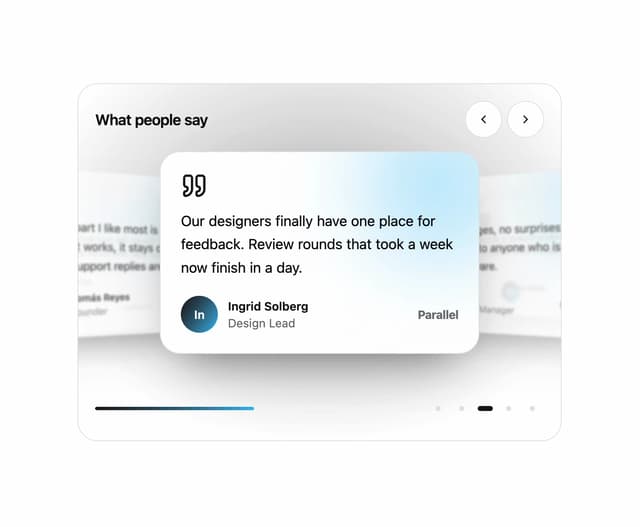

Testimonial Coverflow
59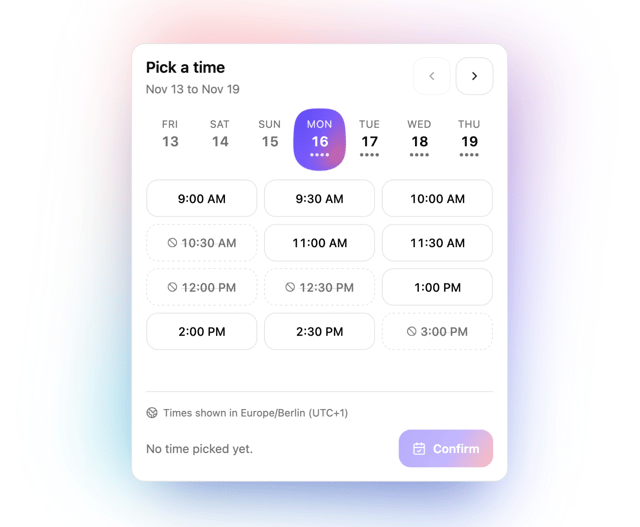
Slot Week Picker
57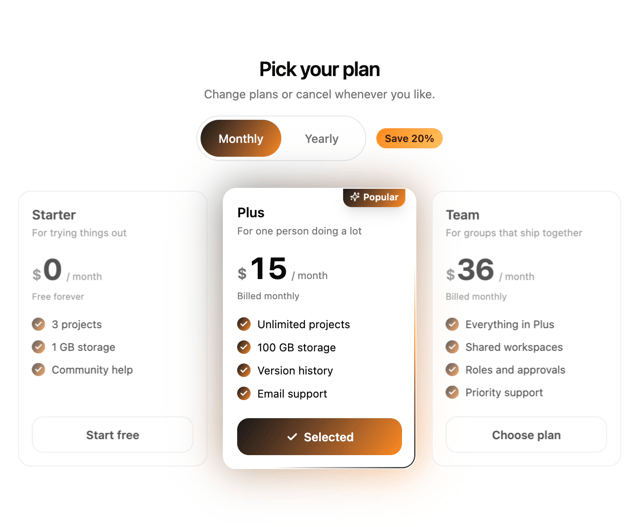
Pricing Plan Tilt
38
Command Palette
26
Lens Reel
25
Appearance Lab
20
Notification Matrix
17
Photo Review Form
11