

About
A swipeable carousel with arrows, dot indicators, autoplay and looping. Use it for image galleries, testimonials, product shots and onboarding slides.
Built with React and Tailwind. Copy the prompt and paste it into Claude Code, Cursor or Lovable: your agent adds Carousel to your project and fits it to your theme.
Code
How Carousel is used: the demo's code. The component's own source comes with a free account.
Usage.tsx
"use client";

import * as React from "react";
import { Carousel, CarouselContent, CarouselItem, CarouselPrevious, CarouselNext, CarouselDots } from "@/components/ui/carousel";

const photos = [
  {
    src: "https://cdn.21st.dev/assets/mirror/aa/aa6da4bbc7cc5432b413d76979a5b3809d395f7a2a12614440cc7abac327a47e.webp",
    label: "Sunrise peaks",
  },
  {
    src: "https://cdn.21st.dev/assets/mirror/09/091e5592c27370a519d663ceb93d72fa86c80268a6a9587e0a2c15663cfa08a7.webp",
    label: "Desert dunes",
  },
  {
    src: "https://cdn.21st.dev/assets/mirror/10/10575677c5c3f1bc4ded0fc34fb4199d654f985ba6b32473b1b98703d18c844b.webp",
    label: "Canyon falls",
  },
  {
    src: "https://cdn.21st.dev/assets/mirror/92/92a251c940d9c98cff5418fbf020d107270599849001a5b1690c380263c5b063.webp",
    label: "Alpine lake",
  },
  {
    src: "https://cdn.21st.dev/assets/mirror/1b/1b8c1ffca81cf911f20092f66cde1d6351dcf29e15482e22c6c9e313f6ef12ab.webp",
    label: "Ancient colosseum",
  },
];

function PhotoSlide({
  photo,
  caption,
  className,
}: {
  photo: { src: string; label: string };
  caption?: string;
  className?: string;
}) {
  return (
    <div className={`relative overflow-hidden rounded-2xl border border-black/10 ${className ?? "h-64"}`}>
      <img src={photo.src} alt={photo.label} className="absolute inset-0 h-full w-full object-cover" />
      <div className="absolute inset-x-0 bottom-0 h-1/2 bg-gradient-to-t from-black/75 via-black/15 to-transparent" />
      <div className="relative flex h-full flex-col justify-end gap-0.5 p-5">
        {caption && <span className="text-xs font-medium text-white/70">{caption}</span>}
        <span className="block text-lg font-medium text-white">{photo.label}</span>
      </div>
    </div>
  );
}

export function CarouselPreview() {
  return (
    <div className="w-full max-w-sm space-y-3">
      <Carousel loop>
        <CarouselContent>
          {photos.slice(0, 4).map((photo, i) => (
            <CarouselItem key={photo.label}>
              <PhotoSlide photo={photo} caption={`Slide ${i + 1}`} />
            </CarouselItem>
          ))}
        </CarouselContent>
        <div className="mt-3 flex items-center justify-between">
          <CarouselPrevious />
          <CarouselDots />
          <CarouselNext />
        </div>
      </Carousel>
    </div>
  );
}

export default function Demo() {
  return <CarouselPreview />;
}
Dependencies
More by Wensity Labs
View all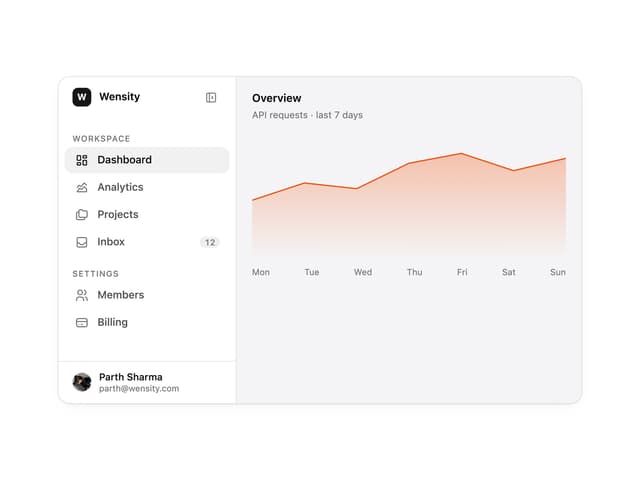

Sidebar
307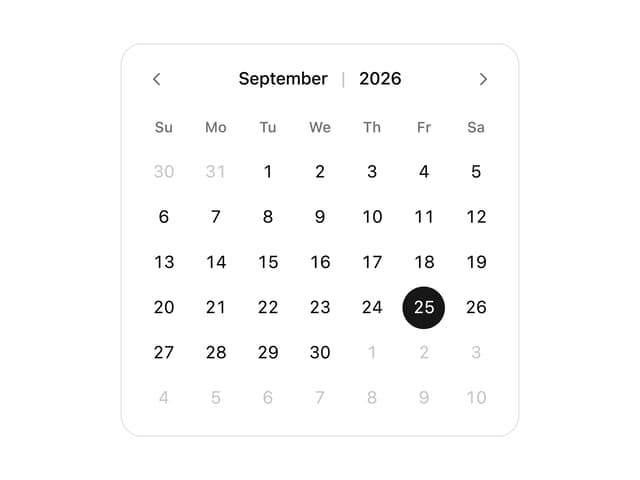
Calendar
211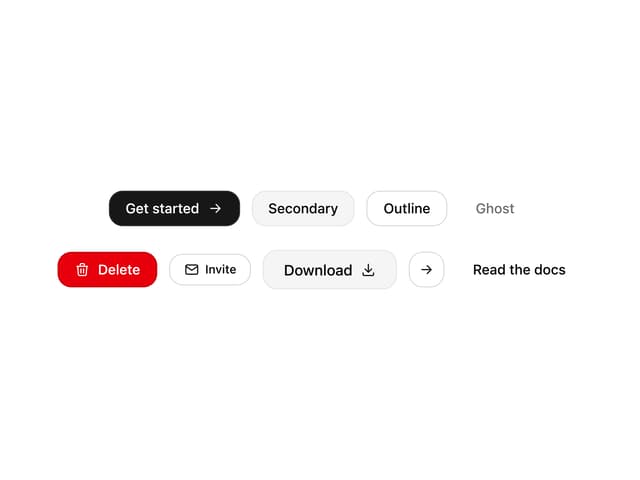
Button
99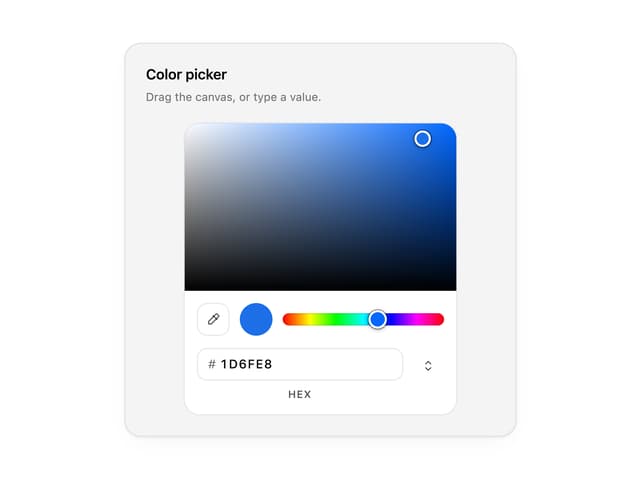
Color Picker
74
Image Comparison Slider
70
AI Prompt Input
56
Text Morphing
45
GitHub Activity Grid
39
More in Galleries
View all

Animated Gallery
1.5K

Image Gallery
129
Thumbnail image viewer
70
Editorial Collage Hero
465

Elastic Gallery
990

About 3
435

Tilted Grid Hero
2.1K
3D Parallax Unfurling Gallery
1.1K

