
About
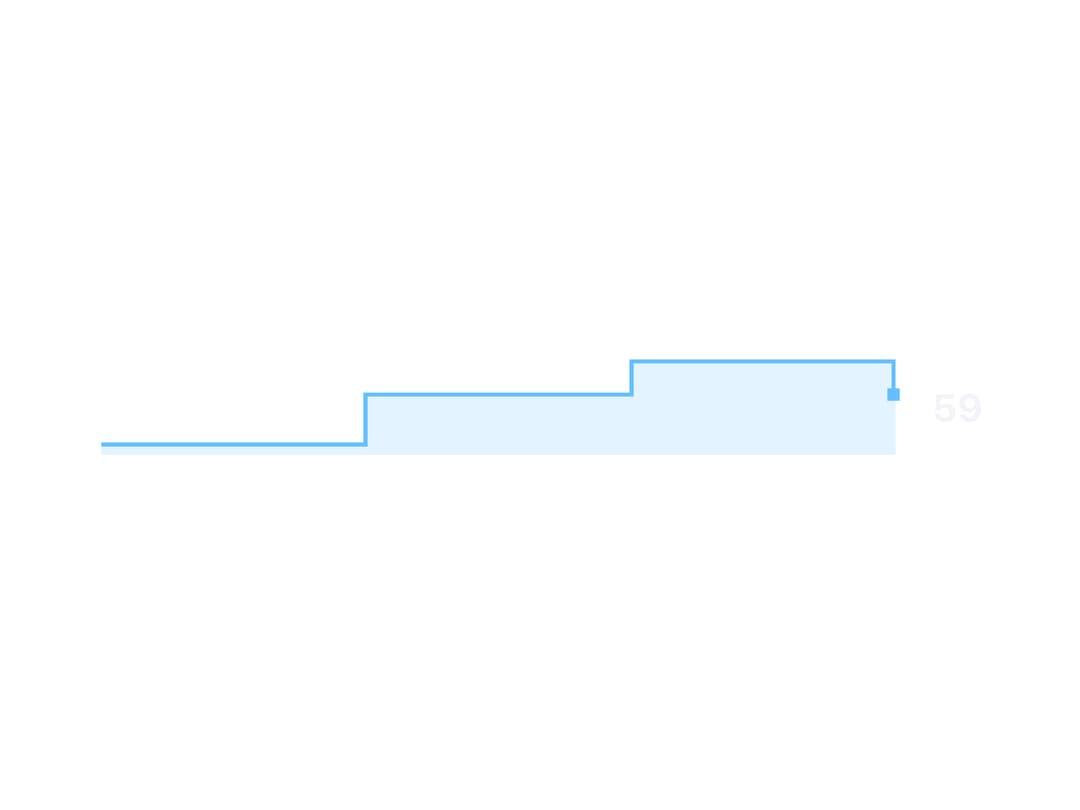
A tiny inline canvas chart that draws a stepped trend line with a soft area fill, built to sit next to a metric and grow as new values are pushed into it. Ported to React (MIT) from the sb-sparkline web component in zweiundeins' Starbase library — credit to the original author.
Built with React and Tailwind. Copy the prompt and paste it into Claude Code, Cursor or Lovable: your agent adds Sparkline to your project and fits it to your theme.
Code
How Sparkline is used: the demo's code. The component's own source comes with a free account.
Usage.tsx
"use client";

import Sparkline from "@/components/ui/sparkline";
import { useEffect, useState } from "react";

// Mirrors the original's push-mode example: a signal that random-walks every
// 400ms, clamped 0-100, with every change appended as a new point.
export default function SparklinePushDemo() {
  const [alt, setAlt] = useState(50);

  useEffect(() => {
    const id = setInterval(() => {
      setAlt((v) => Math.max(0, Math.min(100, v + (Math.random() * 20 - 9))));
    }, 400);
    return () => clearInterval(id);
  }, []);

  return (
    <div className="flex w-full items-center justify-center p-10">
      <Sparkline
        value={alt}
        showValue
        tone="accent"
        length={48}
        style={{ ["--sb-sparkline-width" as any]: "20rem" }}
      />
    </div>
  );
}
More by zweiundeins
View all
Theme Switch
11
Busy
7
Count Up
1
ECharts
Drawer

Starfield
Odometer
Meter