
About
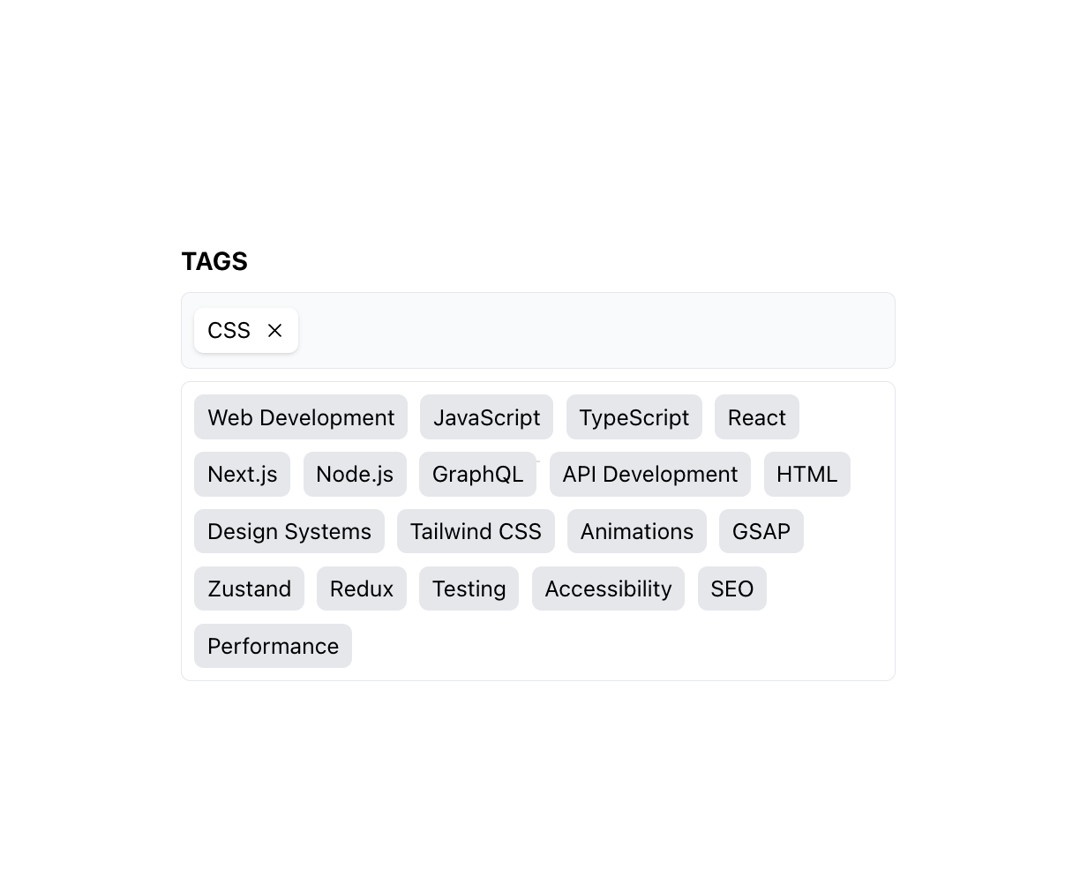
Select option with multiple choices
Built with React and Tailwind. Copy the prompt and paste it into Claude Code, Cursor or Lovable: your agent adds Multiple select to your project and fits it to your theme.
Code
How Multiple select is used: the demo's code. The component's own source comes with a free account.
Usage.tsx
import { MultipleSelect } from "@/components/ui/multiple-select";

export const TABS = [
  { key: 'web-development', name: 'Web Development' },
  { key: 'javascript', name: 'JavaScript' },
  { key: 'typescript', name: 'TypeScript' },
  { key: 'react', name: 'React' },
  { key: 'nextjs', name: 'Next.js' },
  { key: 'nodejs', name: 'Node.js' },
  { key: 'graphql', name: 'GraphQL' },
  { key: 'api-development', name: 'API Development' },
  { key: 'css', name: 'CSS' },
  { key: 'html', name: 'HTML' },
  { key: 'design-systems', name: 'Design Systems' },
  { key: 'tailwind-css', name: 'Tailwind CSS' },
  { key: 'animations', name: 'Animations' },
  { key: 'gsap', name: 'GSAP' },
  { key: 'zustand', name: 'Zustand' },
  { key: 'redux', name: 'Redux' },
  { key: 'testing', name: 'Testing' },
  { key: 'accessibility', name: 'Accessibility' },
  { key: 'seo', name: 'SEO' },
  { key: 'performance', name: 'Performance' },
];

export function MultipleSelectDemo() {
  return (
    <div className="flex h-screen w-screen items-center justify-center">
      <MultipleSelect
        tags={TABS}
        onChange={(items) => {
          console.log("Selected Items:", items);
        }}
        defaultValue={[
          {
            key: 'css',
            name: 'CSS',
          },
        ]}
      />
    </div>
  );
}