
About
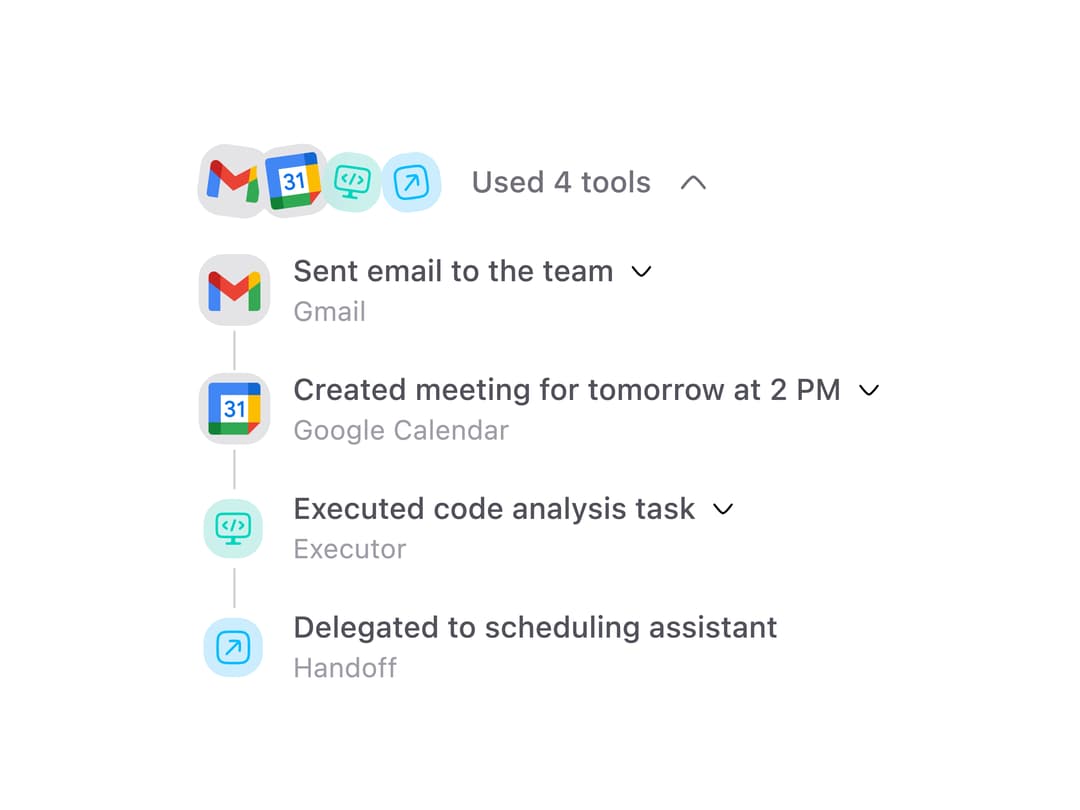
An expandable section that shows AI agent tool usage as a collapsible timeline with stacked category icons and per-call inputs and outputs.
Built with React and Tailwind. Copy the prompt and paste it into Claude Code, Cursor or Lovable: your agent adds Tool Calls Section to your project and fits it to your theme.
Code
How Tool Calls Section is used: the demo's code. The component's own source comes with a free account.
Usage.tsx
"use client";

import { ToolCallsSection } from "@/components/ui/tool-calls-section";

const toolCalls = [
  {
    tool_name: "send_email",
    tool_category: "gmail",
    integration_name: "Gmail",
    message: "Sent email to the team",
    inputs: { to: "team@company.com", subject: "Weekly sync notes" },
    output: "Email delivered successfully to 4 recipients.",
  },
  {
    tool_name: "create_event",
    tool_category: "google_calendar",
    integration_name: "Google Calendar",
    message: "Created meeting for tomorrow at 2 PM",
    inputs: { title: "Product review", start: "2:00 PM", duration: "45m" },
  },
  {
    tool_name: "code_analysis",
    tool_category: "executor",
    message: "Executed code analysis task",
    output: "Analyzed 128 files, found 3 potential improvements.",
  },
  {
    tool_name: "scheduling_handoff",
    tool_category: "handoff",
    message: "Delegated to scheduling assistant",
  },
];

export default function Default() {
  return (
    <div className="flex min-h-[320px] w-full items-center justify-center bg-background p-6">
      <ToolCallsSection toolCalls={toolCalls} defaultExpanded />
    </div>
  );
}
More in AI chats
View all

AI Actions
324
Message Thread
42
Color Picker
98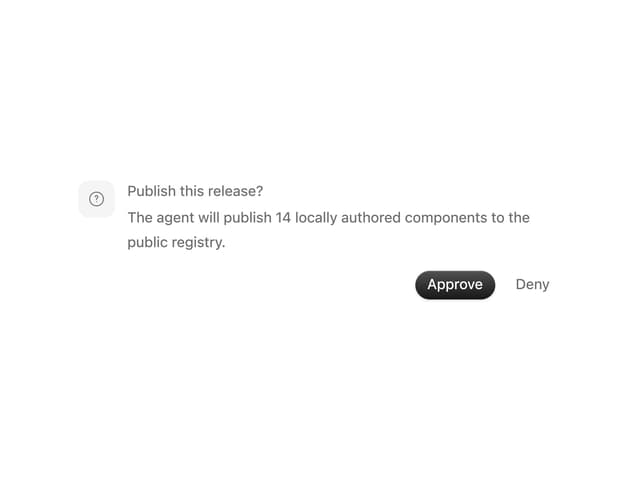
Approval Card
16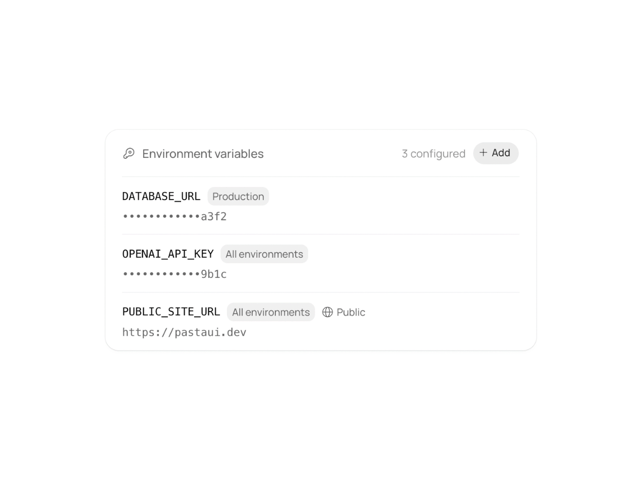
Environment Variables
13

AI Task List
163
Agent Chat
18

System Message
57


