
About
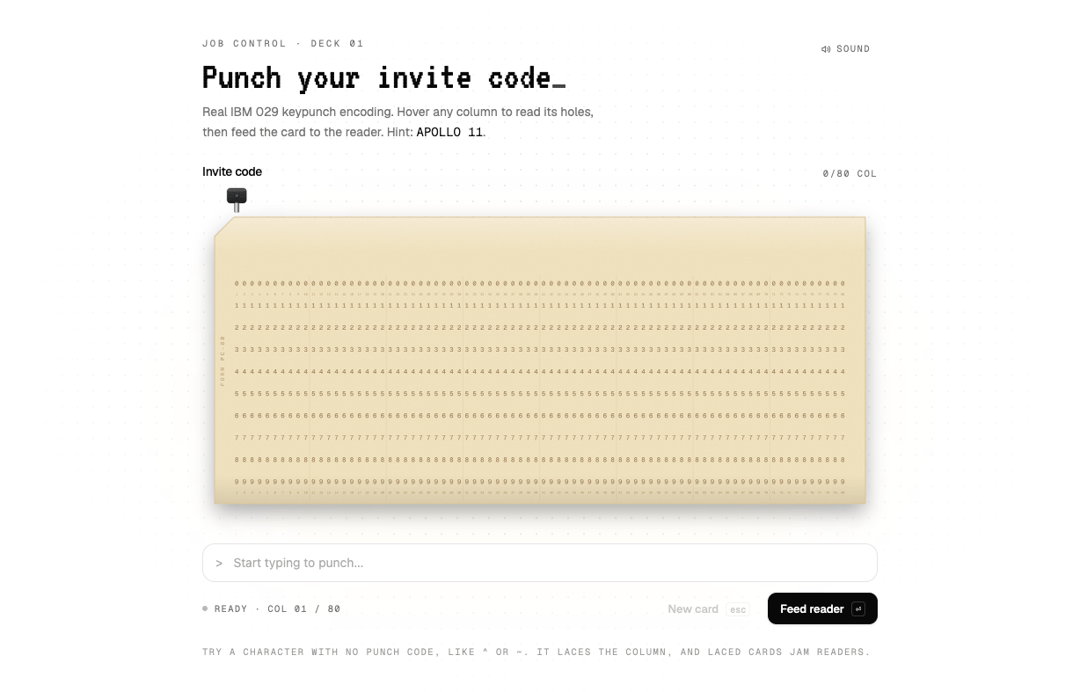
Text field that punches a real IBM 029 punch card as you type. Laced columns jam the reader.
Built with React and Tailwind. Copy the prompt and paste it into Claude Code, Cursor or Lovable: your agent adds Punch Card Input to your project and fits it to your theme.
Code
How Punch Card Input is used: the demo's code. The component's own source comes with a free account.
Usage.tsx
"use client";

import * as React from "react";
import { PunchCardInput } from "@/components/ui/punch-card-input";

const FONTS = `
@import url('https://fonts.googleapis.com/css2?family=Geist:wght@400;500;600&family=Geist+Mono:wght@400;500;600;800&family=VT323&display=swap');
.punch-demo{font-family:'Geist',ui-sans-serif,system-ui,sans-serif;--font-mono:'Geist Mono'}
.punch-demo .font-mono{font-family:'Geist Mono',ui-monospace,SFMono-Regular,Menlo,monospace}
.punch-demo .font-crt{font-family:'VT323',ui-monospace,monospace;font-weight:400;letter-spacing:.01em}
`;

function Stage({ children }: { children: React.ReactNode }) {
  return (
    <div className="punch-demo relative flex min-h-[760px] w-full items-center justify-center overflow-hidden bg-background px-5 py-14">
      <style>{FONTS}</style>
      <div
        aria-hidden
        className="pointer-events-none absolute inset-0 [background-image:radial-gradient(rgb(128_128_128/0.22)_1px,transparent_1px)] [background-size:18px_18px] [mask-image:radial-gradient(ellipse_at_center,black_15%,transparent_72%)]"
      />
      <div aria-hidden className="pointer-events-none absolute left-1/2 top-[42%] h-64 w-[42rem] -translate-x-1/2 rounded-full bg-amber-300/[0.08] blur-3xl" />
      <div className="relative w-full max-w-3xl">{children}</div>
    </div>
  );
}

export default function PunchCardInputDemo() {
  const [sound, setSound] = React.useState(true);

  return (
    <Stage>
      <div className="mb-6 flex items-start justify-between gap-4">
        <div>
          <p className="font-mono text-[10.5px] uppercase tracking-[0.24em] text-muted-foreground">
            Job control · deck 01
          </p>
          <h2 className="font-crt mt-2 text-[44px] leading-[0.95] text-foreground">
            Punch your invite code<span className="animate-pulse">_</span>
          </h2>
          <p className="mt-2 max-w-md text-[14px] leading-relaxed text-muted-foreground">
            Real IBM 029 keypunch encoding. Hover any column to read its holes, then feed the card to the reader.
            Hint: <span className="font-mono text-foreground">APOLLO 11</span>.
          </p>
        </div>
        <button
          type="button"
          onClick={() => setSound((s) => !s)}
          aria-pressed={sound}
          className="mt-0.5 inline-flex shrink-0 items-center gap-1.5 rounded-md px-2 py-1 font-mono text-[10.5px] uppercase tracking-[0.14em] text-muted-foreground transition-colors hover:bg-muted hover:text-foreground"
        >
          <svg viewBox="0 0 16 16" className="size-3" fill="none" stroke="currentColor" strokeWidth="1.5" strokeLinecap="round" strokeLinejoin="round" aria-hidden>
            <path d="M2.5 6h2l3-2.5v9L4.5 10h-2z" />
            {sound ? <path d="M10.5 5.5a3.5 3.5 0 0 1 0 5M12.5 3.5a6.3 6.3 0 0 1 0 9" /> : <path d="m10.5 6 4 4m0-4-4 4" />}
          </svg>
          {sound ? "Sound" : "Muted"}
        </button>
      </div>

      <PunchCardInput
        label="Invite code"
        sound={sound}
        onRead={async (v) => {
          await new Promise((r) => setTimeout(r, 250));
          return v.trim().toUpperCase() === "APOLLO 11" || "Code not recognised";
        }}
      />

      <p className="mt-6 font-mono text-[10.5px] uppercase tracking-[0.14em] text-muted-foreground/70">
        Try a character with no punch code, like ^ or ~. It laces the column, and laced cards jam readers.
      </p>
    </Stage>
  );
}

/* Variant: salmon stock, short field, no validation. */
export function MessageCard() {
  return (
    <Stage>
      <PunchCardInput
        label="Message to the mainframe"
        stock="salmon"
        formLabel="DECK 02 · MSG"
        maxLength={40}
        placeholder="HELLO, WORLD"
      />
    </Stage>
  );
}
More by Aashir Zayd
View all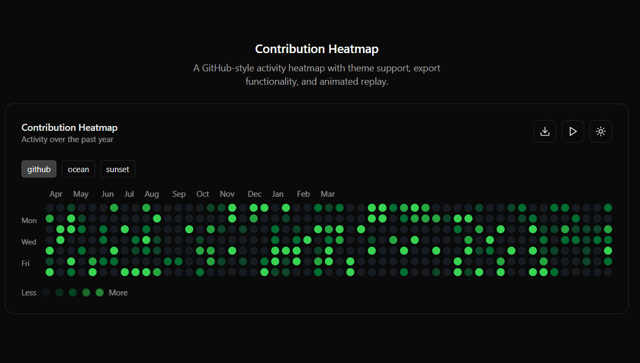
Contribution Heatmap
11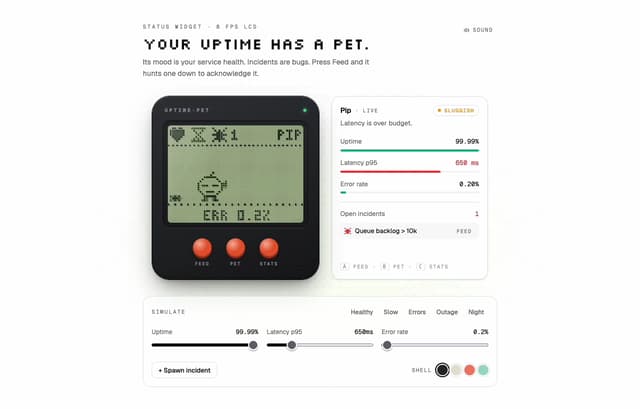
Uptime Pet
8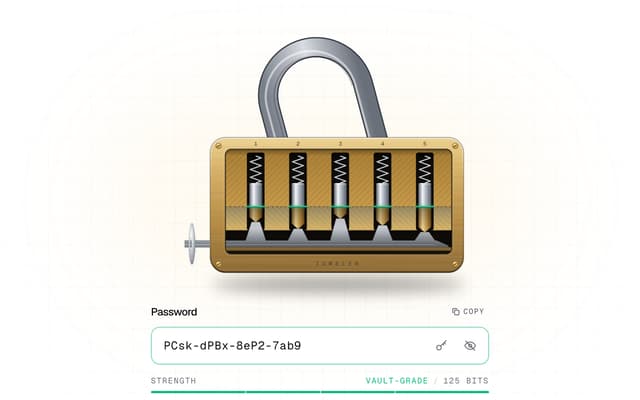
Tumbler Password
More in Forms
View all

Login 1
63

Form
18

Premium Auth
570

Contact Card
1.1K

Card Studio
47

Book A Demo 1
91
Book A Demo 3
102

Login Card
35