
About
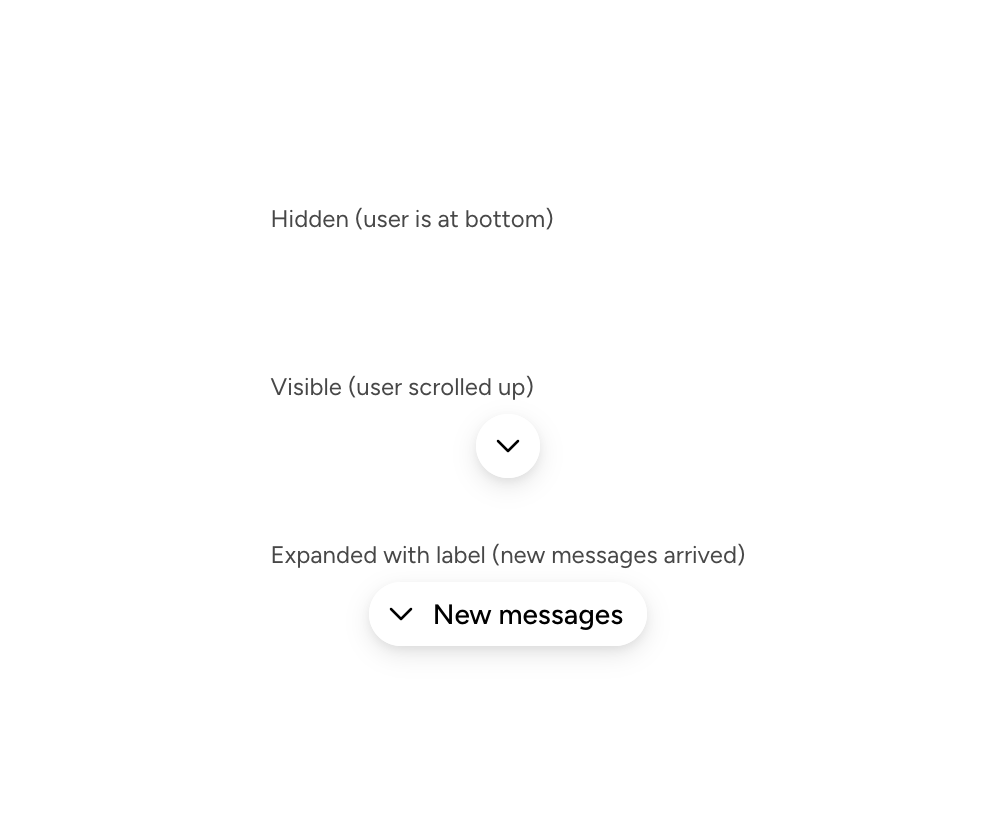
An Astryx floating scroll-to-bottom button that appears when the user moves away from the newest chat messages.
Built with React and Tailwind. Copy the prompt and paste it into Claude Code, Cursor or Lovable: your agent adds Astryx Chat Layout Scroll Button to your project and fits it to your theme.
Code
How Astryx Chat Layout Scroll Button is used: the demo's code. The component's own source comes with a free account.
Usage.tsx
// Copyright (c) Meta Platforms, Inc. and affiliates.

'use client';

import {ChatLayoutScrollButton} from '@/components/ui/astryx-chat-layout-scroll-button';
import {Stack} from '@astryxdesign/core/Layout';
import {Text} from '@astryxdesign/core/Text';

export default function ChatLayoutScrollButtonStates() {
  return (
    <div
      data-astryx-theme="neutral"
      data-theme="light"
      style={{colorScheme: 'light', display: 'contents'}}>
      <Stack direction="vertical" gap={4}>
        <Stack direction="vertical" gap={1}>
          <Text type="supporting" color="secondary">
            Hidden (user is at bottom)
          </Text>
          <ChatLayoutScrollButton isVisible={false} onClick={() => {}} />
        </Stack>
        <Stack direction="vertical" gap={1}>
          <Text type="supporting" color="secondary">
            Visible (user scrolled up)
          </Text>
          <ChatLayoutScrollButton isVisible={true} onClick={() => {}} />
        </Stack>
        <Stack direction="vertical" gap={1}>
          <Text type="supporting" color="secondary">
            Expanded with label (new messages arrived)
          </Text>
          <ChatLayoutScrollButton
            isVisible={true}
            label="New messages"
            onClick={() => {}}
          />
        </Stack>
      </Stack>
    </div>
  );
}
Dependencies
More by Alok
View all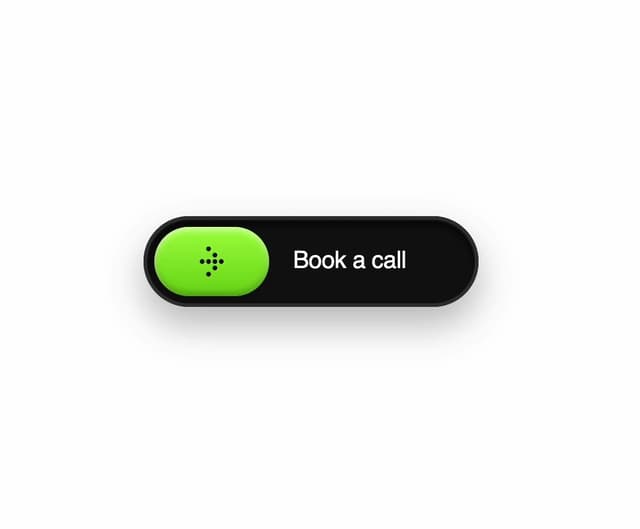

Glossy Slider Call Button
25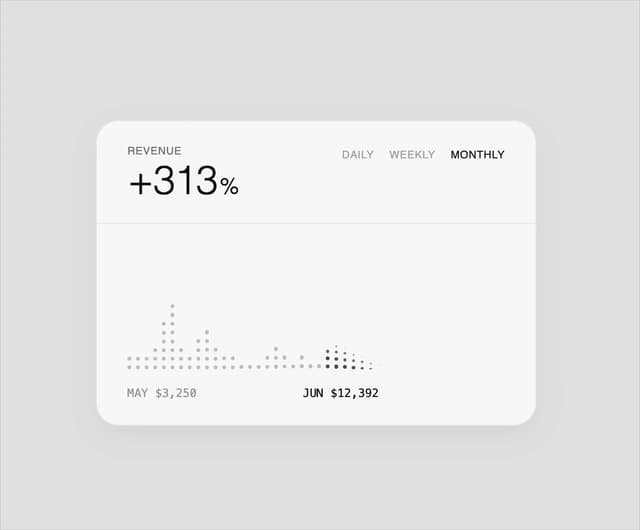
Dot Graph Card
22
Profile Menu Expander
4
Astryx Base Typeahead
2
Pixel Perfect Command Palette
2
Astryx Chat Composer Input
1
Astryx Chat Composer Drawer
1
Sticky Cascade Services & Timeline
More in Buttons
View all
Button
10

Button
1

Eclipse Button
3
Texture Button
102

App Store Button
472
Native Button
12

HeroUI Button Group
1

Button Group
3


