
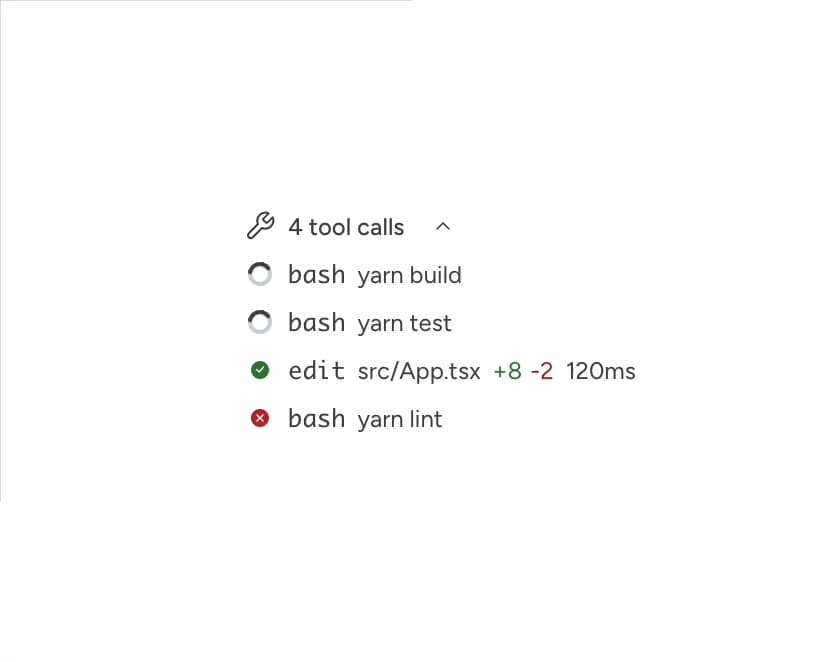
About
ChatToolCalls displays tool or function call invocations from an LLM response. Pass an array of calls and the component handles the rest: a single call renders inline, while multiple calls collapse into a summary with the latest call visible at the surface. Use it anywhere an AI agent shows what actions it took.
Built with React and Tailwind. Copy the prompt and paste it into Claude Code, Cursor or Lovable: your agent adds Astryx Chat Tool Calls to your project and fits it to your theme.
Code
How Astryx Chat Tool Calls is used: the demo's code. The component's own source comes with a free account.
Usage.tsx
'use client';

import {ChatToolCalls} from '@/components/ui/astryx-chat-tool-calls';

function ChatToolCallsStatuses() {
  return (
    <ChatToolCalls
      defaultIsExpanded
      calls={[
        {
          key: 'pending',
          name: 'bash',
          target: 'yarn build',
          status: 'pending',
        },
        {
          key: 'running',
          name: 'bash',
          target: 'yarn test',
          status: 'running',
        },
        {
          key: 'complete',
          name: 'edit',
          target: 'src/App.tsx',
          status: 'complete',
          duration: '120ms',
          additions: 8,
          deletions: 2,
        },
        {
          key: 'error',
          name: 'bash',
          target: 'yarn lint',
          status: 'error',
          duration: '0.8s',
          errorMessage: '3 lint errors found',
        },
      ]}
    />
  );
}

export default function ChatToolCallsStatusesDemo() {
  return (
    <div
      data-astryx-theme="neutral"
      data-theme="light"
      style={{colorScheme: 'light', display: 'contents'}}>
      <ChatToolCallsStatuses />
    </div>
  );
}
Dependencies
More by Alok Srivastava
View all
Glossy Slider Call Button
25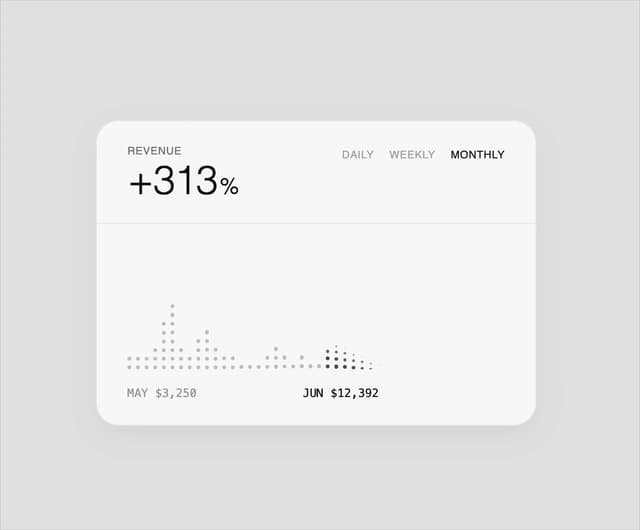
Dot Graph Card
21
Profile Menu Expander
4
Astryx Base Typeahead
2
Pixel Perfect Command Palette
1
Astryx Checkbox Input
Astryx Chat Tokenized Text
Astryx Center
More in AI chats
View all

AI Actions
338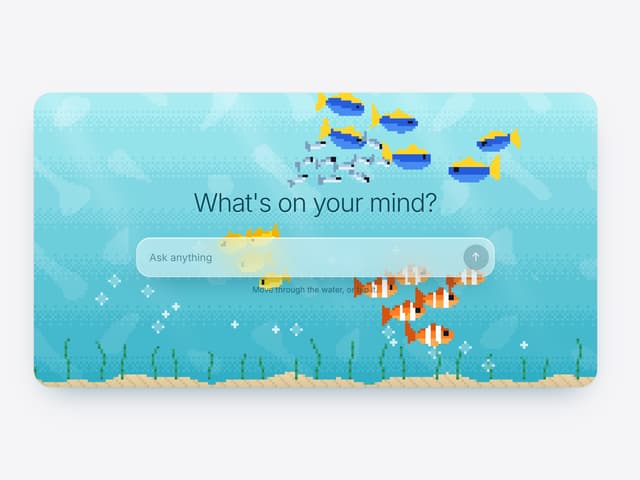

Aquarium Prompt
40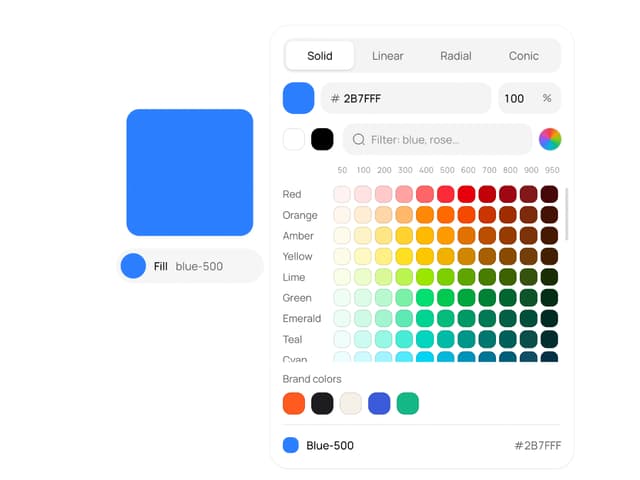
Color Picker
166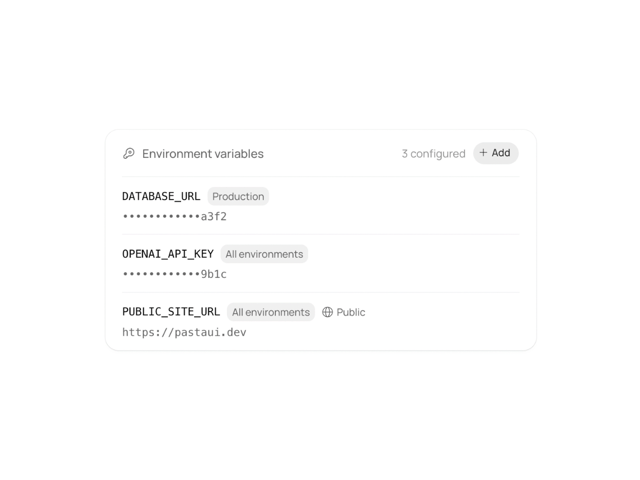
Environment Variables
20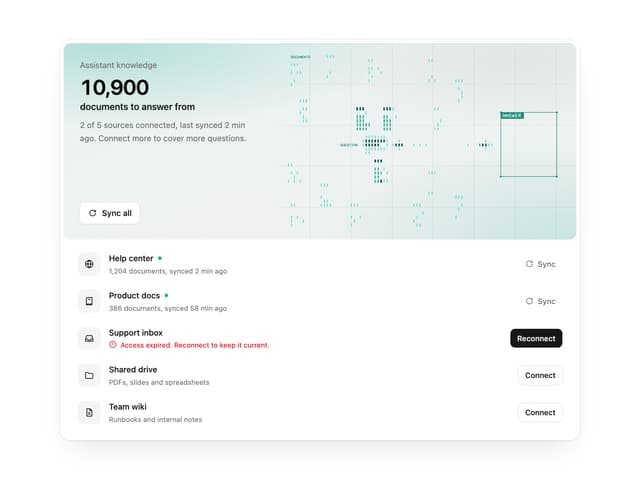

Illos Knowledge Sources
37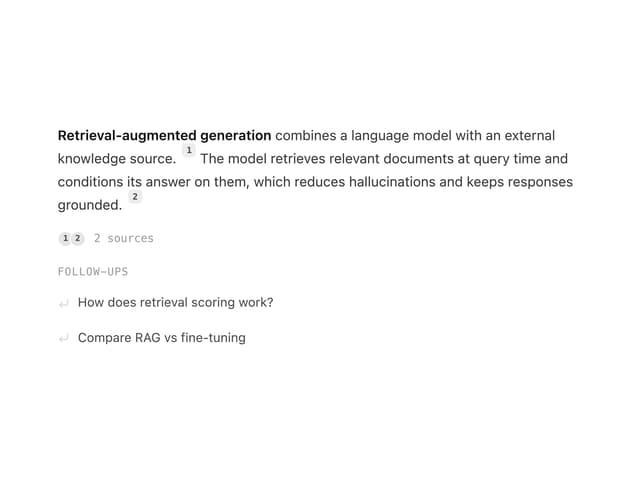
Streaming Text
24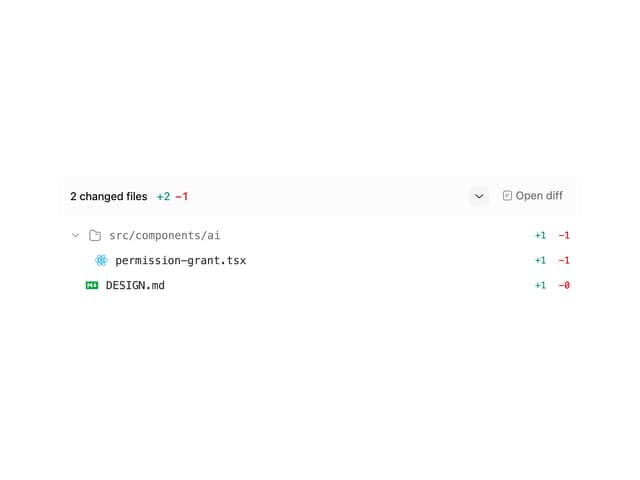
Commit
30
Suggestions
36

