About
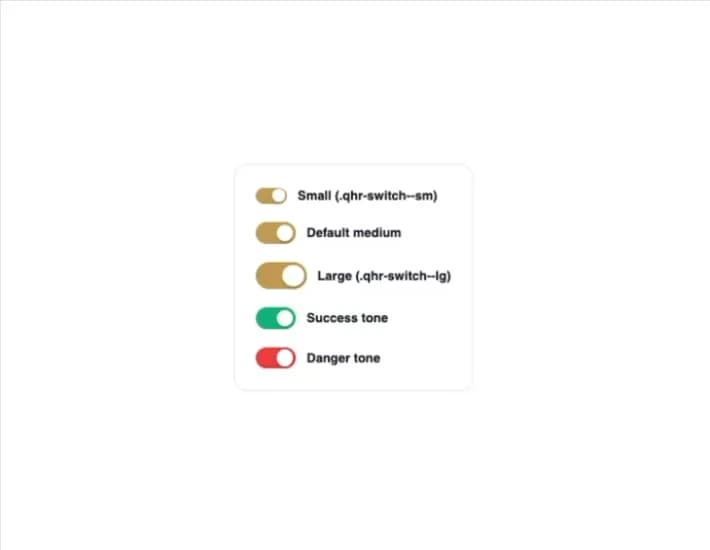
A toggle input for flipping a single on/off setting or preference, with optional label and description text.
Built with React and Tailwind. Copy the prompt and paste it into Claude Code, Cursor or Lovable: your agent adds Switch to your project and fits it to your theme.
Code
How Switch is used: the demo's code. The component's own source comes with a free account.
Usage.tsx
"use client";

import Switch from "@/components/ui/switch";
import { useState } from "react";

export default function SwitchDemo() {
  const [smOn, setSmOn] = useState(true);
  const [mdOn, setMdOn] = useState(true);
  const [lgOn, setLgOn] = useState(true);
  const [successOn, setSuccessOn] = useState(true);
  const [dangerOn, setDangerOn] = useState(true);

  return (
    <div
      className="flex flex-col gap-5 rounded-2xl border p-6"
      style={{
        background: "var(--qhr-surface-base, #ffffff)",
        borderColor: "var(--qhr-border-subtle, #e2e8f0)",
      }}
    >
      <Switch
        className="qhr-switch--sm"
        checked={smOn}
        onChange={(e) => setSmOn(e.target.checked)}
        label="Small (.qhr-switch--sm)"
      />
      <Switch
        checked={mdOn}
        onChange={(e) => setMdOn(e.target.checked)}
        label="Default medium"
      />
      <Switch
        className="qhr-switch--lg"
        checked={lgOn}
        onChange={(e) => setLgOn(e.target.checked)}
        label="Large (.qhr-switch--lg)"
      />
      <Switch
        className="qhr-switch--success"
        checked={successOn}
        onChange={(e) => setSuccessOn(e.target.checked)}
        label="Success tone"
      />
      <Switch
        className="qhr-switch--danger"
        checked={dangerOn}
        onChange={(e) => setDangerOn(e.target.checked)}
        label="Danger tone"
      />
    </div>
  );
}
More by alwkala
View all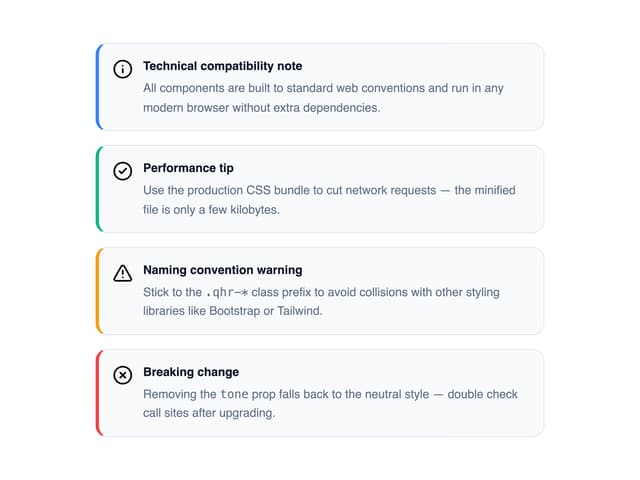

Callout
9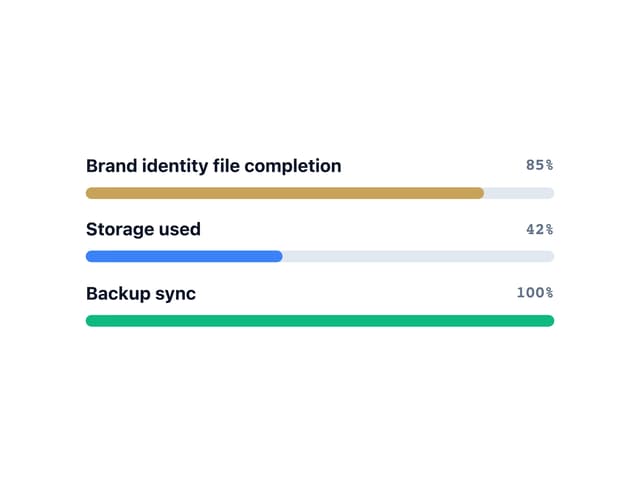
Progress Bar
2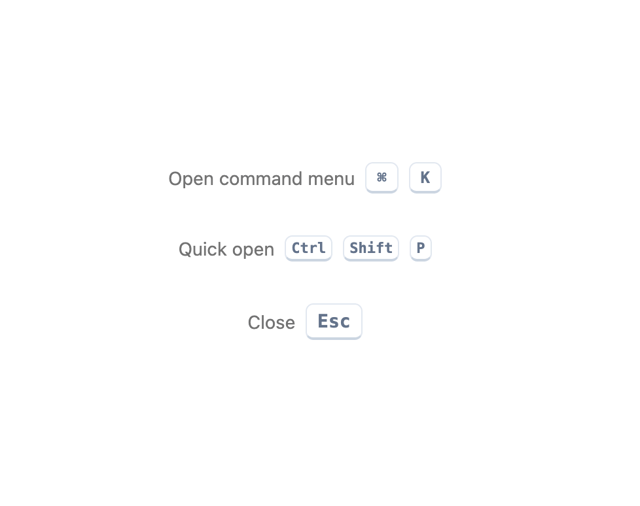
Kbd
Pagination
Back To Top
Checkbox
Seal
Egyptian Sidebar Menu