
About
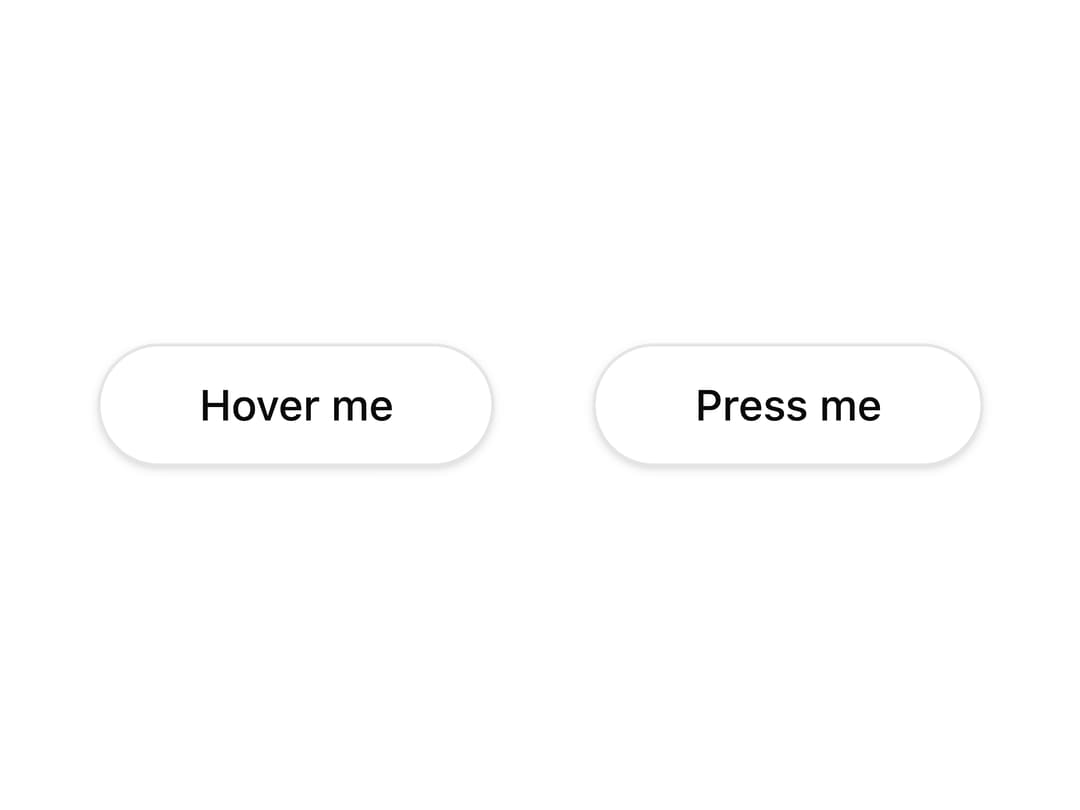
An animated glowing comet that travels around an element's border, used to draw attention to cards, buttons, or loading states.
Built with React and Tailwind. Copy the prompt and paste it into Claude Code, Cursor or Lovable: your agent adds Border Beam to your project and fits it to your theme.
Code
How Border Beam is used: the demo's code. The component's own source comes with a free account.
Usage.tsx
import { BorderBeam } from "@/components/ui/border-beam";
import { buttonVariants } from "@/components/ui/button";
import { cn } from "@/lib/utils";

export default function BorderBeamRevealOnInteraction() {
  return (
    <div className="flex flex-wrap items-center justify-center gap-8">
      <BorderBeam
        revealOn="hover"
        showOnTouch
        pressScale
        className="rounded-full"
      >
        <button
          type="button"
          className={cn(
            buttonVariants({ variant: "outline", size: "lg" }),
            "rounded-full",
          )}
        >
          Hover me
        </button>
      </BorderBeam>
      <BorderBeam revealOn="press" pressScale className="rounded-full">
        <button
          type="button"
          className={cn(
            buttonVariants({ variant: "outline", size: "lg" }),
            "rounded-full",
          )}
        >
          Press me
        </button>
      </BorderBeam>
    </div>
  );
}
More by appica-dev
View all
Text Animate
20
Carousel
17
Avatar
13
Table of Contents
7
Sparkline
7
Color Area
6
Background Pattern
6
Autocomplete
2
More in Buttons
View all

Button
4

Eclipse Button
8
Button
5
Button
73
Button
9
Texture Button
101
Base Button
1
Native Button
27


