
About
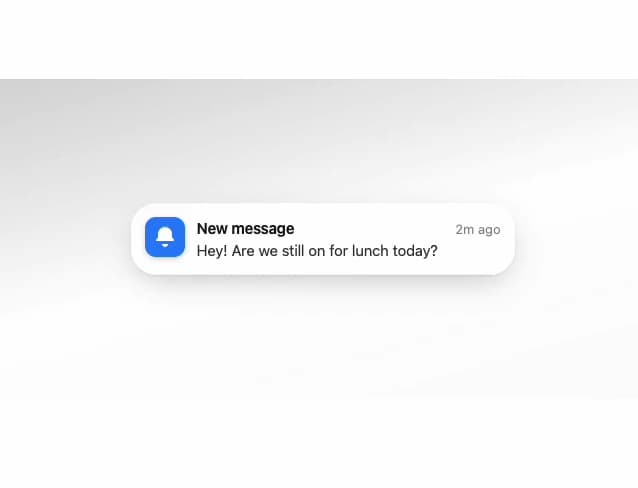
An iOS-style glass notification banner with an optional stacking container that fans multiple notifications out on hover.
Built with React and Tailwind. Copy the prompt and paste it into Claude Code, Cursor or Lovable: your agent adds Glass Notification to your project and fits it to your theme.
Code
How Glass Notification is used: the demo's code. The component's own source comes with a free account.
Usage.tsx
import { GlassNotification } from "@/components/ui/glass-notification";

export default function GlassNotificationDemo() {
  return (
    <div className="flex min-h-[320px] w-full items-center justify-center bg-gradient-to-br from-primary/20 via-background to-accent/30 p-8">
      <GlassNotification
        icon={
          <div className="grid size-full place-items-center bg-blue-500 text-white">
            <svg
              xmlns="http://www.w3.org/2000/svg"
              viewBox="0 0 24 24"
              fill="currentColor"
              className="size-6"
            >
              <path d="M12 2a7 7 0 0 0-7 7v3.586l-1.707 1.707A1 1 0 0 0 4 16h16a1 1 0 0 0 .707-1.707L19 12.586V9a7 7 0 0 0-7-7Zm0 20a3 3 0 0 0 3-3H9a3 3 0 0 0 3 3Z" />
            </svg>
          </div>
        }
        app="Messages"
        time="2m ago"
        title="New message"
      >
        Hey! Are we still on for lunch today?
      </GlassNotification>
    </div>
  );
}
More by deepraj21
View all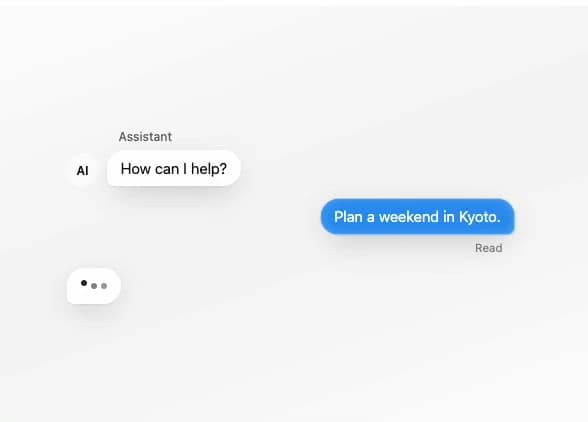
Glass Message
4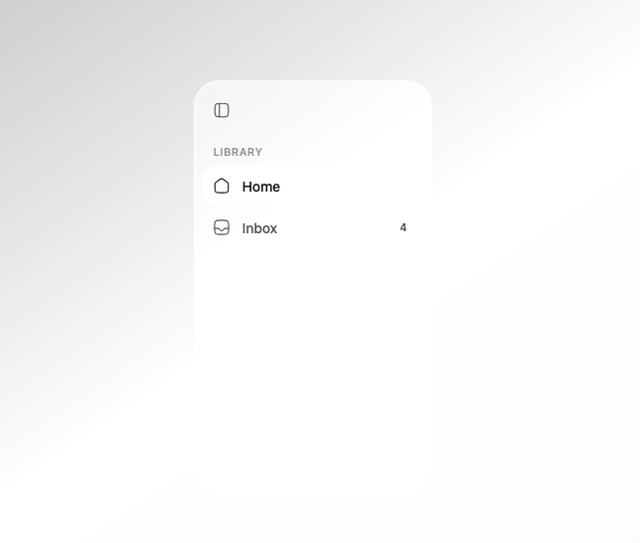
Glass Sidebar
3
Glass QR Code
2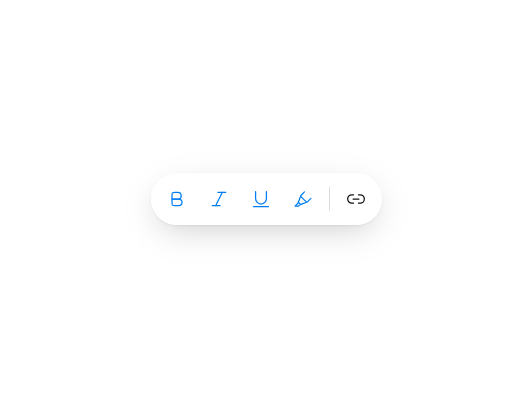
Glass Toolbar
2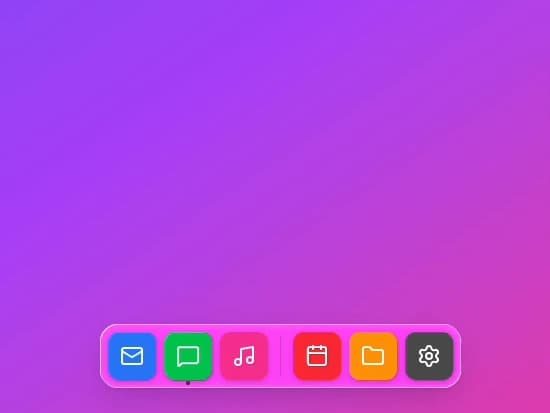
Glass Dock
2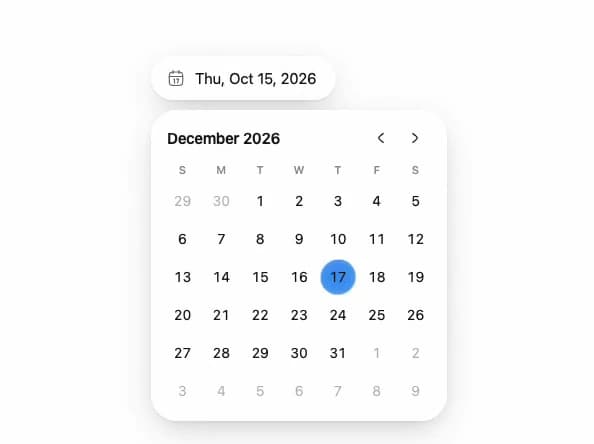
Glass Date Picker
1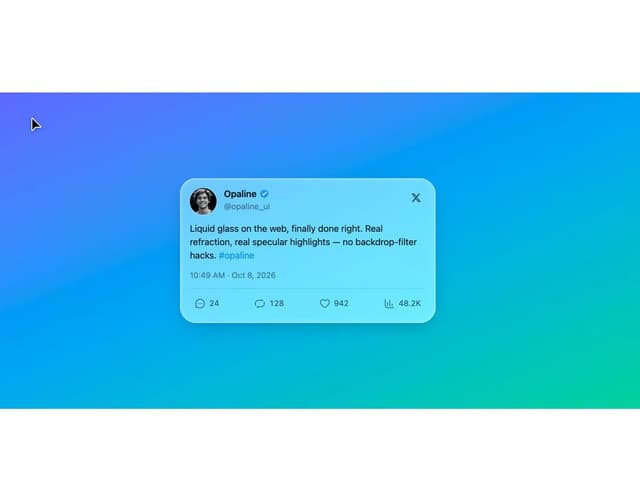
Glass Tweet Card
Glass Scroll Stack