
About
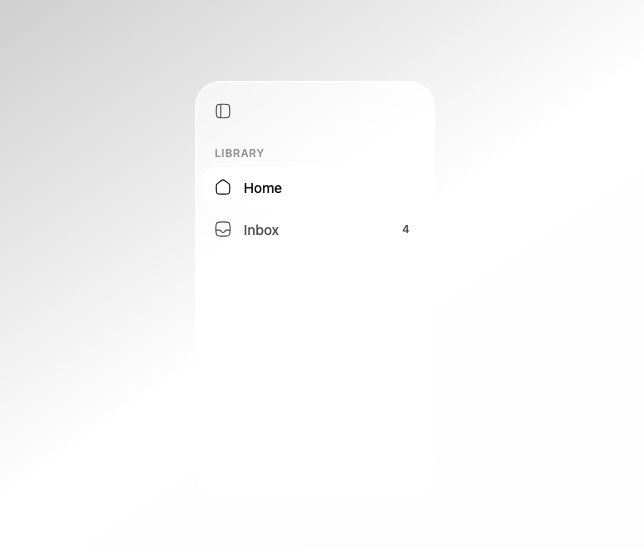
A floating glass navigation sidebar with a sliding selection highlight, grouped links, badges, and a collapsible icon-only mode.
Built with React and Tailwind. Copy the prompt and paste it into Claude Code, Cursor or Lovable: your agent adds Glass Sidebar to your project and fits it to your theme.
Code
How Glass Sidebar is used: the demo's code. The component's own source comes with a free account.
Usage.tsx
"use client";

import {
  GlassSidebar,
  GlassSidebarGroup,
  GlassSidebarHeader,
  GlassSidebarItem,
  GlassSidebarToggle,
} from "@/components/ui/glass-sidebar";
import { HugeiconsIcon } from "@hugeicons/react";
import { Home01Icon, InboxIcon } from "@hugeicons/core-free-icons";

export default function GlassSidebarDemo() {
  return (
    <div className="relative flex h-screen w-full items-center justify-center overflow-hidden bg-background">
      <div className="absolute inset-0 bg-gradient-to-br from-primary/30 via-background to-accent/40" />
      <GlassSidebar className="relative z-10 h-[420px]">
        <GlassSidebarHeader>
          <GlassSidebarToggle />
        </GlassSidebarHeader>
        <GlassSidebarGroup label="Library">
          <GlassSidebarItem icon={<HugeiconsIcon icon={Home01Icon} />} active>
            Home
          </GlassSidebarItem>
          <GlassSidebarItem icon={<HugeiconsIcon icon={InboxIcon} />} badge={4}>
            Inbox
          </GlassSidebarItem>
        </GlassSidebarGroup>
      </GlassSidebar>
    </div>
  );
}
Dependencies
More by deepraj21
View all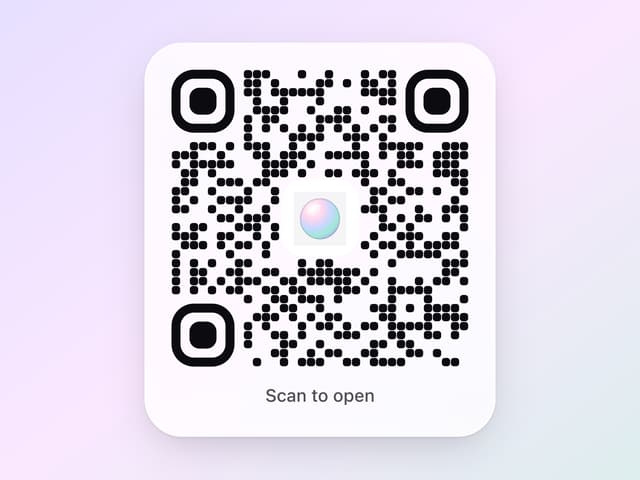
Glass QR Code
1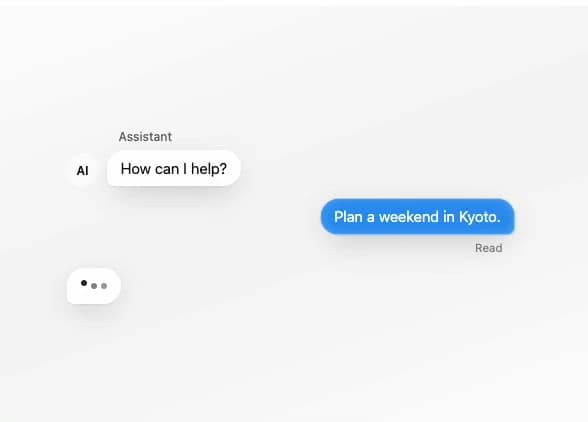
Glass Message
1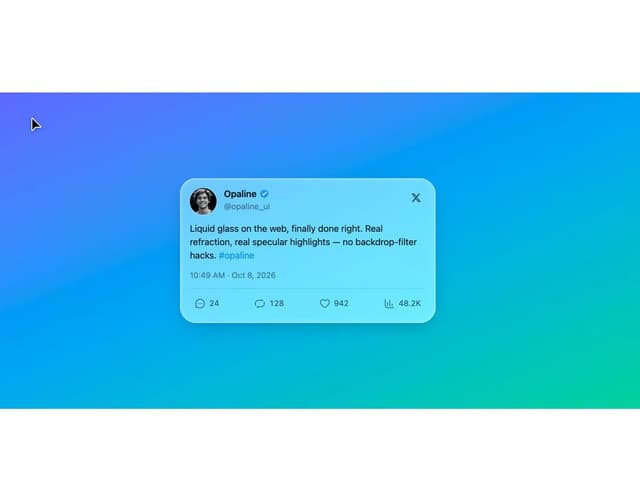
Glass Tweet Card
Glass Scroll Stack
Glass Accordion
Glass OTP Input
Glass Terminal
Glass Snippet
More in Navigation
View all

Sidebar
258
Oversized 404 Numeral
54

Tabs
62
Navbar with Theme Toggle
44

Footer 2
206

Footer
80

Breadrcrumb
7

NavBar
