
About
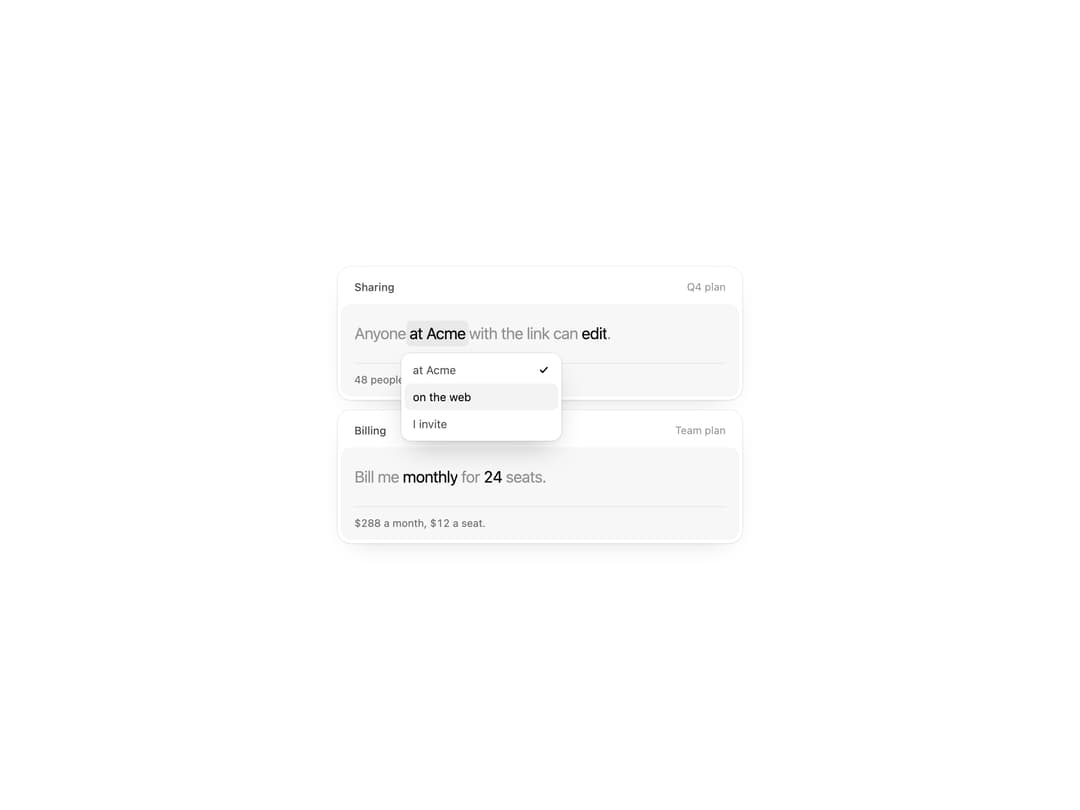
Settings written as one sentence: tap a dark word to pick another, drag a number sideways to change it, and a line underneath explains what your choice means.
Built with React and Tailwind. Copy the prompt and paste it into Claude Code, Cursor or Lovable: your agent adds Phrase to your project and fits it to your theme.
Code
How Phrase is used: the demo's code. The component's own source comes with a free account.
Usage.tsx
'use client'

import { Phrase } from '@/components/ui/phrase'

const n = (v: string | number) => Number(v)
const fmt = (v: number) => v.toLocaleString('en-US')
const WHO: Record<string, number> = { 'at Acme': 48, 'I invite': 3 }

export default function PhraseDemo() {
  return (
    <div className="flex min-h-[560px] w-full items-center justify-center bg-background p-6">
      <div className="w-[480px] max-w-full space-y-3">
        <Phrase
          title="Sharing"
          aside="Q4 plan"
          parts={['Anyone ', { id: 'who', label: 'Who', options: ['at Acme', 'on the web', 'I invite'] }, ' with the link can ', { id: 'can', label: 'Access', options: ['view', 'comment', 'edit'] }, '.']}
          defaultValue={{ who: 'at Acme', can: 'edit' }}
          says={({ who, can }) => (who === 'on the web' ? `Public. Anyone who finds the link can ${can} it.` : `${WHO[who]} people can ${can} this right now.`)}
        />
        <Phrase
          title="Billing"
          aside="Team plan"
          parts={['Bill me ', { id: 'plan', label: 'Billing period', options: ['monthly', 'yearly'] }, ' for ', { id: 'seats', label: 'Seats', min: 1, max: 200 }, ' seats.']}
          defaultValue={{ plan: 'monthly', seats: 5 }}
          says={({ plan, seats }) => (plan === 'yearly' ? `$${fmt(n(seats) * 120)} a year, two months free.` : `$${fmt(n(seats) * 12)} a month, $12 a seat.`)}
        />
      </div>
    </div>
  )
}
Dependencies
More by Detent UI
View all
Live List
2
Shift
Rewind
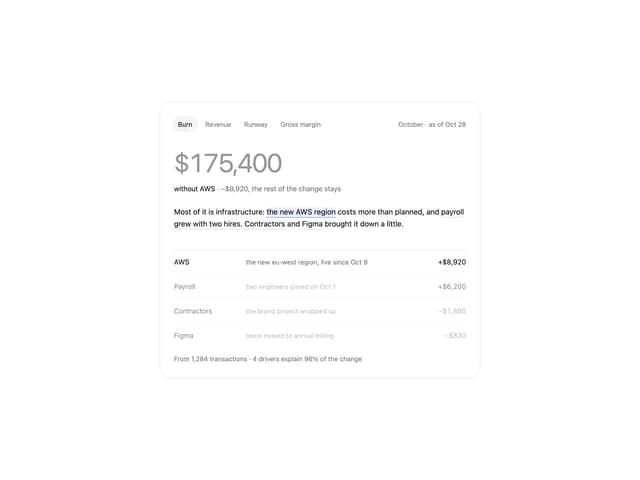
Metric Explainer
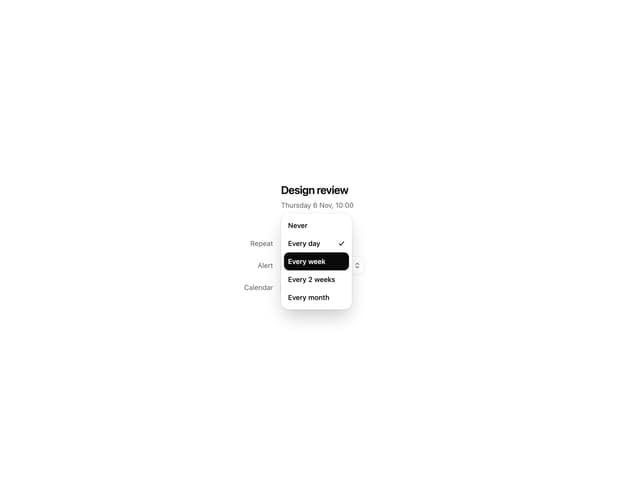
Popup
More in Forms
View all

Premium Auth
562

Contact Card
1.1K

Book A Demo 1
89
Book A Demo 3
99

Form
139

Card Studio
46
Authentication Card
51

Form
3
