

About
A primary action button paired with a dropdown chevron for related actions, so a toolbar or form only needs one prominent button instead of several.
Built with React and Tailwind. Copy the prompt and paste it into Claude Code, Cursor or Lovable: your agent adds Split Button to your project and fits it to your theme.
Code
How Split Button is used: the demo's code. The component's own source comes with a free account.
Usage.tsx
"use client";

import SplitButton, { SplitButtonItem } from "@/components/ui/split-button";

export default function SplitButtonSecondaryDemo() {
  return (
    <div className="flex min-h-[320px] w-full items-center justify-center p-10">
      <SplitButton
        variant="secondary"
        menuLabel="Export formats"
        onClick={() => console.log("Export as CSV")}
        menu={
          <>
            <SplitButtonItem onSelect={() => console.log("Export as PDF")}>
              Export as PDF
            </SplitButtonItem>
            <SplitButtonItem onSelect={() => console.log("Export as JSON")}>
              Export as JSON
            </SplitButtonItem>
          </>
        }
      >
        Export as CSV
      </SplitButton>
    </div>
  );
}
Dependencies
More by ebnsina
View all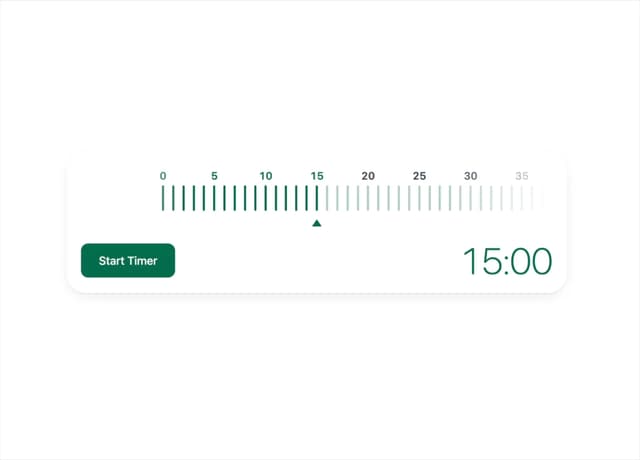
Countdown Timer
30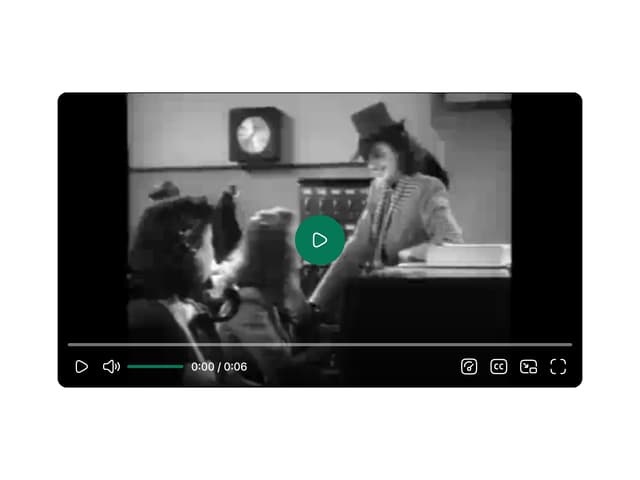
Video Player
22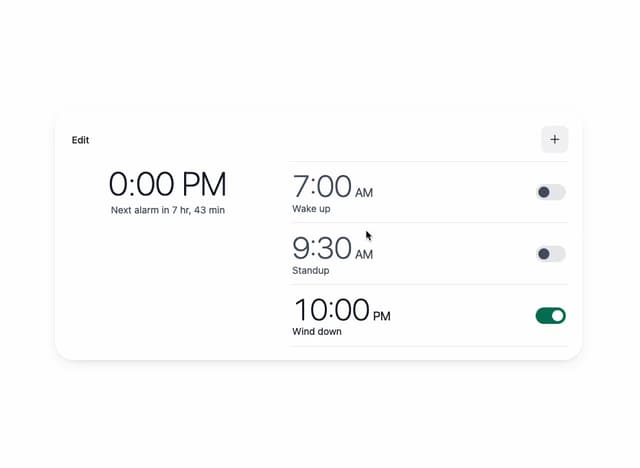
Alarm Clock
21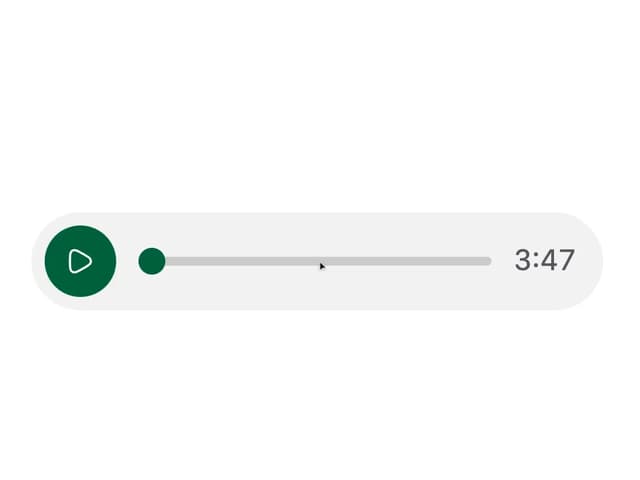
Voice Note
16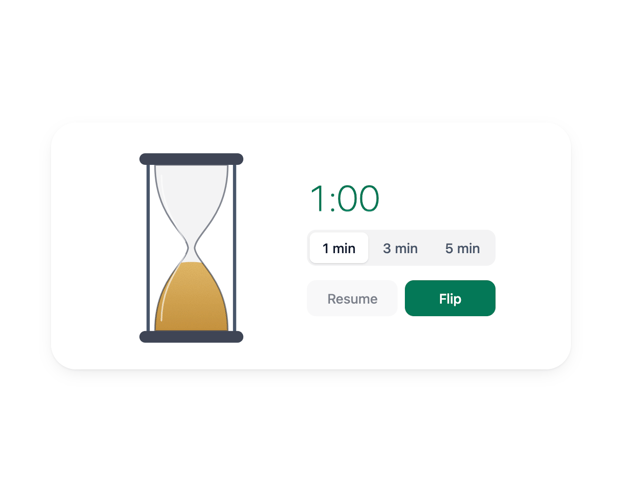
Hourglass Timer
14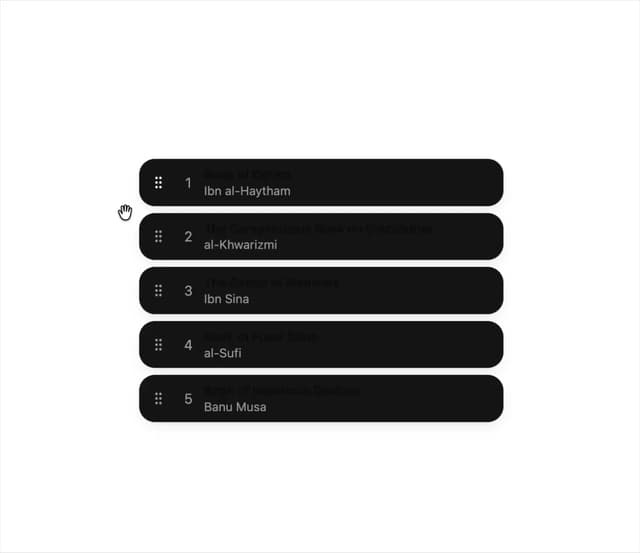
Sortable List
13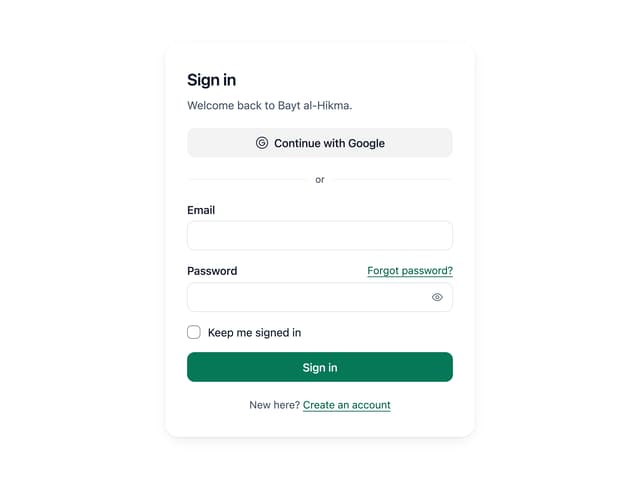
Sign In Auth Card
10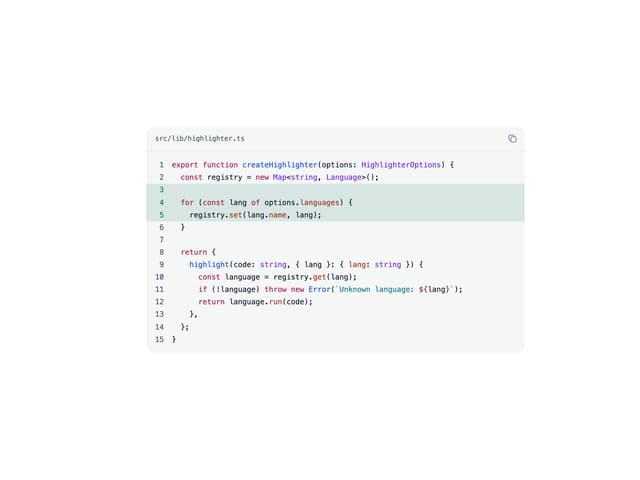
Code Block
9
More in Buttons
View all
Button
10

Button
1

Eclipse Button
42
Native Button
12
Texture Button
103
Button

Button
77
Split Button
15


