
About
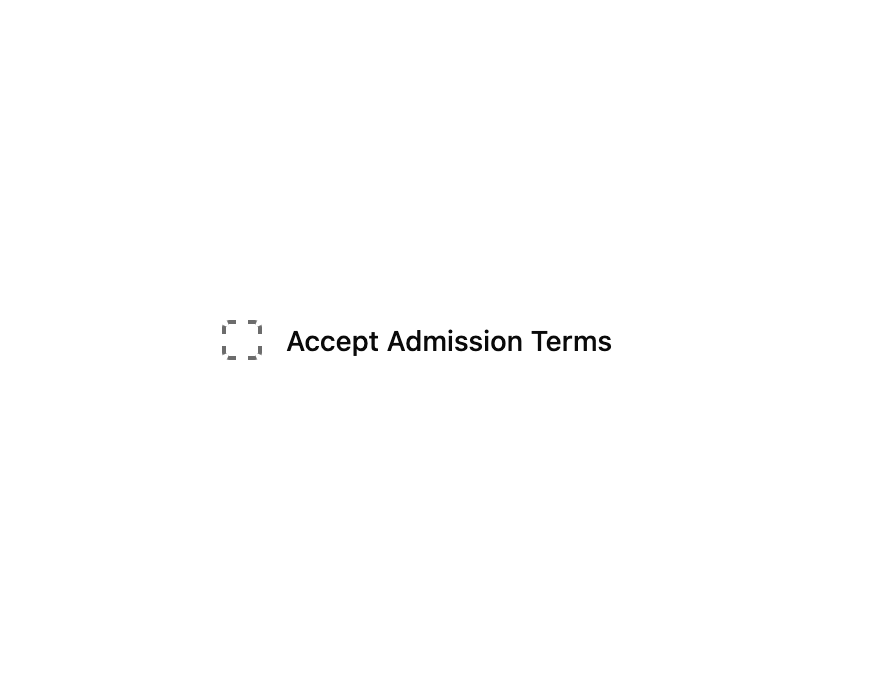
A toggleable checkbox button with a dashed border when unchecked and a solid filled state when checked, for forms and settings lists.
Built with React and Tailwind. Copy the prompt and paste it into Claude Code, Cursor or Lovable: your agent adds Checkbox to your project and fits it to your theme.
Code
How Checkbox is used: the demo's code. The component's own source comes with a free account.
Usage.tsx
"use client";

import * as React from "react";
import Checkbox from "@/components/ui/checkbox";

export default function CheckboxDemo() {
  const [checked, setChecked] = React.useState(true);

  return (
    <div className="flex min-h-[200px] w-full items-center justify-center bg-background p-10">
      <label className="flex items-center gap-3 text-sm font-medium text-foreground">
        <Checkbox
          checked={checked}
          onCheckedChange={setChecked}
          aria-label="Accept admission terms"
        />
        Accept Admission Terms
      </label>
    </div>
  );
}
More by f0rextasy
View all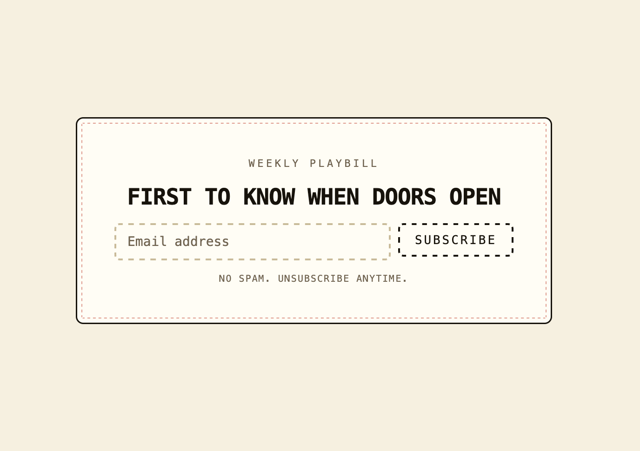
Newsletter Signup Card
1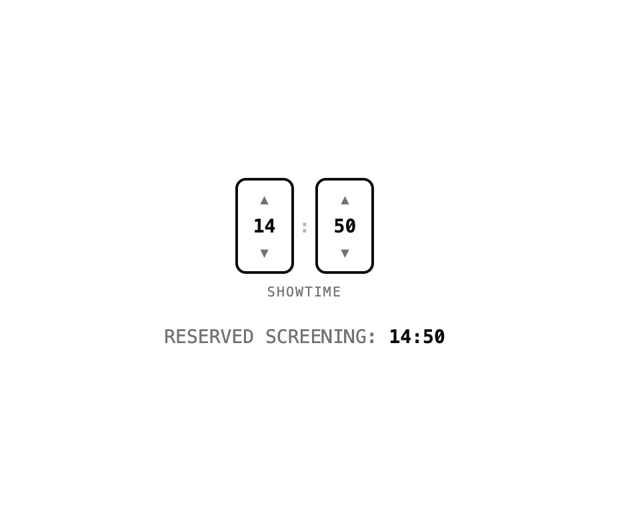
Time Input
1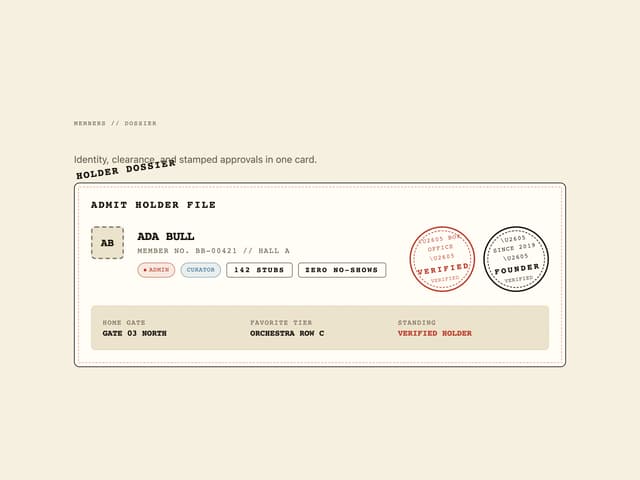
User Profile Dossier
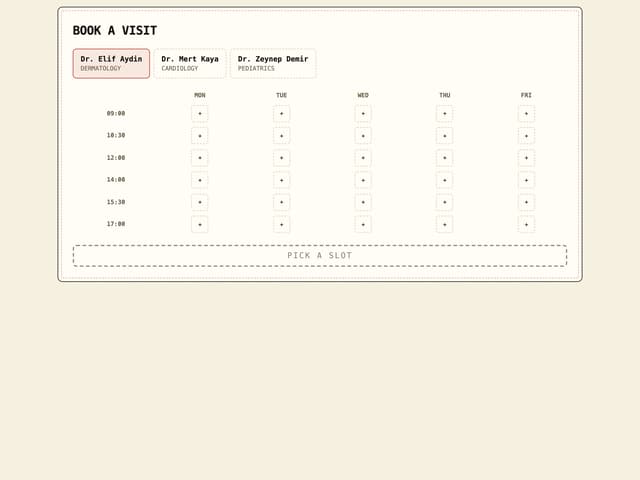
Clinic Booking Block
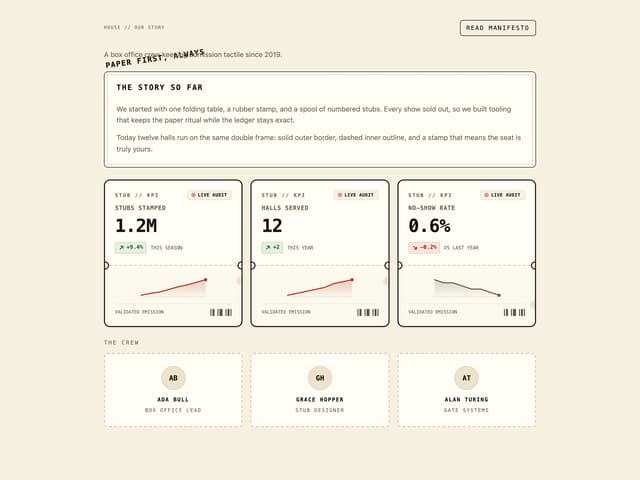
Page About
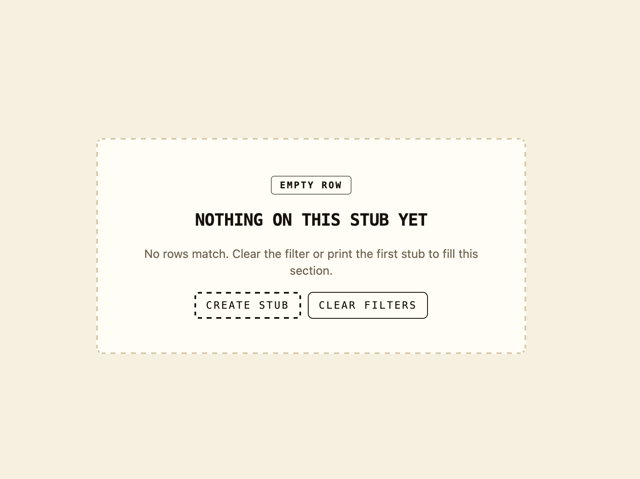
Empty State Card
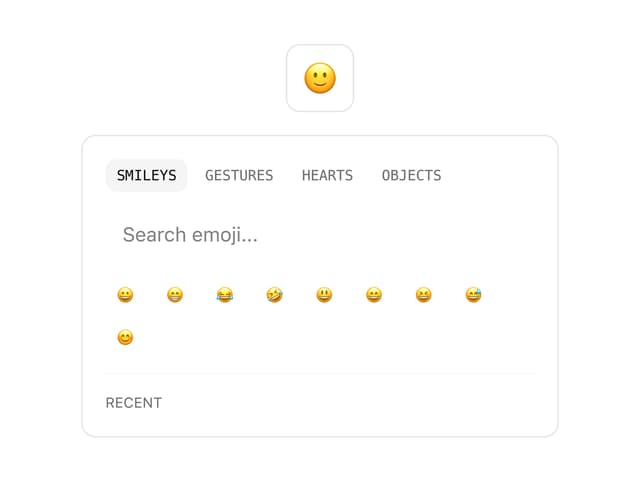
Emoji Picker
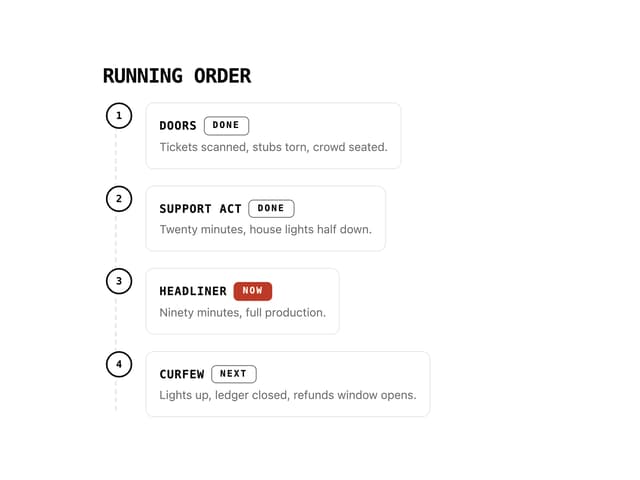
Running Order Timeline
More in Forms
View all

Premium Auth
504

Login 1
52
Authentication Card
47

Book A Demo 3
84

Contact Card
1K
Book A Demo 1
70
Book A Demo 4
52

File Upload
12
