
About
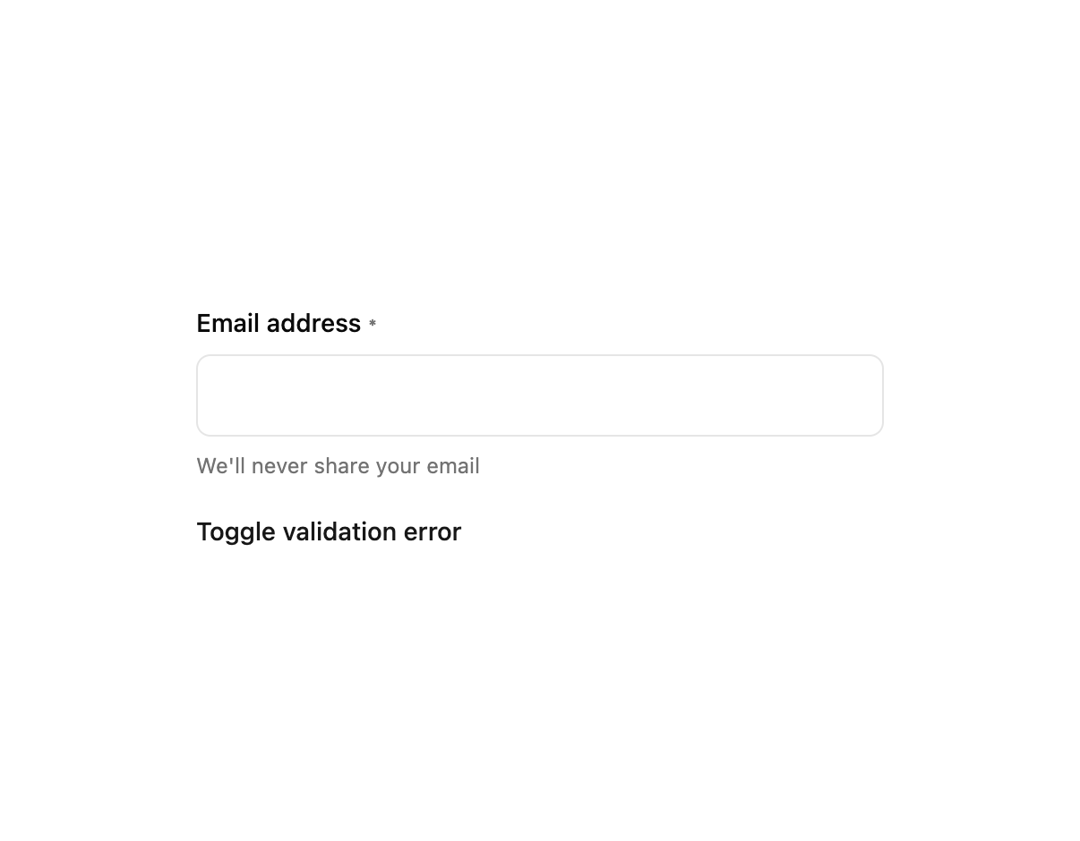
A form field wrapper that pairs a label, input, helper text, and a shake-animated error message for client-side validated inputs.
Built with React and Tailwind. Copy the prompt and paste it into Claude Code, Cursor or Lovable: your agent adds Form Field to your project and fits it to your theme.
Code
How Form Field is used: the demo's code. The component's own source comes with a free account.
Usage.tsx
"use client";

import * as React from "react";
import { FormField } from "@/components/ui/form-field";

export default function FormFieldDemo() {
  const [error, setError] = React.useState<string | undefined>(undefined);

  return (
    <div className="flex w-full items-center justify-center bg-background p-6">
      <div className="w-full max-w-sm space-y-4">
        <FormField
          label="Email address"
          htmlFor="email"
          description="We'll never share your email"
          error={error}
          required
        />

        <button
          type="button"
          onClick={() =>
            setError((prev) =>
              prev ? undefined : "Please enter a valid email address",
            )
          }
          className="text-sm font-medium text-primary underline-offset-4 hover:underline"
        >
          Toggle validation error
        </button>
      </div>
    </div>
  );
}
More by f0rextasy
View all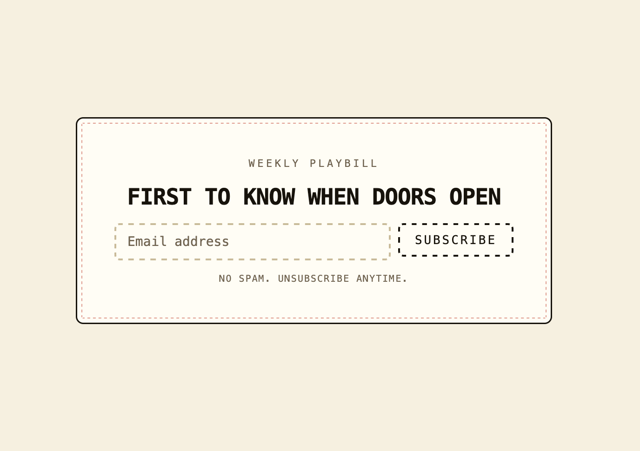
Newsletter Signup Card
6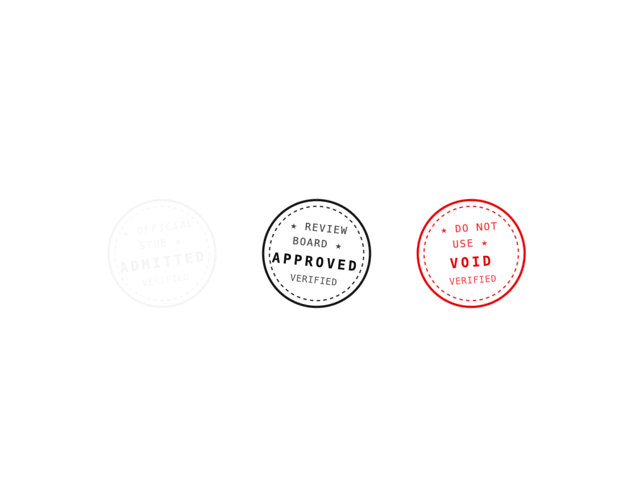
Stamp Seal
6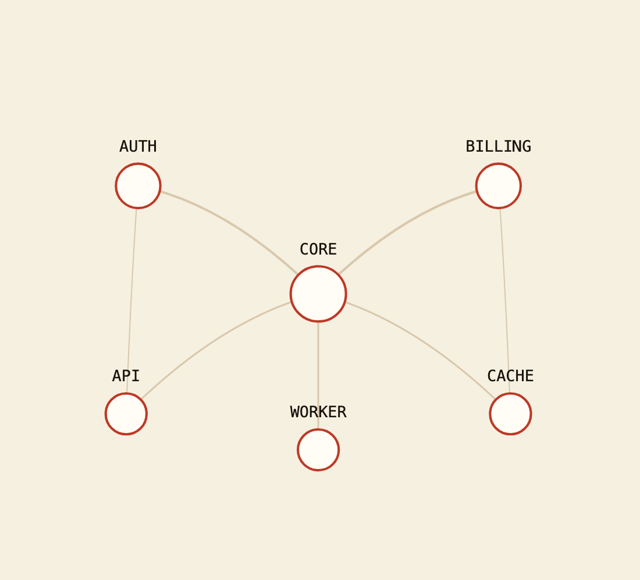
Network Graph
5
Board Checklist
4
Time Input
3
Data Table
3
Empty State Card
2
Running Order Timeline
2
More in Forms
View all

Premium Auth
518

Contact Card
1K

Book A Demo 1
72

Login 1
52
Authentication Card
48

Form
16
Login Card
6

Modern & Stunning sign in
1.6K

