About
Built with React and Tailwind. Copy the prompt and paste it into Claude Code, Cursor or Lovable: your agent adds One Clipboard to your project and fits it to your theme.
Code
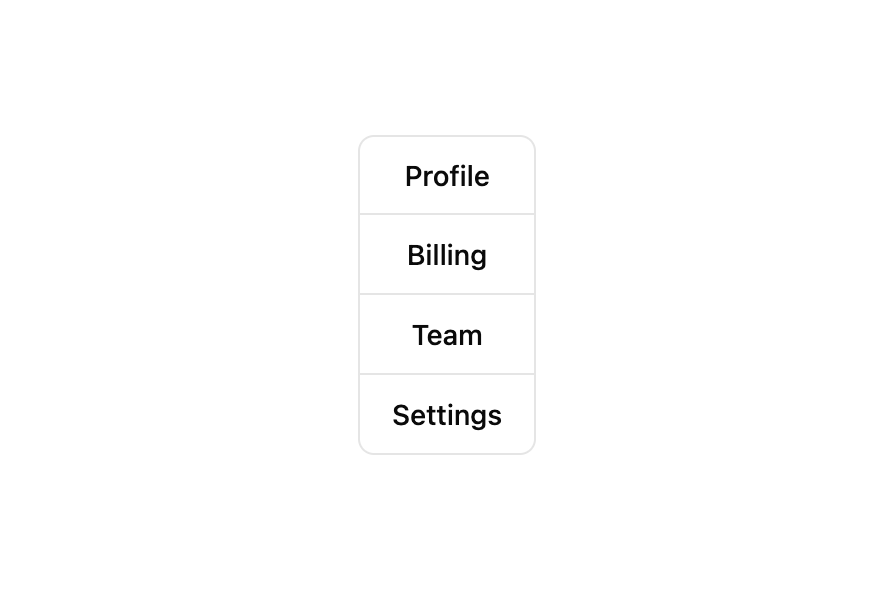
How One Clipboard is used: the demo's code. The component's own source comes with a free account.
Usage.tsx
import { Button } from '@/components/ui/button'
import { ButtonGroup } from '@/components/ui/button-group'

export function Button17() {
  return (
    <ButtonGroup orientation="vertical">
      <Button variant="outline">Profile</Button>
      <Button variant="outline">Billing</Button>
      <Button variant="outline">Team</Button>
      <Button variant="outline">Settings</Button>
    </ButtonGroup>
  )
}

export default Button17
Dependencies
More by felipemenezes098
View all
Centered Hero with Image Fan
1.1K
Editorial Collage Hero
515
Split Hero With Image Cards
465
Editorial Image Hero
426
Scroll 01
413
Real Estate Search Hero
229
Editorial Hero
207
Hero with Dashboard Mockup
147
More in Buttons
View all

Button Group
4
Button
20
Texture Button
111

Button
4
Hero Button
23

Button
143

Astryx Chat Send Button
5

Button Group


