
About
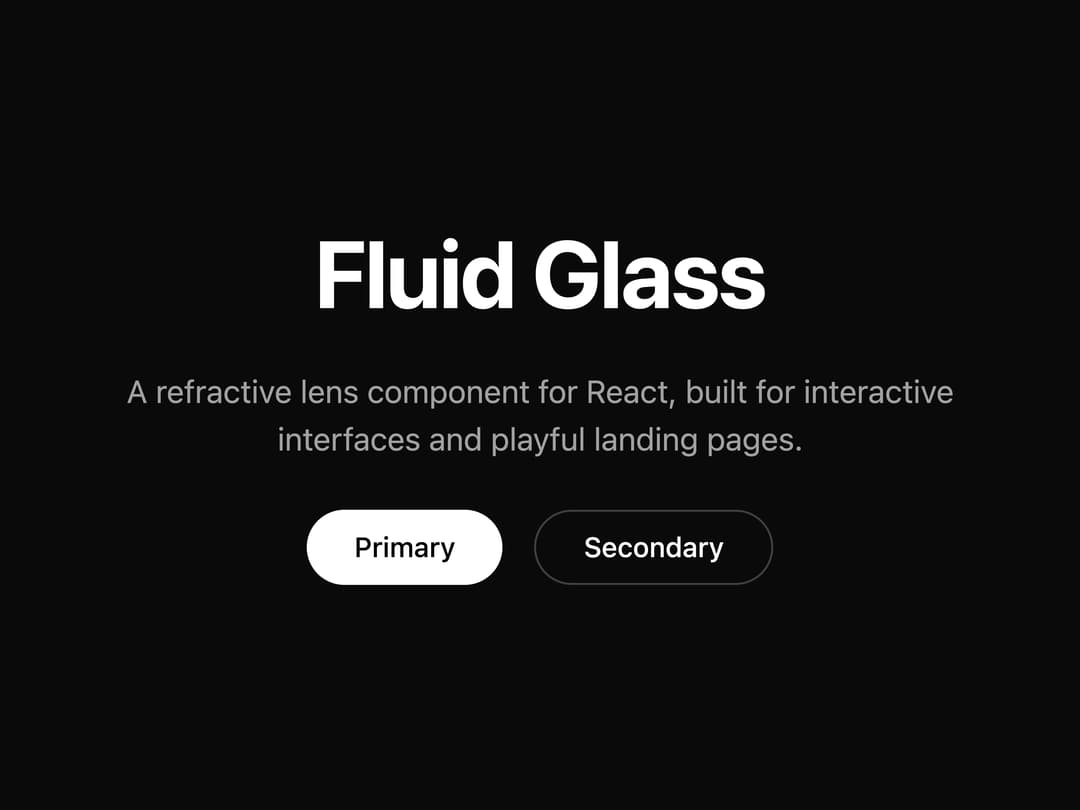
A custom cursor effect that renders a circular glass lens following the mouse, genuinely magnifying the HTML content beneath it via a live DOM clone.
Built with React and Tailwind. Copy the prompt and paste it into Claude Code, Cursor or Lovable: your agent adds Fluid Glass Cursor to your project and fits it to your theme.
Code
How Fluid Glass Cursor is used: the demo's code. The component's own source comes with a free account.
Usage.tsx
import FluidGlassCursor from "@/components/ui/fluid-glass-cursor";
import { useRef } from "react";

export default function FluidGlassCursorDemo() {
  const containerRef = useRef(null);

  return (
    <div
      ref={containerRef}
      className="relative w-full h-screen overflow-hidden bg-neutral-950 text-white flex flex-col items-center justify-center gap-6 p-10"
      style={{ cursor: "none" }}
    >
      <FluidGlassCursor
        containerRef={containerRef}
        config={{ lensSize: 90, zoomLevel: 1.4, glassOpacity: 0.3 }}
      />

      <h1 className="text-5xl font-bold tracking-tight">Fluid Glass</h1>

      <p className="max-w-md text-center text-neutral-400">
        A refractive lens component for React, built for interactive interfaces
        and playful landing pages.
      </p>

      <div className="flex gap-4">
        <button className="rounded-full bg-white px-6 py-2 text-sm font-medium text-black">
          Primary
        </button>
        <button className="rounded-full border border-neutral-700 px-6 py-2 text-sm font-medium text-white">
          Secondary
        </button>
      </div>
    </div>
  );
}
More by felix-au
View all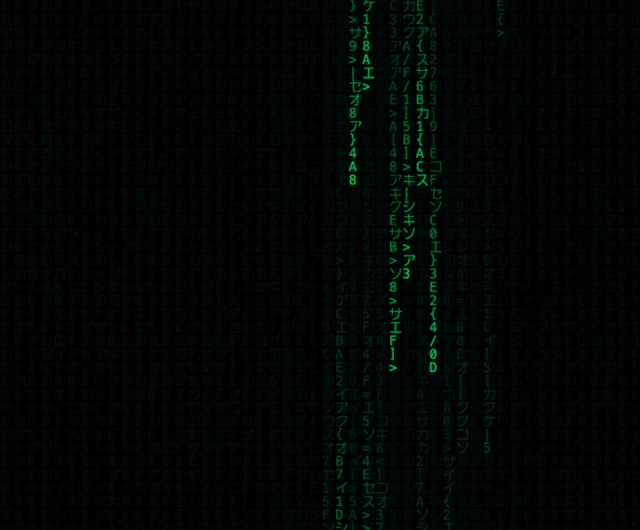
Matrix Rain Cursor
43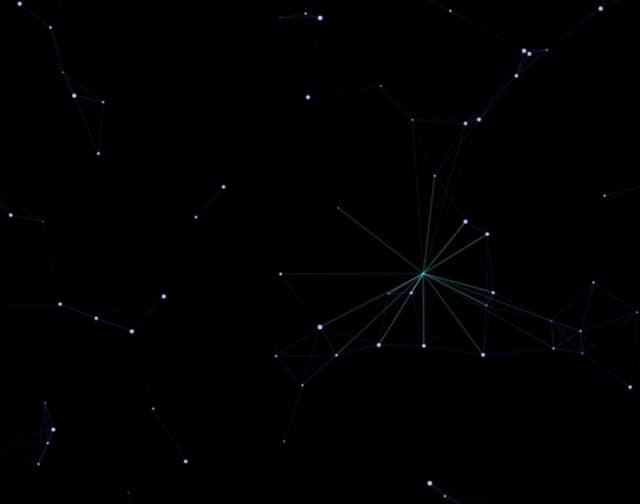
Constellation Cursor
19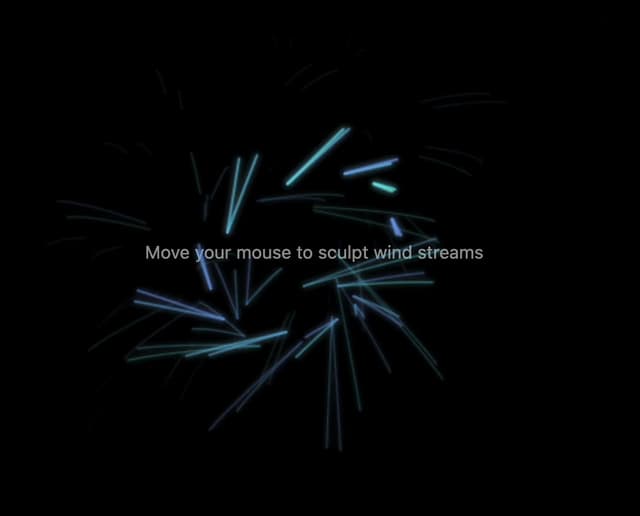
Wind Stream Cursor
8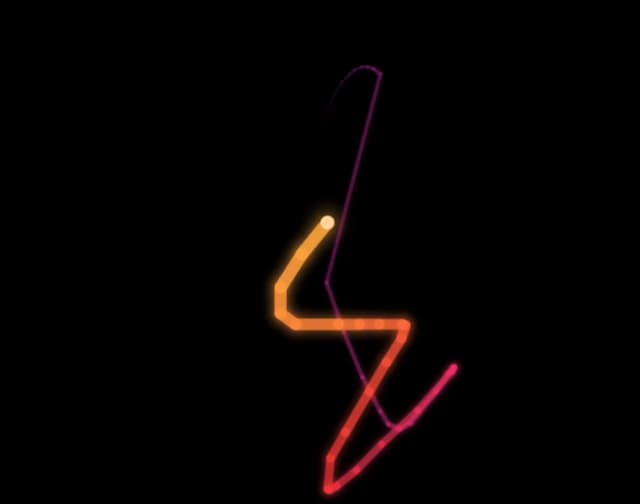
Rainbow Comet Cursor
8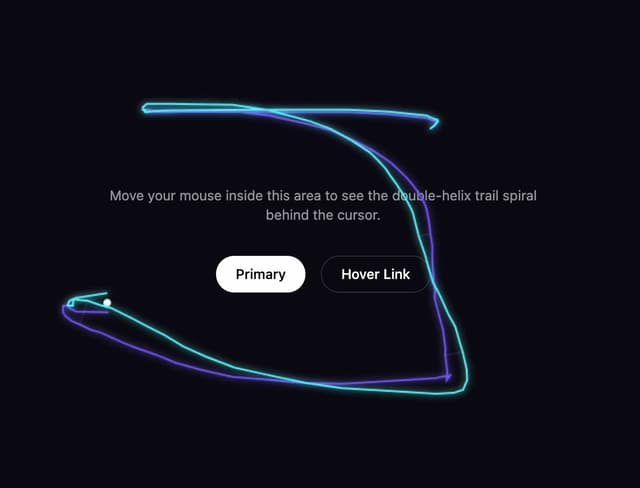
DNA Helix Cursor
7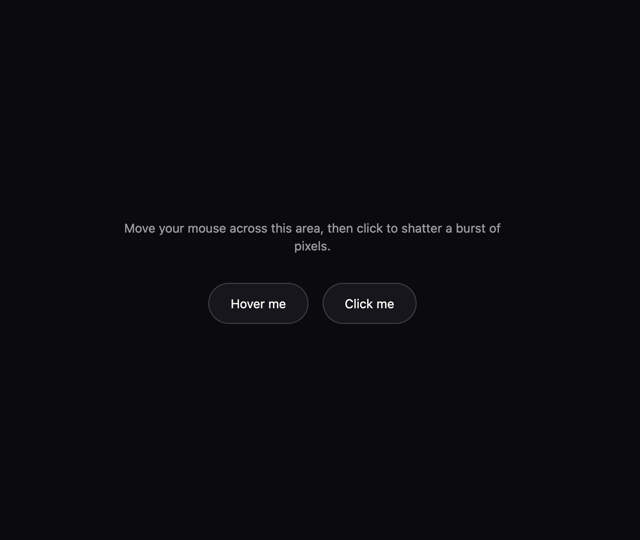
Pixel Shatter Cursor
4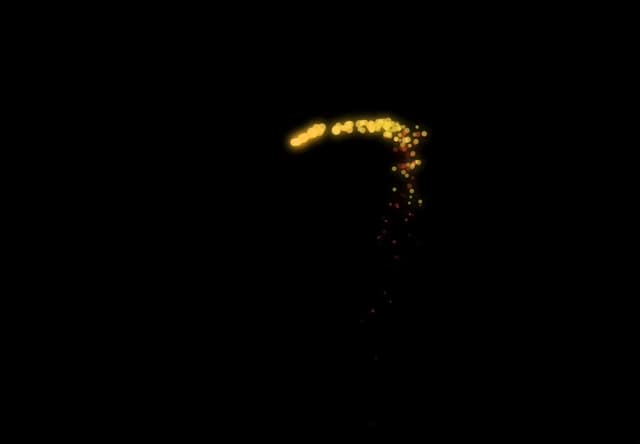
Fire Trail Cursor
4
Bubble Float Cursor
3