
About
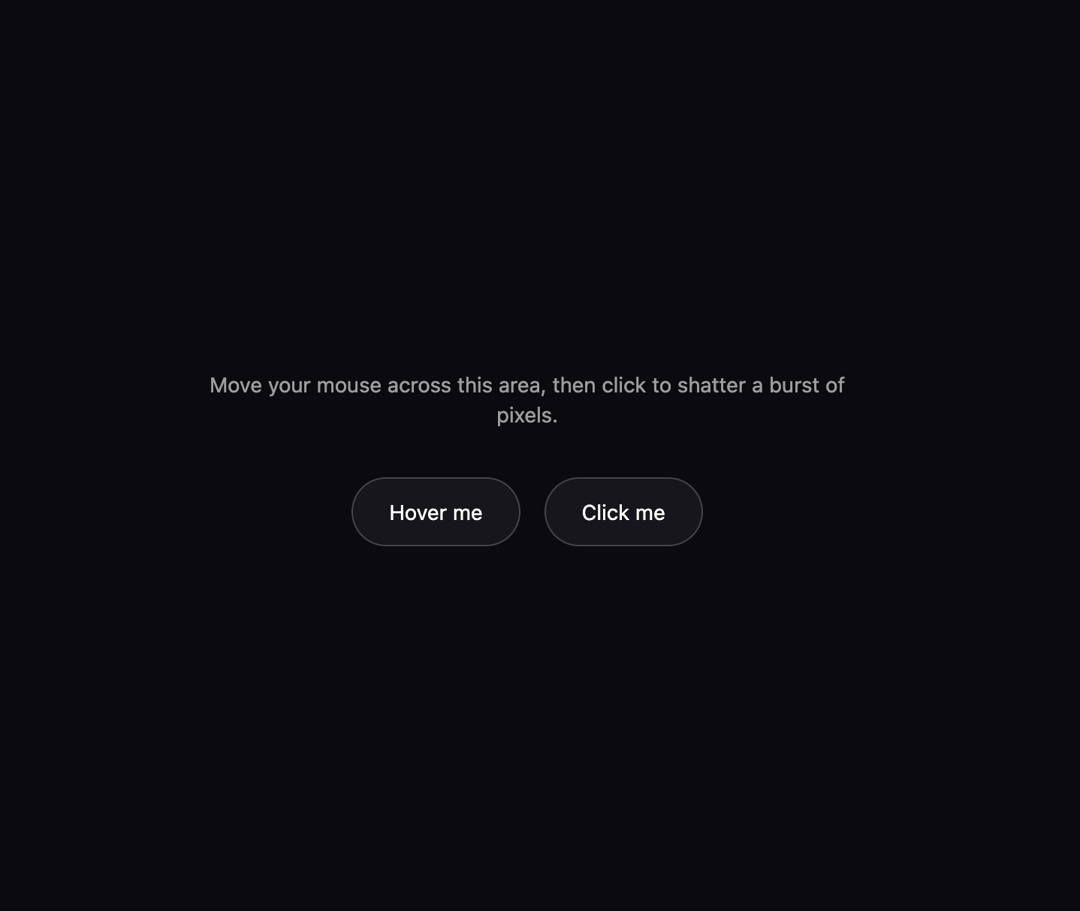
A canvas-based custom cursor that scatters small rotating square shards behind the pointer as it moves, with an optional burst explosion on click, for interactive hero sections and showcase pages.
Built with React and Tailwind. Copy the prompt and paste it into Claude Code, Cursor or Lovable: your agent adds Pixel Shatter Cursor to your project and fits it to your theme.
Code
How Pixel Shatter Cursor is used: the demo's code. The component's own source comes with a free account.
Usage.tsx
"use client";

import PixelShatterCursor from "@/components/ui/pixel-shatter-cursor";
import { useRef } from "react";

export default function PixelShatterCursorDemo() {
  const containerRef = useRef<HTMLDivElement>(null);

  return (
    <div
      ref={containerRef}
      className="relative w-full h-screen overflow-hidden bg-[#0a0a0f] text-white"
      style={{ cursor: "none" }}
    >
      <PixelShatterCursor
        containerRef={containerRef}
        config={{
          hue: 220,
          count: 8,
          gravity: 0.18,
          pointerAnim: true,
          clickAnim: true,
          burstCount: 30,
          burstDuration: 700,
        }}
      />

      <div className="flex h-full w-full flex-col items-center justify-center gap-8">
        <p className="max-w-md text-center text-sm text-white/60">
          Move your mouse across this area, then click to shatter a burst of
          pixels.
        </p>
        <div className="flex gap-4">
          <button className="btn rounded-full border border-white/20 bg-white/5 px-6 py-3 text-sm backdrop-blur">
            Hover me
          </button>
          <button className="btn rounded-full border border-white/20 bg-white/5 px-6 py-3 text-sm backdrop-blur">
            Click me
          </button>
        </div>
      </div>
    </div>
  );
}
More by felix-au
View all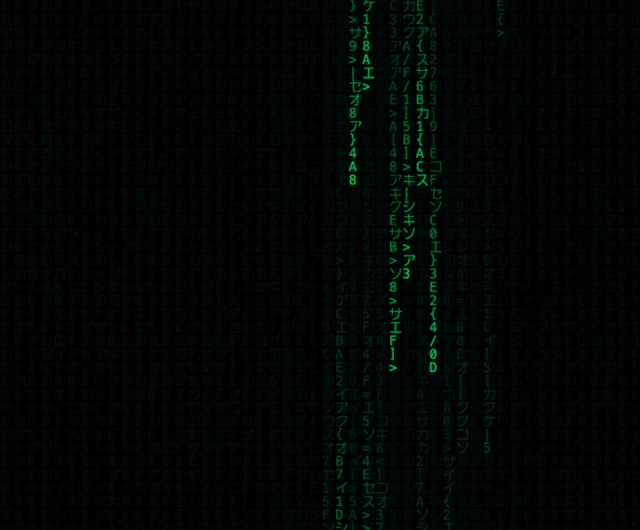
Matrix Rain Cursor
34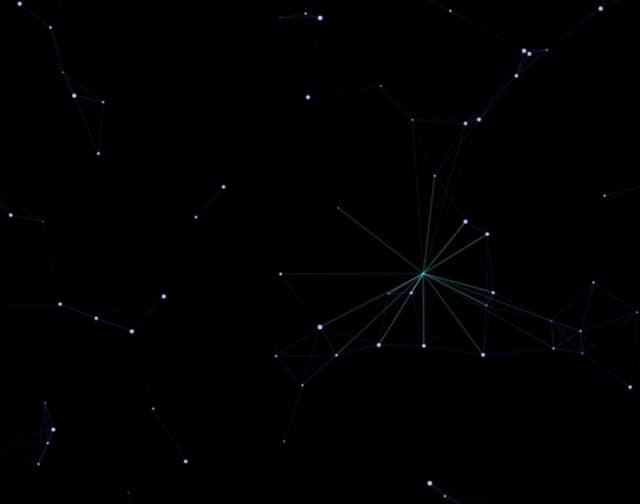
Constellation Cursor
13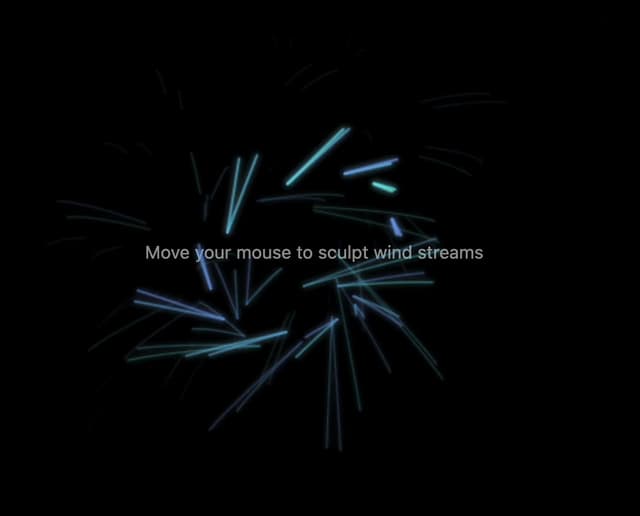
Wind Stream Cursor
5
DNA Helix Cursor
5
Rainbow Comet Cursor
5
Bubble Float Cursor
2
Ripple Wave Cursor
1
Neon Glow Cursor