
About
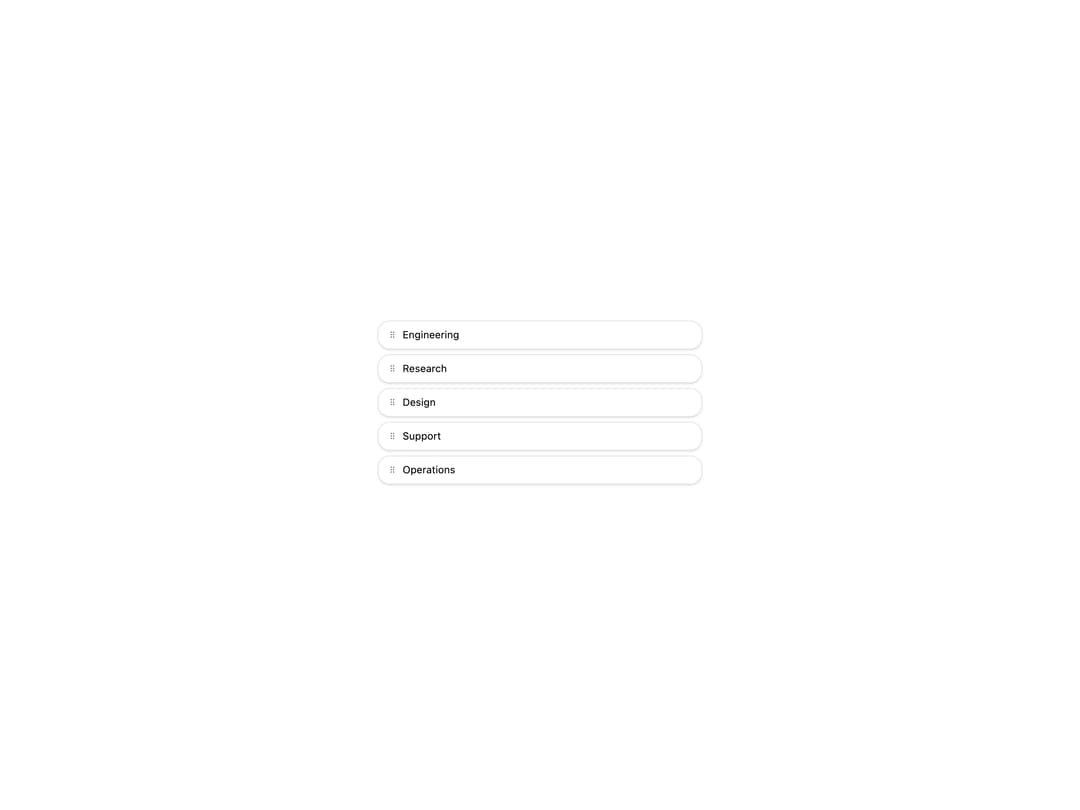
A drag-to-reorder list for arbitrary item types built on native HTML5 drag events, with an explicit grip handle so rows containing inputs still allow text selection.
Built with React and Tailwind. Copy the prompt and paste it into Claude Code, Cursor or Lovable: your agent adds Sortable List to your project and fits it to your theme.
Code
How Sortable List is used: the demo's code. The component's own source comes with a free account.
Usage.tsx
"use client";

import SortableList from "@/components/ui/sortable-list";
import { useState } from "react";

type Team = { id: string; name: string };

const TEAMS: Team[] = [
  { id: "1", name: "Engineering" },
  { id: "2", name: "Research" },
  { id: "3", name: "Design" },
  { id: "4", name: "Support" },
  { id: "5", name: "Operations" },
];

export default function SortableListDemo() {
  const [items, setItems] = useState(TEAMS);
  return (
    <div className="flex w-full items-center justify-center bg-background p-8">
      <div className="w-full max-w-sm">
        <SortableList
          items={items}
          getId={(t) => t.id}
          onReorder={setItems}
          group="teams"
          renderItem={(t, { isDragging, handleProps }) => (
            <div
              className={`mb-1.5 flex items-center gap-2 rounded-xl border border-border bg-card px-3 py-2 text-xs text-foreground shadow-sm ${
                isDragging ? "opacity-50" : ""
              }`}
            >
              <span
                {...handleProps}
                className="cursor-grab select-none text-muted-foreground"
              >
                ⠿
              </span>
              {t.name}
            </div>
          )}
        />
      </div>
    </div>
  );
}
More by haassiib
View all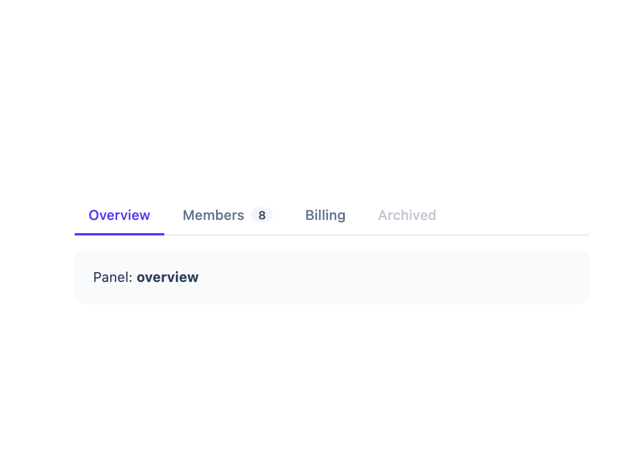
Tabs
9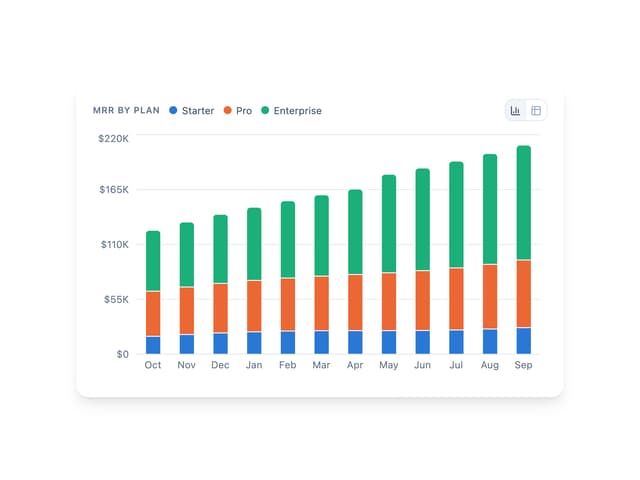
Bar Chart
1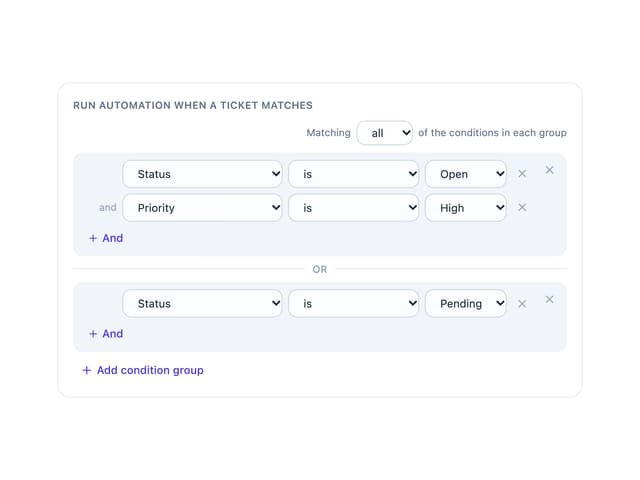
Condition Groups Builder
1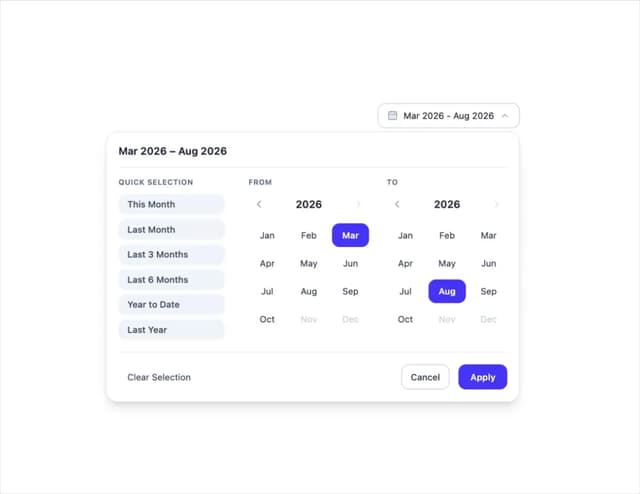
Month Range Picker
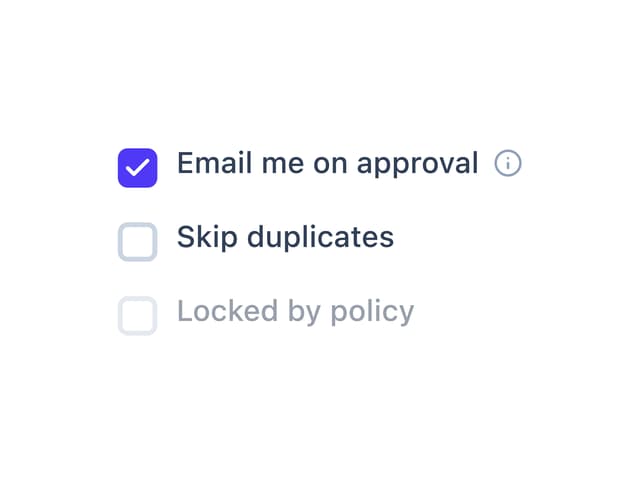
Checkbox
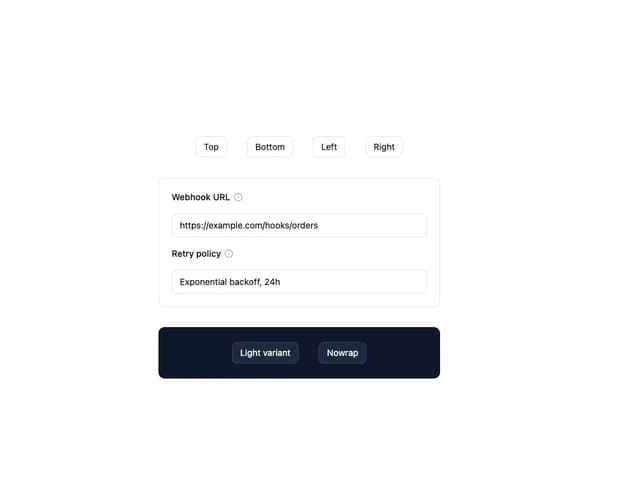
Tooltip
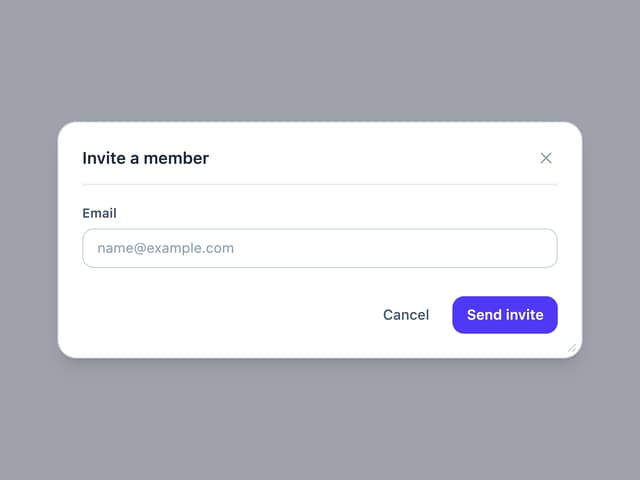
Draggable Resizable Modal
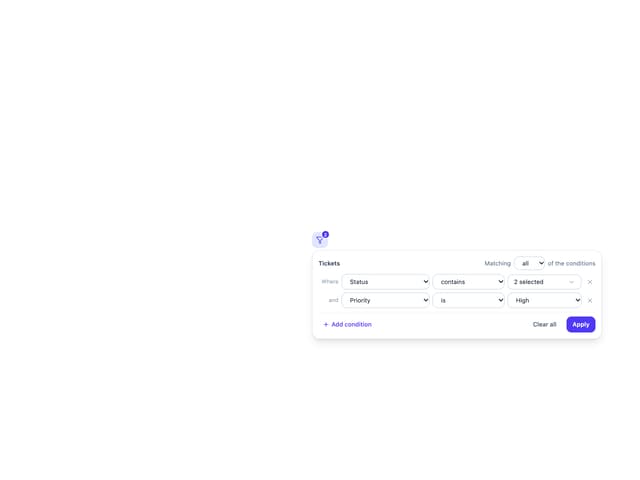
Filter Panel