
About
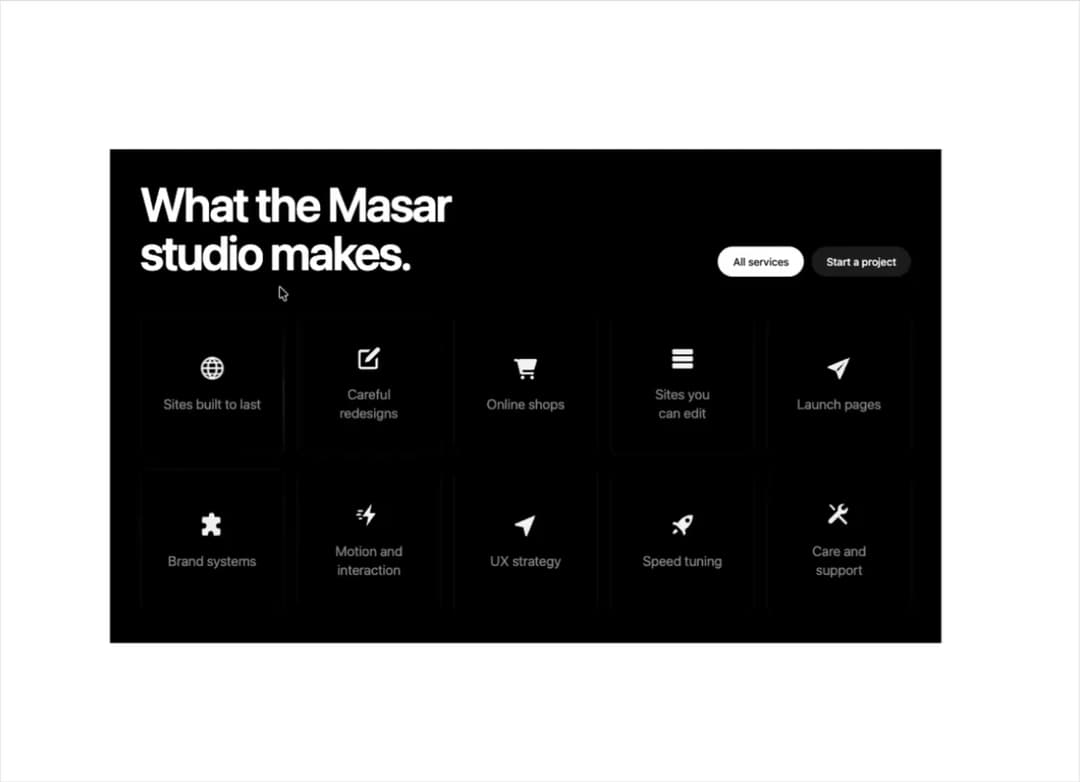
A grid of service tiles that light up on hover with a twinkling dot field and a glowing arc that slides around the border toward the pointer.
Built with React and Tailwind. Copy the prompt and paste it into Claude Code, Cursor or Lovable: your agent adds Signal Tiles to your project and fits it to your theme.
Code
How Signal Tiles is used: the demo's code. The component's own source comes with a free account.
Usage.tsx
"use client";
import { SignalTiles, type SignalTile } from "@/components/ui/signal-tiles";

const TILES: SignalTile[] = [
  { title: "Sites built to last", href: "#", icon: "globe" },
  { title: "Careful redesigns", href: "#", icon: "redesign" },
  { title: "Online shops", href: "#", icon: "cart" },
  { title: "Sites you can edit", href: "#", icon: "stack" },
  { title: "Launch pages", href: "#", icon: "send" },
  { title: "Brand systems", href: "#", icon: "puzzle" },
  { title: "Motion and interaction", href: "#", icon: "bolt" },
  { title: "UX strategy", href: "#", icon: "pointer" },
  { title: "Speed tuning", href: "#", icon: "rocket" },
  { title: "Care and support", href: "#", icon: "tools" },
];

export default function SignalTilesDemo({
  variant = "dark",
}: {
  variant?: string;
}) {
  return (
    <div className="min-h-full w-full">
      <SignalTiles
        heading="What the Masar studio makes."
        tiles={TILES}
        primary={{ label: "All services", href: "#" }}
        secondary={{ label: "Start a project", href: "#" }}
        theme={variant === "light" ? "light" : "dark"}
      />
    </div>
  );
}
More by ham7a311
View all
Route Globe
6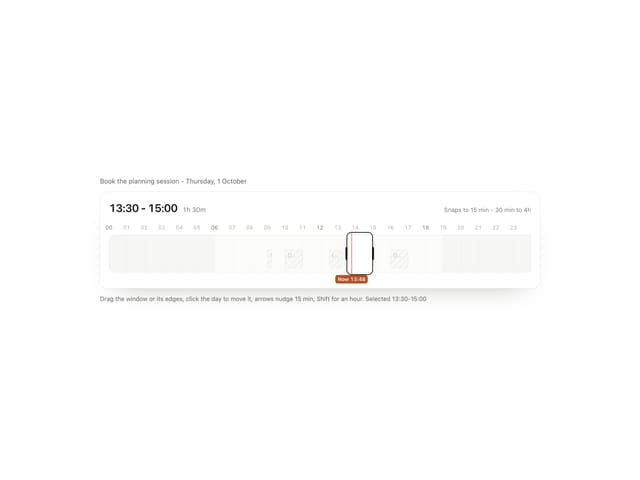
Time Window
4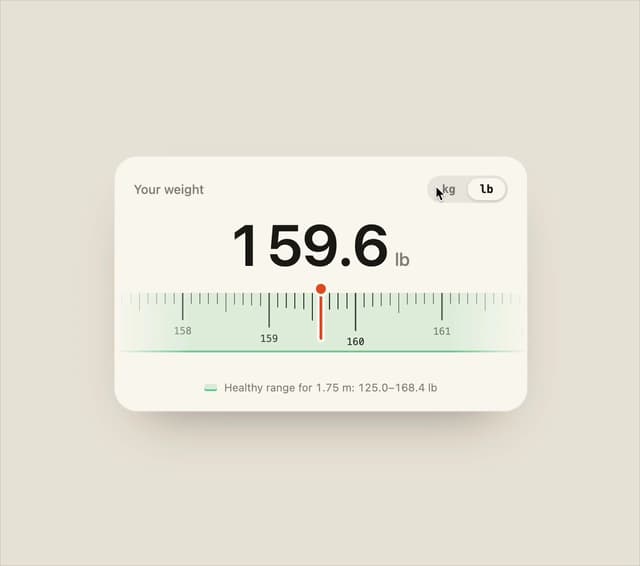
Ruler Picker
4
Wave Mesh
4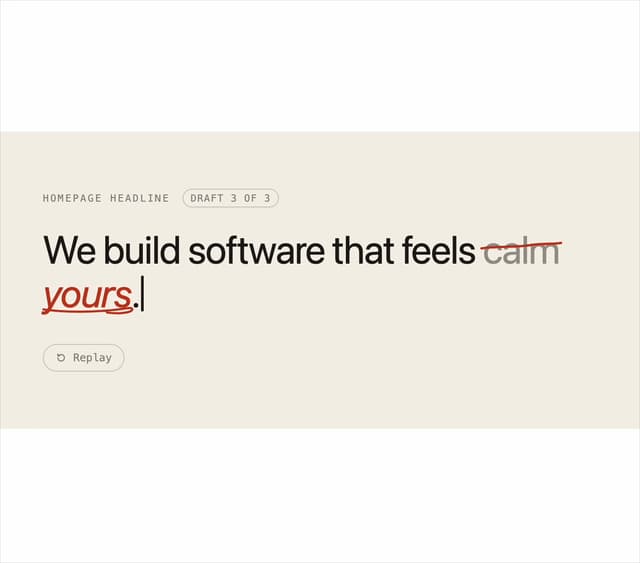
Second Draft Text
3
Uptime Ribbon
3
Glass Carousel
3
Liquid Chrome
3
More in Cards
View all

Statistics Card 2
256

Course Design Cards
1.1K
Stats cards with links
83
The Item one
3
Card
70

Card Studio
36
Statistics Card 10
259
File Card Collections
996

