
About
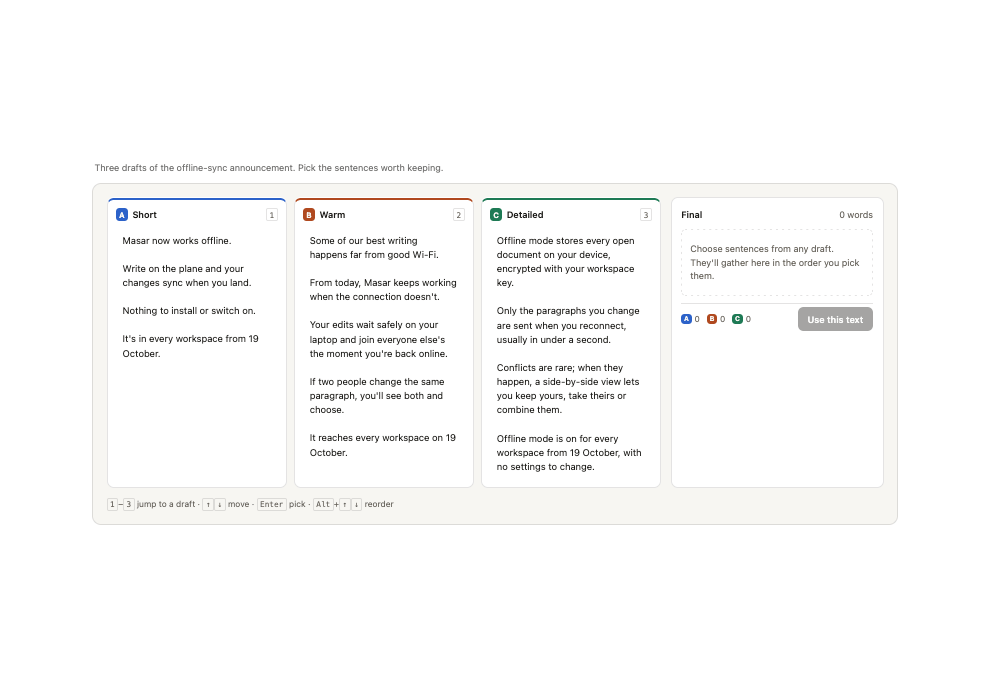
A sentence-level composer for comparing multiple AI-generated drafts, letting you pick the best sentence from any draft and assemble them into one final text with drag-free reorder and keyboard controls.
Built with React and Tailwind. Copy the prompt and paste it into Claude Code, Cursor or Lovable: your agent adds Splice to your project and fits it to your theme.
Code
How Splice is used: the demo's code. The component's own source comes with a free account.
Usage.tsx
"use client";
import Splice from "@/components/ui/splice";

const DRAFTS = [
  {
    id: "a",
    label: "Short",
    text: "Masar now works offline. Write on the plane and your changes sync when you land. Nothing to install or switch on. It's in every workspace from 19 October.",
  },
  {
    id: "b",
    label: "Warm",
    text: "Some of our best writing happens far from good Wi-Fi. From today, Masar keeps working when the connection doesn't. Your edits wait safely on your laptop and join everyone else's the moment you're back online. If two people change the same paragraph, you'll see both and choose. It reaches every workspace on 19 October.",
  },
  {
    id: "c",
    label: "Detailed",
    text: "Offline mode stores every open document on your device, encrypted with your workspace key. Only the paragraphs you change are sent when you reconnect, usually in under a second. Conflicts are rare; when they happen, a side-by-side view lets you keep yours, take theirs or combine them. Offline mode is on for every workspace from 19 October, with no settings to change.",
  },
];

export default function Demo() {
  return (
    <div className="min-h-full w-full px-4 py-8 bg-background text-foreground">
      <div className="mx-auto w-full max-w-[72rem]">
        <p className="mb-3 px-1 text-[13px] text-muted-foreground">
          Three drafts of the offline-sync announcement. Pick the sentences
          worth keeping.
        </p>
        <Splice drafts={DRAFTS} theme="light" />
      </div>
    </div>
  );
}
More by ham7a311
View all
Wave Mesh
184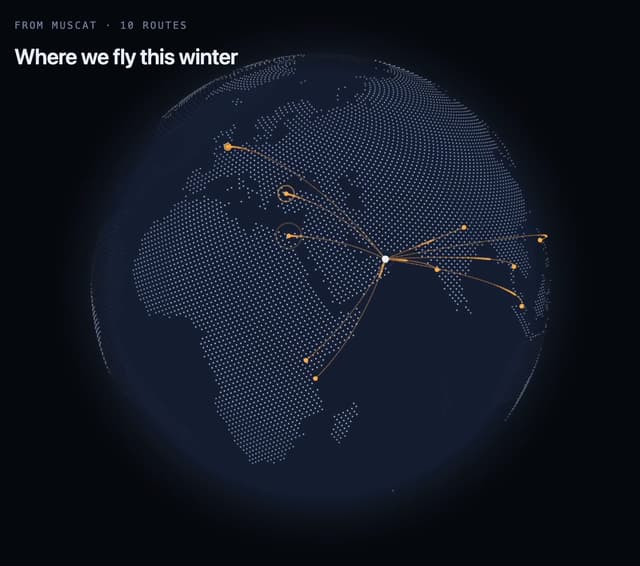
Route Globe
152
Glass Tiles
146
Glyph Swell
60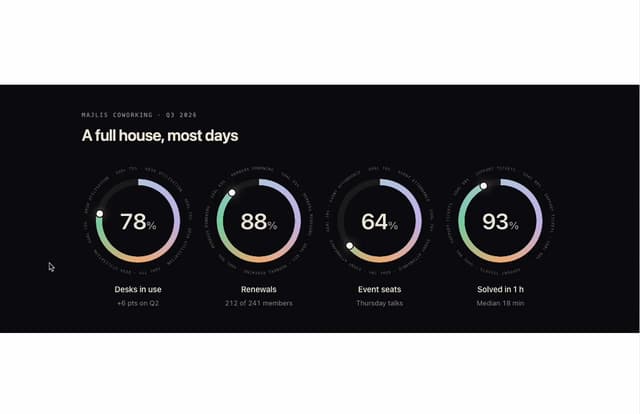
Orbit Ring Stats
55
Ask Bar
46
Intent Label
39
Glass Ribbons
37
More in AI chats
View all

AI Actions
351
Agent Chat
21

Aquarium Prompt
113
System Notice
2

Message With Header And Delivery Status
60
Color Picker
201
Chat Bubble
205
Message
1


