
About
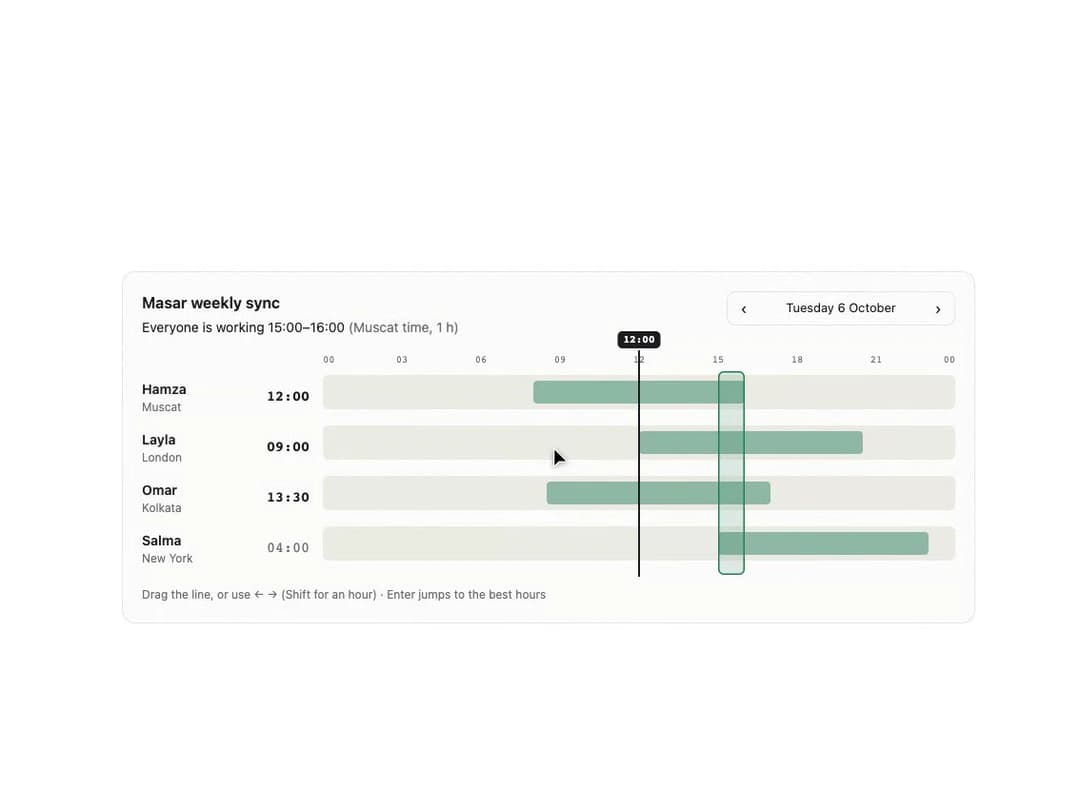
A scheduling widget that plots several people's working hours on one 24-hour axis in the viewer's time zone, with a draggable cursor showing everyone's local time and the hours that overlap for a meeting.
Built with React and Tailwind. Copy the prompt and paste it into Claude Code, Cursor or Lovable: your agent adds Timezone Overlap to your project and fits it to your theme.
Code
How Timezone Overlap is used: the demo's code. The component's own source comes with a free account.
Usage.tsx
"use client";
import { TimezoneOverlap, type Person } from "@/components/ui/timezone-overlap";

const TEAM: Person[] = [
  {
    id: "h",
    name: "Hamza",
    tz: "Asia/Muscat",
    start: "08:00",
    end: "16:00",
    workdays: [0, 1, 2, 3, 4],
  },
  {
    id: "l",
    name: "Layla",
    tz: "Europe/London",
    start: "09:00",
    end: "17:30",
    workdays: [1, 2, 3, 4, 5],
  },
  {
    id: "o",
    name: "Omar",
    tz: "Asia/Kolkata",
    start: "10:00",
    end: "18:30",
    workdays: [1, 2, 3, 4, 5],
  },
  {
    id: "s",
    name: "Salma",
    tz: "America/New_York",
    start: "07:00",
    end: "15:00",
    workdays: [1, 2, 3, 4, 5],
  },
];

export default function Demo() {
  return (
    <div className="flex min-h-full w-full items-center justify-center bg-background px-4 py-10">
      <div className="w-full max-w-[56rem]">
        <TimezoneOverlap
          title="Masar weekly sync"
          people={TEAM}
          reference="Asia/Muscat"
          date="2026-10-06"
          theme="light"
        />
      </div>
    </div>
  );
}
More by ham7a311
View all
Wave Mesh
137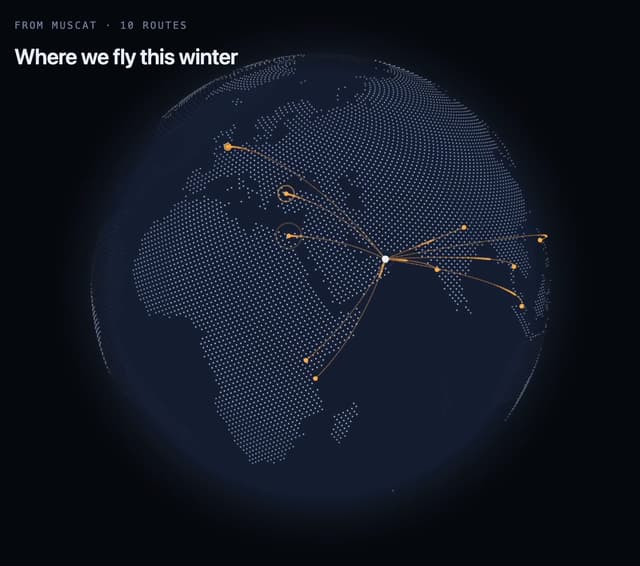
Route Globe
125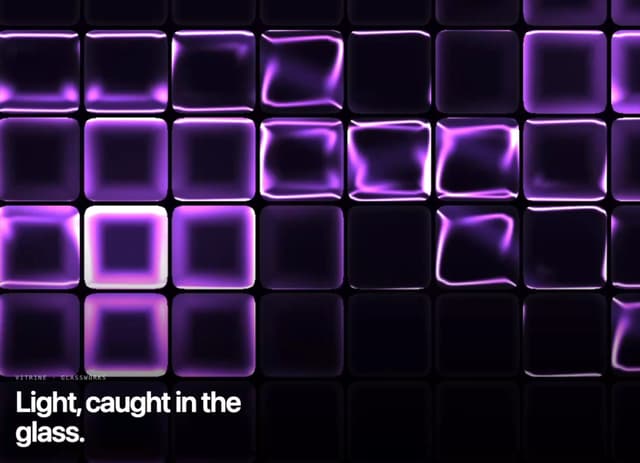
Glass Tiles
109
Glyph Swell
50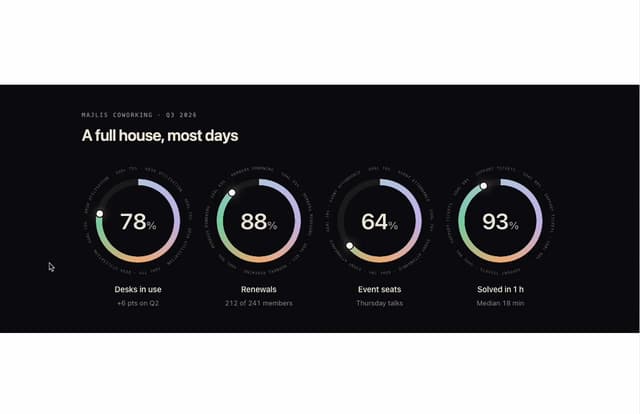
Orbit Ring Stats
47
Ask Bar
38
Glass Ribbons
30
Intent Label
29