
About
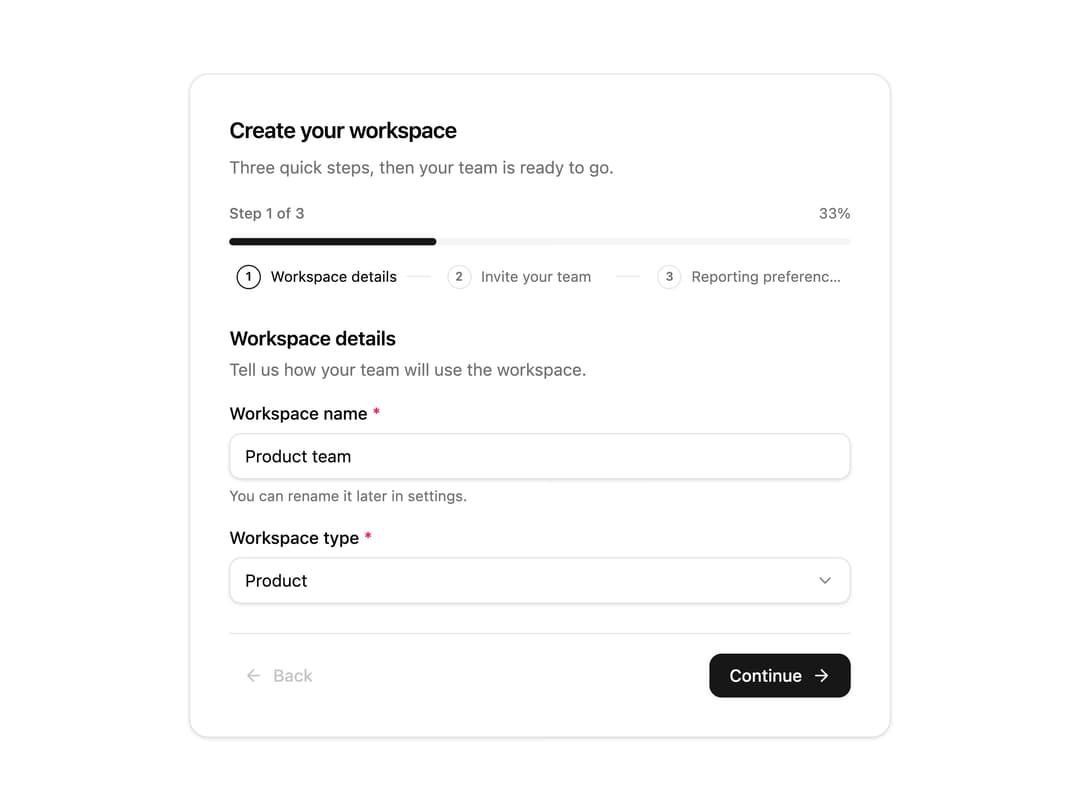
A multi-step form with an animated progress bar, clickable step markers, directional slide transitions, inline validation, native selects and radio cards, an animated success summary and a reset action. Enter submits each step and invalid fields receive focus.
Built with React and Tailwind. Copy the prompt and paste it into Claude Code, Cursor or Lovable: your agent adds Multi Step Form to your project and fits it to your theme.
Code
How Multi Step Form is used: the demo's code. The component's own source comes with a free account.
Usage.tsx
"use client";

/**
 * PrequelUI Animate — MIT — https://prequeluianimate.terravidhal.me
 */

import { MultiStepForm, type MultiStepStep } from "@/components/ui/multi-step-form";

const STEPS: MultiStepStep[] = [
  {
    id: "workspace",
    title: "Workspace details",
    description: "Tell us how your team will use the workspace.",
    fields: [
      {
        id: "name",
        label: "Workspace name",
        type: "text",
        placeholder: "Product team",
        autoComplete: "organization",
        required: true,
        helper: "You can rename it later in settings.",
      },
      {
        id: "kind",
        label: "Workspace type",
        type: "select",
        required: true,
        placeholder: "Choose a type",
        options: [
          { value: "product", label: "Product" },
          { value: "design", label: "Design" },
          { value: "engineering", label: "Engineering" },
          { value: "marketing", label: "Marketing" },
        ],
      },
    ],
  },
  {
    id: "team",
    title: "Invite your team",
    description: "Add a teammate now. More invites can be sent at any time.",
    fields: [
      {
        id: "email",
        label: "Teammate email",
        type: "email",
        placeholder: "name@company.com",
        autoComplete: "email",
        required: true,
        helper: "They will receive a single invitation email.",
      },
      {
        id: "role",
        label: "Role",
        type: "select",
        required: true,
        placeholder: "Choose a role",
        options: [
          { value: "admin", label: "Admin" },
          { value: "editor", label: "Editor" },
          { value: "viewer", label: "Viewer" },
        ],
      },
      {
        id: "note",
        label: "Personal note",
        type: "textarea",
        placeholder: "Optional message included in the invitation",
      },
    ],
  },
  {
    id: "preferences",
    title: "Reporting preferences",
    description: "Choose when the team receives its summary.",
    fields: [
      {
        id: "digest",
        label: "Summary cadence",
        type: "choice",
        required: true,
        options: [
          {
            value: "weekly",
            label: "Every Monday",
            description: "A short recap to start the week.",
          },
          {
            value: "monthly",
            label: "First of the month",
            description: "A deeper report across the month.",
          },
        ],
      },
      {
        id: "weekstart",
        label: "Week starts on",
        type: "select",
        options: [
          { value: "monday", label: "Monday" },
          { value: "sunday", label: "Sunday" },
        ],
        helper: "Used for charts and date pickers.",
      },
    ],
  },
];

export default function MultiStepFormDemo() {
  return (
    <main className="flex min-h-screen w-full items-center justify-center bg-background px-6 py-12">
      <MultiStepForm
        steps={STEPS}
        title="Create your workspace"
        description="Three quick steps, then your team is ready to go."
        defaultValues={{
          name: "Product team",
          kind: "product",
          role: "editor",
          weekstart: "monday",
        }}
        successTitle="Workspace ready"
        successDescription="We saved your details and queued the invitation. You can adjust everything later."
        submitLabel="Create workspace"
      />
    </main>
  );
}
Dependencies
More by terra vidhal
View all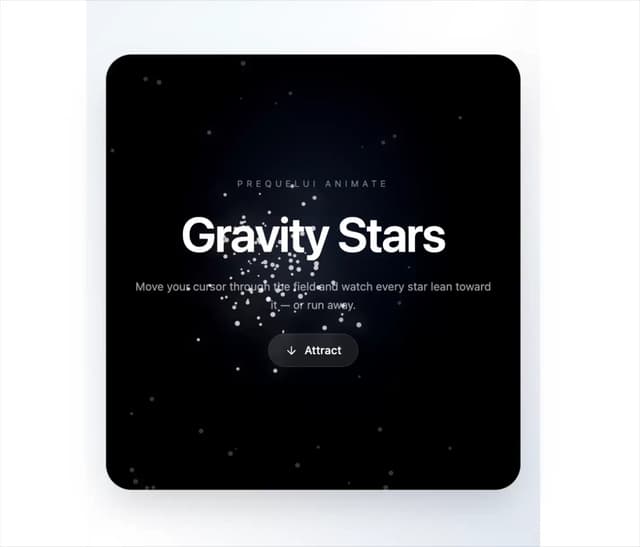

Gravity Stars Background
13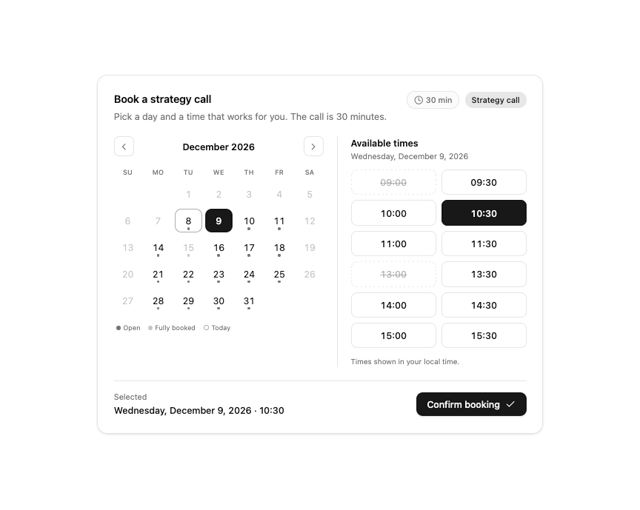
Booking Calendar
10
Topographic Lines
8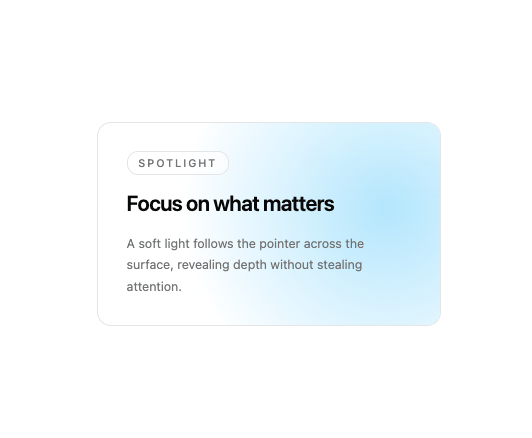
Spotlight Card
8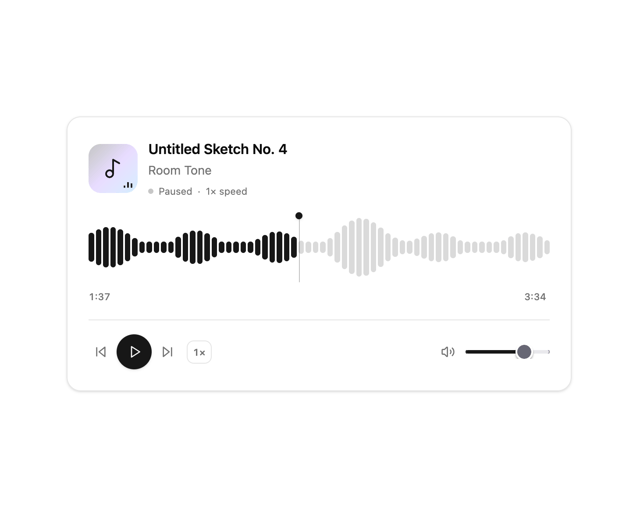
Audio Waveform
7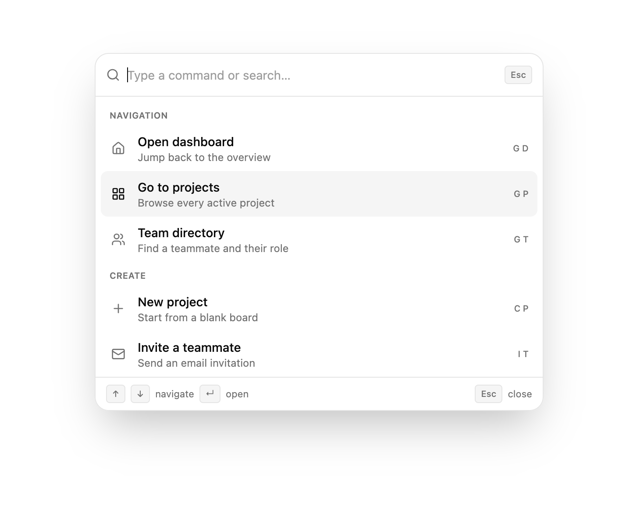
Command Palette
6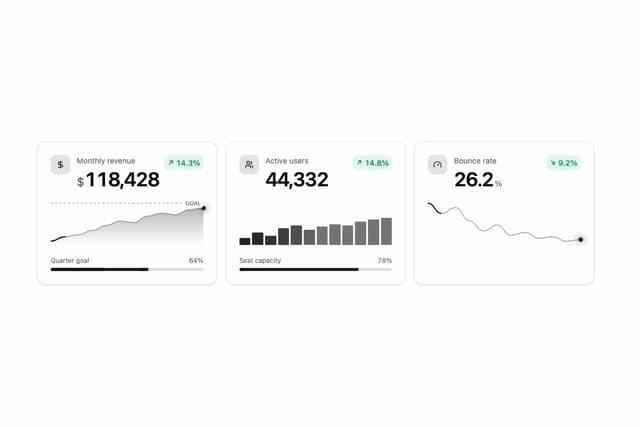
Kpi Counter
6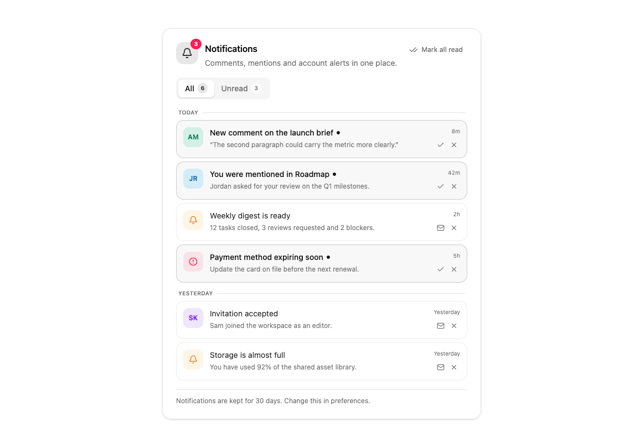
Notification Center
5
More in Forms
View all

Premium Auth
599
Contact Form
28

Contact Card
1.1K

Form
6

Form
16

Login 2
16

Book A Demo 1
94

Login 1
70
