
About
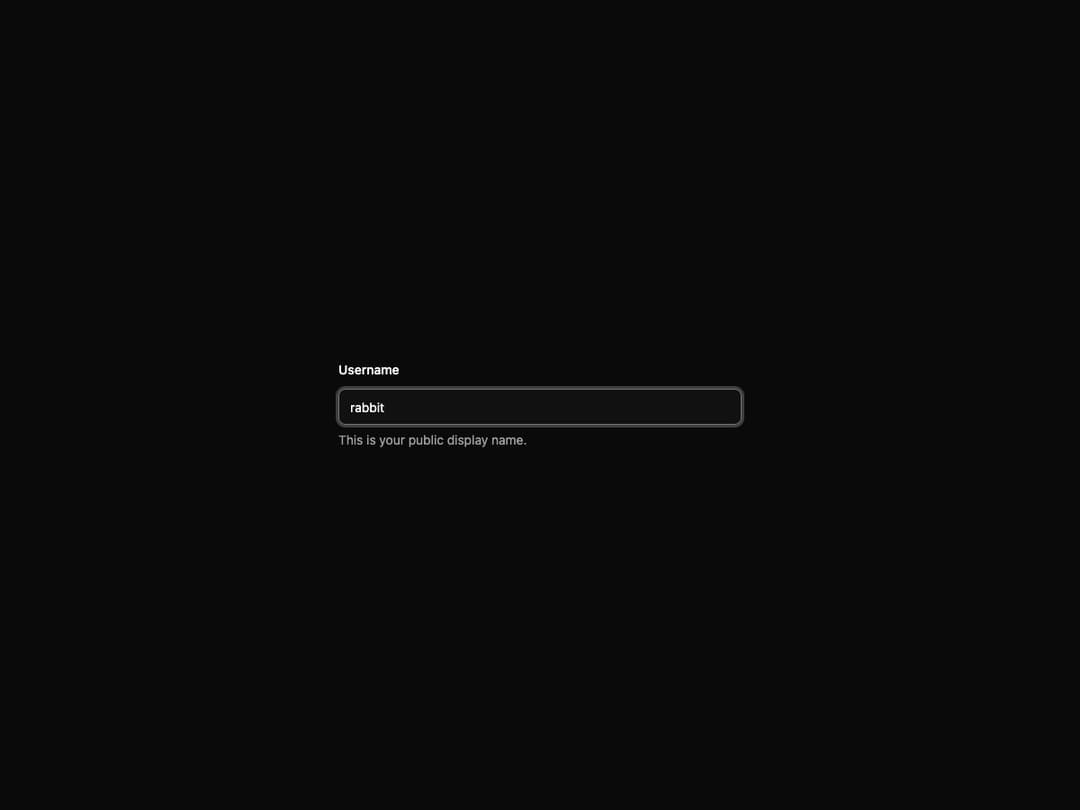
A comprehensive field system with support for labels, descriptions, errors, and complex form layouts.
Built with React and Tailwind. Copy the prompt and paste it into Claude Code, Cursor or Lovable: your agent adds Field to your project and fits it to your theme.
Code
How Field is used: the demo's code. The component's own source comes with a free account.
Usage.tsx
import { Field, FieldContent, FieldDescription, FieldLabel } from "@/components/ui/interfaces-field"
import { Input } from "@/components/ui/input"

export default function DemoSimpleField() {
  return (
    <div className="flex w-full min-h-screen items-center justify-center bg-background p-8 overflow-hidden">
      <div className="w-full max-w-md">
        <Field>
          <FieldLabel htmlFor="username">Username</FieldLabel>
          <FieldContent>
            <Input id="username" placeholder="Enter username" />
            <FieldDescription>This is your public display name.</FieldDescription>
          </FieldContent>
        </Field>
      </div>
    </div>
  )
}
Dependencies
More by jshguo
View all

Progress
426
Select
367
Textarea
258
Interfaces Carousel
160
Input OTP
159
Switch
135
Hover Card
109
Card
85
More in Forms
View all

Premium Auth
492
Authentication Card
44

Login 1
52

Login 2
7

Form
15

Form
31

Login Card
32

Card Studio
41
