
About
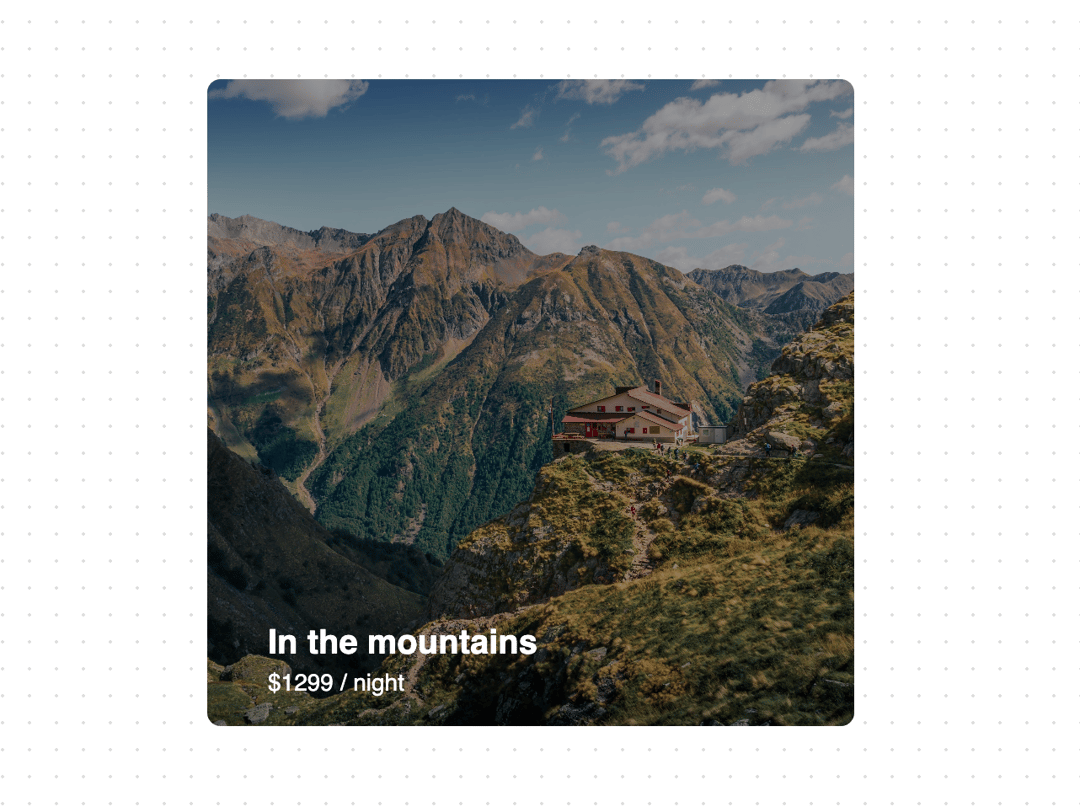
A direction aware hover effect using Framer Motion, Tailwindcss and good old javascript.
Built with React and Tailwind. Copy the prompt and paste it into Claude Code, Cursor or Lovable: your agent adds Direction Aware Hover to your project and fits it to your theme.
Code
How Direction Aware Hover is used: the demo's code. The component's own source comes with a free account.
Usage.tsx
"use client";

import { useRef, useState } from "react";
import Image from "next/image";
import { AnimatePresence, motion } from "framer-motion";
import { cn } from "@/lib/utils";
import { DirectionAwareHover } from "@/components/ui/direction-aware-hover";

export function DirectionAwareHoverDemo() {
  const imageUrl =
    "https://cdn.21st.dev/assets/mirror/00/0012472dbb7d1a41e20a90ddb37a8519af4a3de2d97670ed6fd2a8ce167dea50.jpg";
  return (
    <div className="h-[40rem] relative  flex items-center justify-center">
      <DirectionAwareHover imageUrl={imageUrl}>
        <p className="font-bold text-xl">In the mountains</p>
        <p className="font-normal text-sm">$1299 / night</p>
      </DirectionAwareHover>
    </div>
  );
}
Dependencies
More by Manu Arora
View all
Container Scroll Animation
10.2K
Glowing Effect
4.4K
Aurora Background
4.4K
Timeline
4.3K
Sparkles
4.1K
Lamp
3.7K
Sidebar
3.6K
Bento Grid
2.7K
More in Cards
View all

Course Design Cards
1.1K
Stats cards with links
79

Statistics Card 2
257
Card
54
The Item one
3

Card Studio
9
Statistics Card 7
288

Weather Card
52
