
About
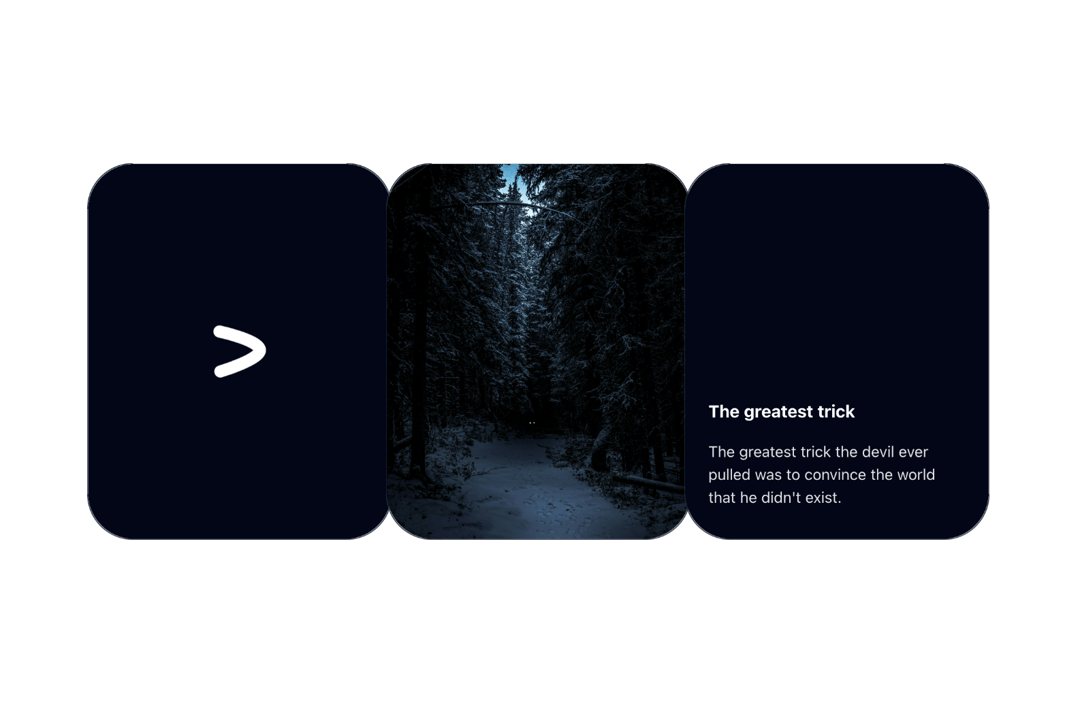
A glare effect that happens on hover, as seen on Linear's website
Built with React and Tailwind. Copy the prompt and paste it into Claude Code, Cursor or Lovable: your agent adds Glare Card to your project and fits it to your theme.
Code
How Glare Card is used: the demo's code. The component's own source comes with a free account.
Usage.tsx
import { GlareCard } from "@/components/ui/glare-card";
export function GlareCardDemo() {
return (
<div className="grid grid-cols-1 md:grid-cols-3 gap-10">
<GlareCard className="flex flex-col items-center justify-center">
<svg
width="66"
height="65"
viewBox="0 0 66 65"
fill="none"
xmlns="http://www.w3.org/2000/svg"
className="h-14 w-14 text-white"
>
<path
d="M8 8.05571C8 8.05571 54.9009 18.1782 57.8687 30.062C60.8365 41.9458 9.05432 57.4696 9.05432 57.4696"
stroke="currentColor"
strokeWidth="15"
strokeMiterlimit="3.86874"
strokeLinecap="round"
/>
</svg>
</GlareCard>
<GlareCard className="flex flex-col items-center justify-center">
<img
className="h-full w-full absolute inset-0 object-cover"
src="https://cdn.21st.dev/assets/mirror/52/52531e79ac33b46f5f1b5c523211ce797fb2a5083e2e30674991841848695cf3.jpg"
/>
</GlareCard>
<GlareCard className="flex flex-col items-start justify-end py-8 px-6">
<p className="font-bold text-white text-lg">The greatest trick</p>
<p className="font-normal text-base text-neutral-200 mt-4">
The greatest trick the devil ever pulled was to convince the world
that he didn't exist.
</p>
</GlareCard>
</div>
);
}
More by Manu Arora
View all
Container Scroll Animation
10.2K
Glowing Effect
4.4K
Aurora Background
4.4K
Timeline
4.3K
Sparkles
4.1K
Lamp
3.7K
Sidebar
3.6K
Bento Grid
2.7K
More in Cards
View all

Course Design Cards
1.1K
Stats cards with links
79

Statistics Card 2
259
Card
56

Card Studio
9
The Item one
3
Statistics Card 7
289

Weather Card
54
