
About
A sticky container that sticks while scrolling, text reveals on scroll
Built with React and Tailwind. Copy the prompt and paste it into Claude Code, Cursor or Lovable: your agent adds Sticky Scroll Reveal to your project and fits it to your theme.
Code
How Sticky Scroll Reveal is used: the demo's code. The component's own source comes with a free account.
Usage.tsx
"use client";
import React from "react";
import { StickyScroll } from "@/components/ui/sticky-scroll-reveal";
import Image from "next/image";

const content = [
  {
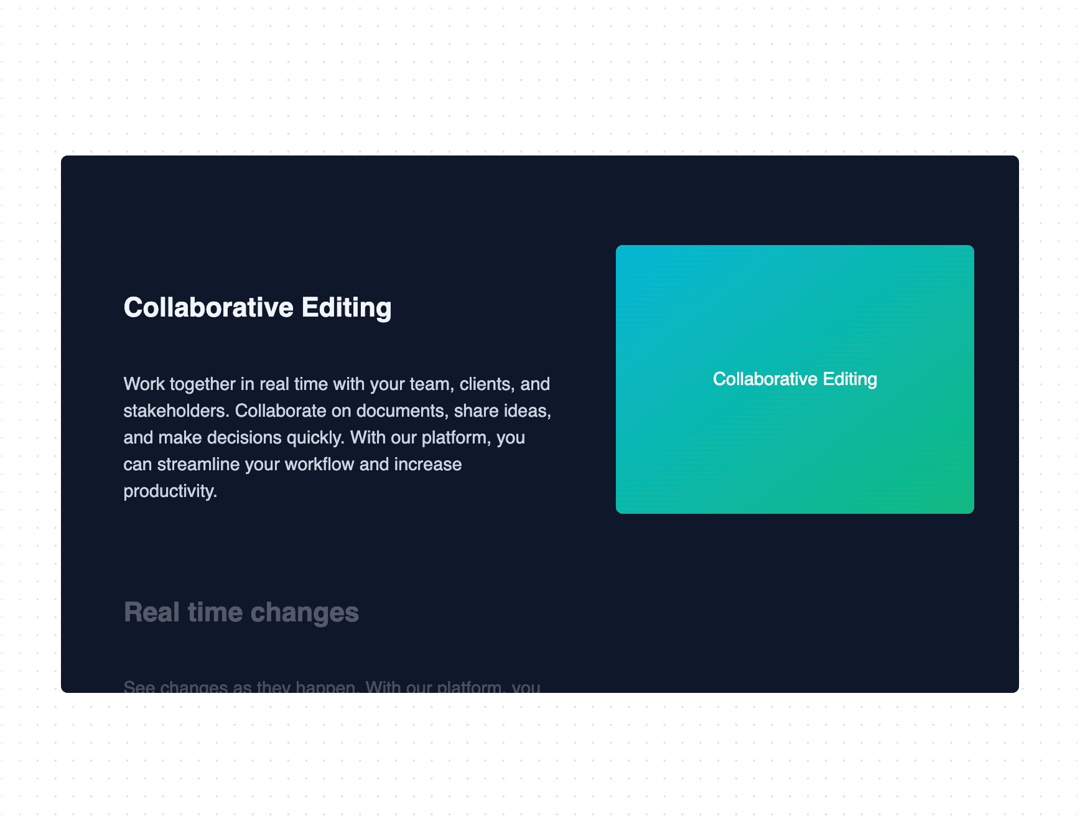
    title: "Collaborative Editing",
    description:
      "Work together in real time with your team, clients, and stakeholders. Collaborate on documents, share ideas, and make decisions quickly. With our platform, you can streamline your workflow and increase productivity.",
    content: (
      <div className="h-full w-full bg-[linear-gradient(to_bottom_right,var(--cyan-500),var(--emerald-500))] flex items-center justify-center text-white">
        Collaborative Editing
      </div>
    ),
  },
  {
    title: "Real time changes",
    description:
      "See changes as they happen. With our platform, you can track every modification in real time. No more confusion about the latest version of your project. Say goodbye to the chaos of version control and embrace the simplicity of real-time updates.",
    content: (
      <div className="h-full w-full  flex items-center justify-center text-white">
        <Image
          src="https://ui.aceternity.com/_next/image?url=%2Flinear.webp&w=640&q=75"
          width={300}
          height={300}
          className="h-full w-full object-cover"
          alt="linear board demo"
        />
      </div>
    ),
  },
  {
    title: "Version control",
    description:
      "Experience real-time updates and never stress about version control again. Our platform ensures that you're always working on the most recent version of your project, eliminating the need for constant manual updates. Stay in the loop, keep your team aligned, and maintain the flow of your work without any interruptions.",
    content: (
      <div className="h-full w-full bg-[linear-gradient(to_bottom_right,var(--orange-500),var(--yellow-500))] flex items-center justify-center text-white">
        Version control
      </div>
    ),
  },
  {
    title: "Running out of content",
    description:
      "Experience real-time updates and never stress about version control again. Our platform ensures that you're always working on the most recent version of your project, eliminating the need for constant manual updates. Stay in the loop, keep your team aligned, and maintain the flow of your work without any interruptions.",
    content: (
      <div className="h-full w-full bg-[linear-gradient(to_bottom_right,var(--cyan-500),var(--emerald-500))] flex items-center justify-center text-white">
        Running out of content
      </div>
    ),
  },
];

export function StickyScrollRevealDemo() {
  return (
    <div className="p-10">
      <StickyScroll content={content} />
    </div>
  );
}
Dependencies
More by Manu Arora
View all
Container Scroll Animation
10.2K
Glowing Effect
4.4K
Aurora Background
4.4K
Timeline
4.3K
Sparkles
4.1K
Lamp
3.7K
Sidebar
3.6K
Bento Grid
2.7K
More in Features
View all

Features 8
3K

Feature Sections
52

Grid Feature Cards
1.9K
Features Card
199
Feature with image
149
Feature Modern
20
Feature with advantages
278
Features 1
278


