
About
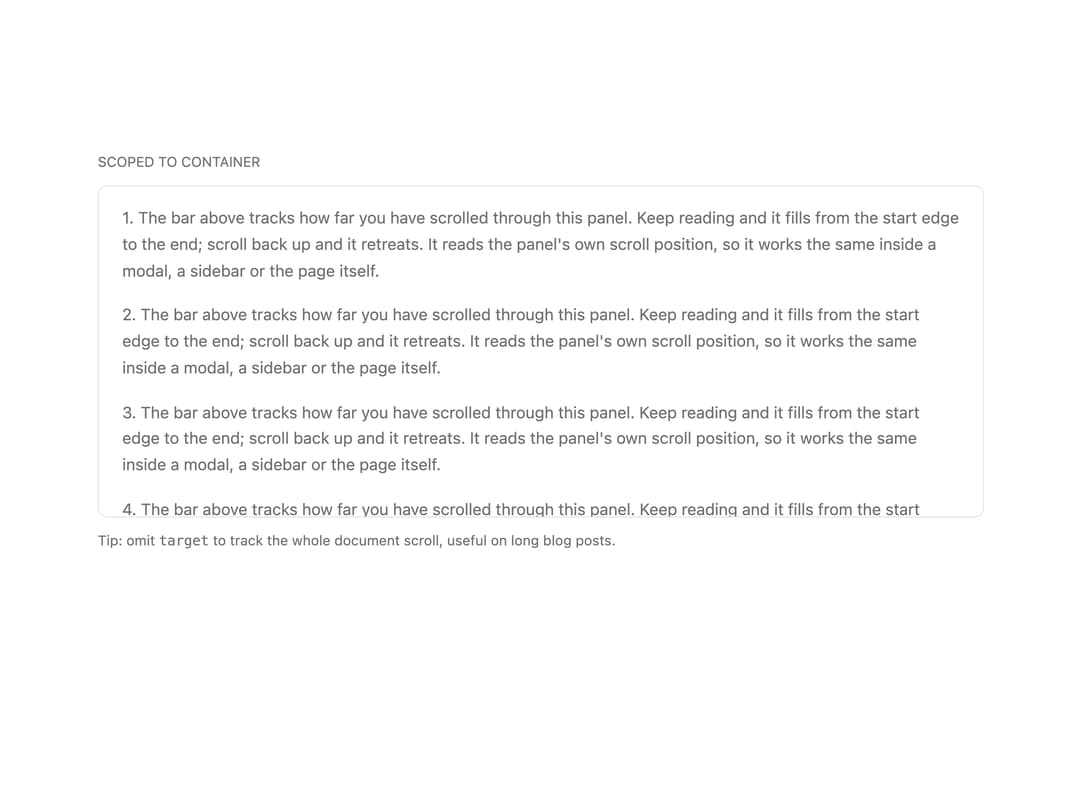
Fixed reading progress bar. Tracks document scroll by default or a scoped container ref.
Built with React and Tailwind. Copy the prompt and paste it into Claude Code, Cursor or Lovable: your agent adds Scroll Progress to your project and fits it to your theme.
Code
How Scroll Progress is used: the demo's code. The component's own source comes with a free account.
Usage.tsx
'use client';

import { ScrollProgress } from '@/components/ui/scroll-progress';
import * as React from 'react';

export default function ScrollProgressDemo() {
  const containerRef = React.useRef<HTMLDivElement>(null);

  return (
    <div className="grid w-full max-w-3xl gap-3">
      <p className="text-xs text-muted-foreground uppercase">Scoped to container</p>

      <div className="relative h-72 overflow-hidden rounded-md border border-border">
        <ScrollProgress target={containerRef} className="absolute inset-x-0 top-0 h-[3px]" />
        <div
          ref={containerRef}
          className="h-full overflow-y-auto px-5 py-4 text-sm leading-relaxed text-muted-foreground"
        >
          {Array.from({ length: 18 }).map((_, i) => (
            <p key={i} className="mb-4">
              {i + 1}. The bar above tracks how far you have scrolled through this panel. Keep reading and it fills from
              the start edge to the end; scroll back up and it retreats. It reads the panel's own scroll position, so it
              works the same inside a modal, a sidebar or the page itself.
            </p>
          ))}
        </div>
      </div>

      <p className="text-xs text-muted-foreground">
        <>
          Tip: omit <code className="font-mono">target</code> to track the whole document scroll, useful on long blog
          posts.
        </>
      </p>
    </div>
  );
}
More by Mohammad Shehadeh
View all
Feature Problem Cards
90
Feature Grid Spotlight Cards
73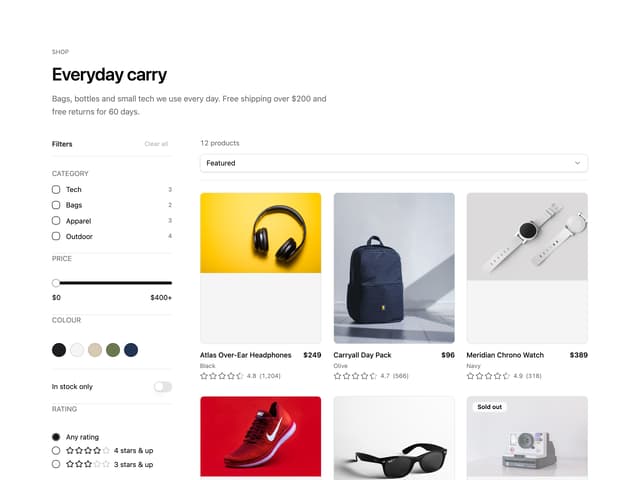
Ecommerce Category Page
72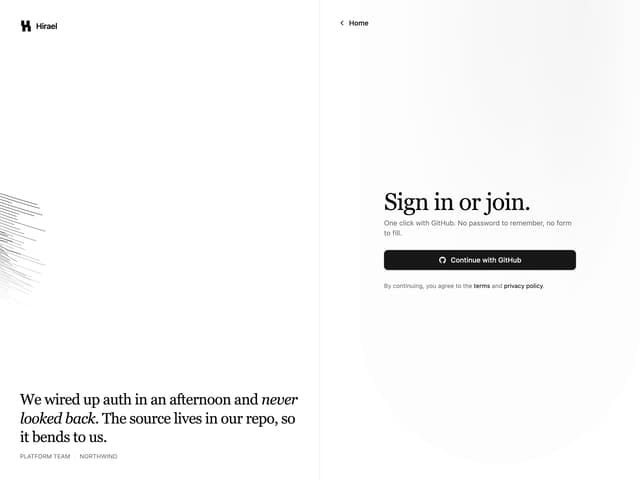
Split Login
68
Comparison Section
65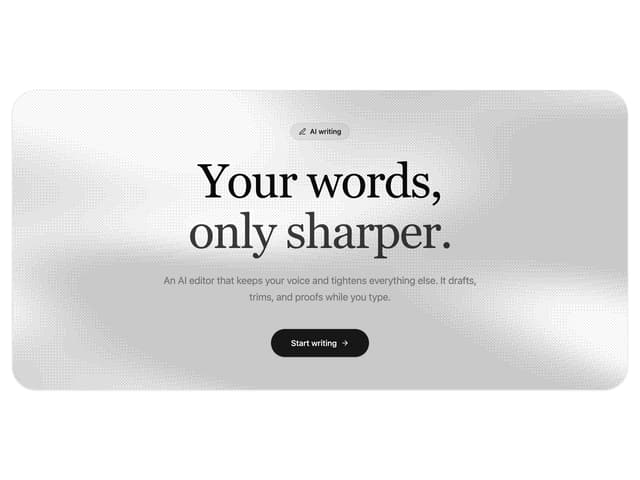
Dithered Shader CTA
64
Comparison Table
64
FAQ Two Column
63