
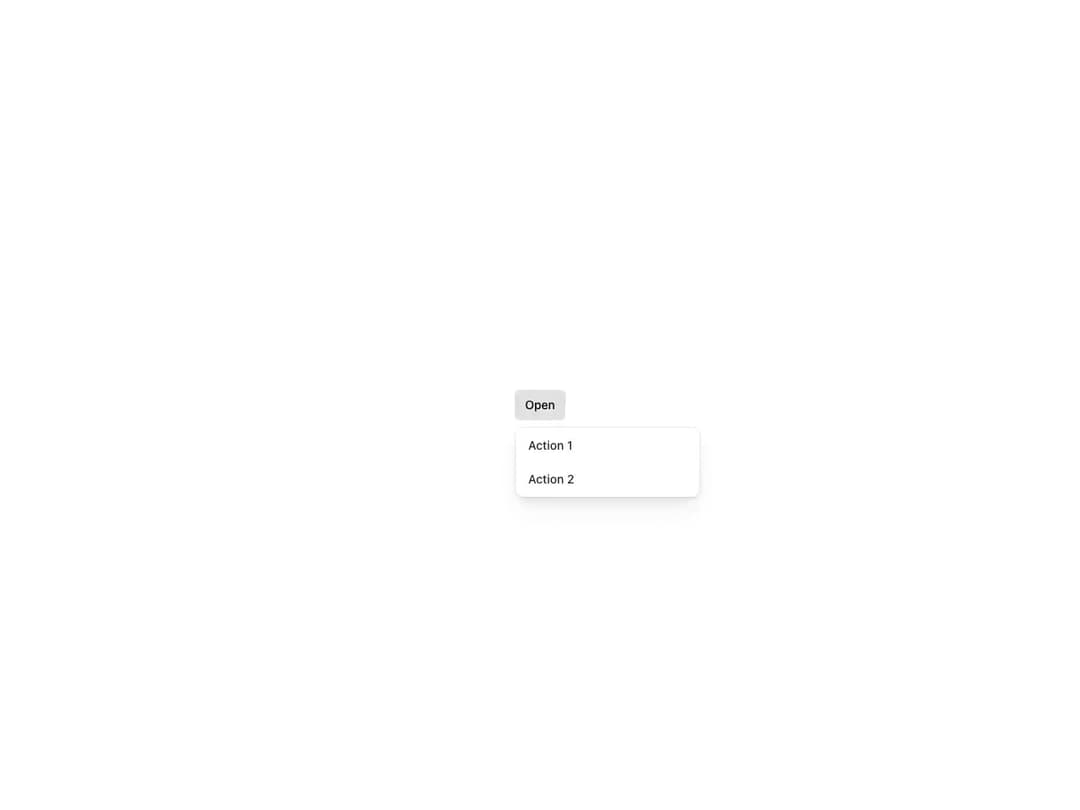
About
Compound components for any menu composition: a Trigger that passes required attributes to your component, an overlaying Content with menu items based on MenuItem, item Sections, and nested SubMenus with automatic focus trapping. Supports Popover positioning with viewport-aware fallbacks.
Built with React and Tailwind. Copy the prompt and paste it into Claude Code, Cursor or Lovable: your agent adds Reshaped Dropdown menu to your project and fits it to your theme.
Code
How Reshaped Dropdown menu is used: the demo's code. The component's own source comes with a free account.
Usage.tsx
import { Button, Reshaped } from "reshaped/bundle";
import DropdownMenu from "@/components/ui/reshaped-dropdown-menu";

export default function Demo() {
  return (
    <Reshaped theme="slate">
      <div style={{ margin: "0 auto", padding: 24, display: "flex", justifyContent: "center" }}>
        <DropdownMenu>
          <DropdownMenu.Trigger>
            {(attributes) => <Button attributes={attributes}>Open</Button>}
          </DropdownMenu.Trigger>
          <DropdownMenu.Content>
            <DropdownMenu.Item>Action 1</DropdownMenu.Item>
            <DropdownMenu.Item>Action 2</DropdownMenu.Item>
          </DropdownMenu.Content>
        </DropdownMenu>
      </div>
    </Reshaped>
  );
}
Dependencies
More by reshaped
View all
Reshaped Toast
13
Reshaped Calendar
11
Reshaped Progress indicator
9
Reshaped Context menu
9
Reshaped Checkbox
9
Reshaped Autocomplete
9
Reshaped Slider
8
Reshaped Pagination
8
More in Buttons
View all
Button
20

Button
3

Button Group
18

Button
149

Icon Label Subtext Button
69

Button
9

Button
37
Texture Button
113

